
Bus stop light box ad prompt for your product
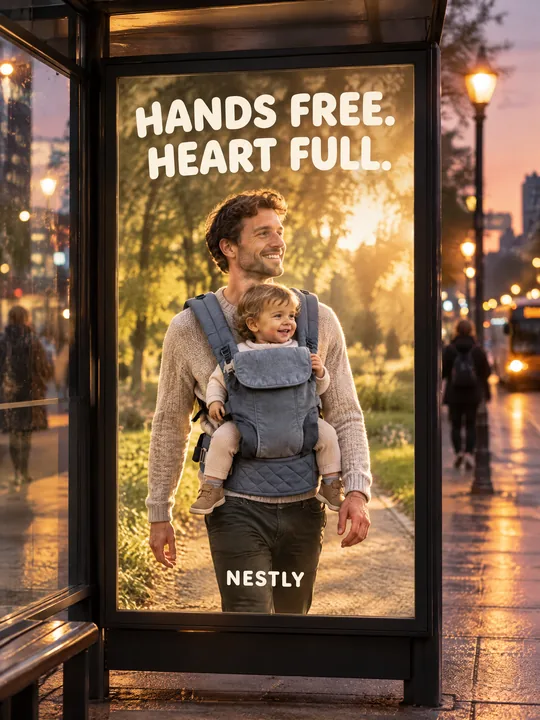
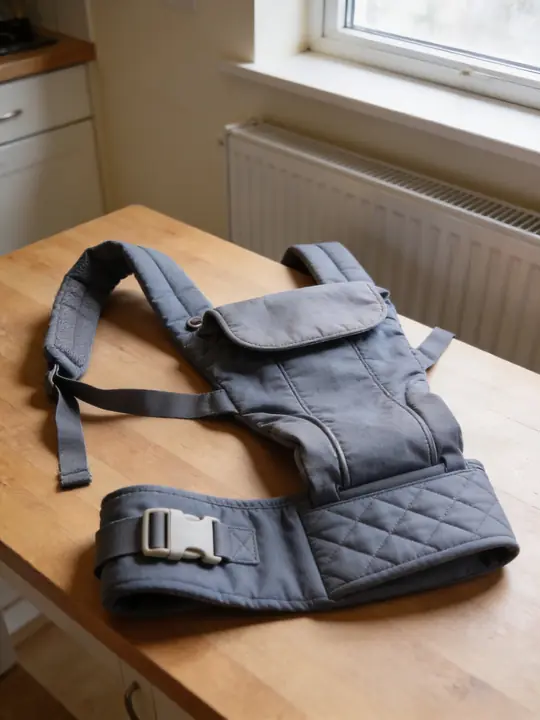
This prompt produces a street photo of a bus stop at dusk: a backlit poster glows behind the glass and shows your product in use, with street lamps and passers-by around it. The source was a baby carrier photographed on a kitchen table, and GPT Image 2.5 Flare at 3:4 put it on a young father. Press Try it in ClickBait, add a photo of your product to the references and rewrite the scene on the poster.
Updated:
The prompt, the source photo and the result
- Model
- GPT Image 2.5 Flare
- Aspect ratio
- 3:4
Use the product from the reference photo exactly as it is: same shape, proportions, colour and material. Do not redesign it and do not print any logo or text on the product itself. Street photograph of a backlit city light-box poster at a bus stop at dusk, vertical 3:4. The poster shows a smiling young father walking a park path at golden hour with a toddler riding in the baby carrier from the reference (same dusty grey-blue canvas, padded straps and quilted waist belt) on his chest. Poster headline in big friendly rounded type: "HANDS FREE. HEART FULL." and a small brand line "NESTLY". Around it the bus stop glass, a bit of street with blurred passers-by and warm street lamps. Realistic urban photo, the light-box glowing. All text must be spelled exactly as given, crisp and legible. No other text, no real brand logos.The prompt is in English, the language models follow best. Swap the product, colors and headlines right in the text.
The button opens Photo with this prompt, model and aspect ratio. Add a photo of your product to the references: the prompt is written for it. No account yet? Sign up first, the prompt waits for a day.
How to make this poster with your product
Shoot the product as it is
A table photo in daylight is enough: nobody has to wear or assemble the product. What matters is that the whole product is in frame and its color, material and large parts are visible. For the carrier that meant the straps, the belt and the buckle.
Open the prompt and add the photo
Try it in ClickBait opens Photo with GPT Image 2.5 Flare, a 3:4 aspect ratio, 2K resolution and medium quality. Upload your shot to the references: without it the model draws a product to its own taste.
Rewrite the poster and run it
Change who is on the poster and what they are doing, then put in your headline and brand name. Press Generate: one run gives 1 to 4 variants.
Which lines of the prompt to change
- The product features in brackets: (same dusty grey-blue canvas, padded straps and quilted waist belt). List two or three traits of your product that the photo shows: color, fabric, a noticeable detail. The text and the reference should describe the same thing.
- The scene on the poster: a smiling young father walking a park path at golden hour. Say who uses the product and where: a runner in a jacket in the rain, a cyclist with a backpack on an embankment, a morning kitchen with a coffee maker.
- The text: "HANDS FREE. HEART FULL." and "NESTLY". Put your headline and brand name in their place, also in quotes. Two short phrases read from a distance, a long paragraph gets lost on a poster.
- The place and time: at a bus stop at dusk and warm street lamps. You can move the poster to a subway passage or a bus stop on a winter morning and leave the rest of the text as it is.
- Keep the last two sentences as they are: they ask for the text to be spelled exactly as given and forbid extra text and real brand logos.
Why the shot looks like a street photo
The prompt describes a photo of a poster on the street, not the poster itself. That gives two layers: inside the light box an ad scene in warm sunset light, outside it the bus stop glass, a wet sidewalk, lamps and blurred passers-by. The words the light-box glowing ask for light from within, so the poster stands out against the evening street.
A shot like this works as an outdoor ad mockup: show it to a client, a manager or in a campaign deck before anything goes to print. In a feed or in stories it reads as a photo from the street rather than a regular banner.
Where to find it in ClickBait
GPT Image 2.5 Flare lives in ClickBait under the Photo section. Sign up, pick a version from the model list and describe what you want to get.
The token price is shown on the run button before you start. If a generation fails, the tokens go back to your balance automatically.
New accounts created with Google or email get a welcome bonus of 10 tokens. These are promo tokens and expire after 14 days.
More prompts
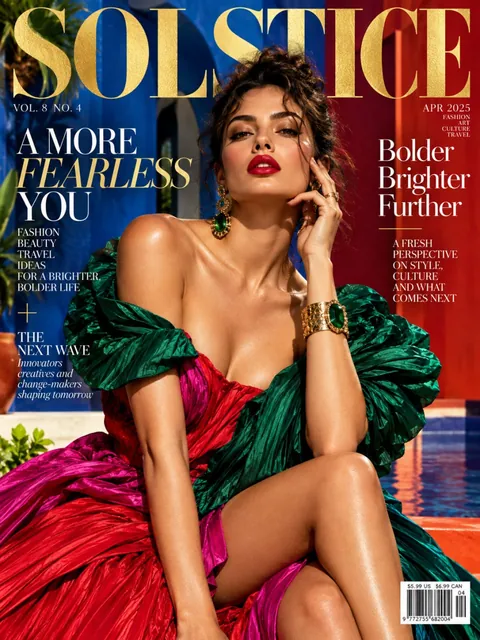 Fashion magazine coverGPT Image 2.5 Sunburst, 3:4from 2 tokens
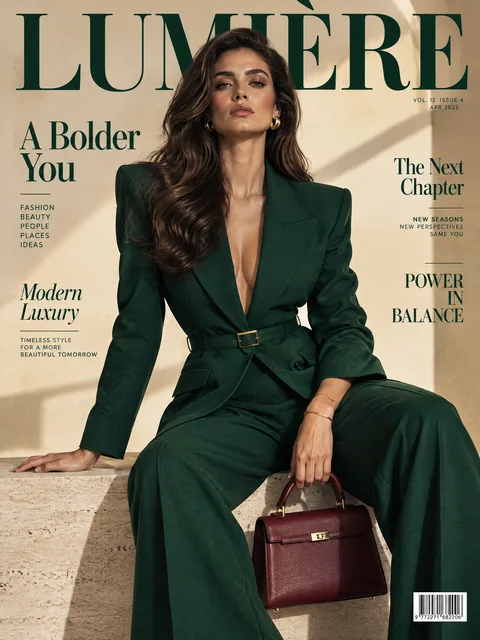 Luxury magazine coverGPT Image 2.5 Flare, 3:4from 2 tokens
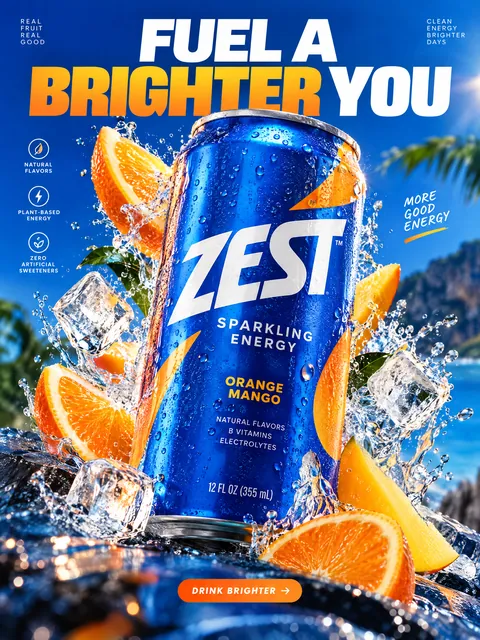 Product ad posterGPT Image 2.5 Sunburst, 3:4from 2 tokens
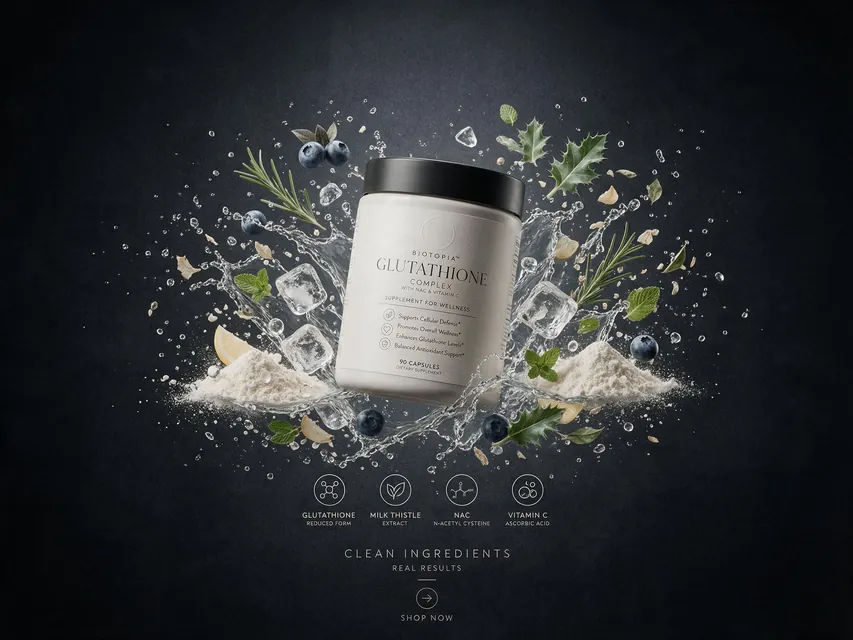 Supplement adSeedream 5.0 Pro, 4:3from 8 tokens
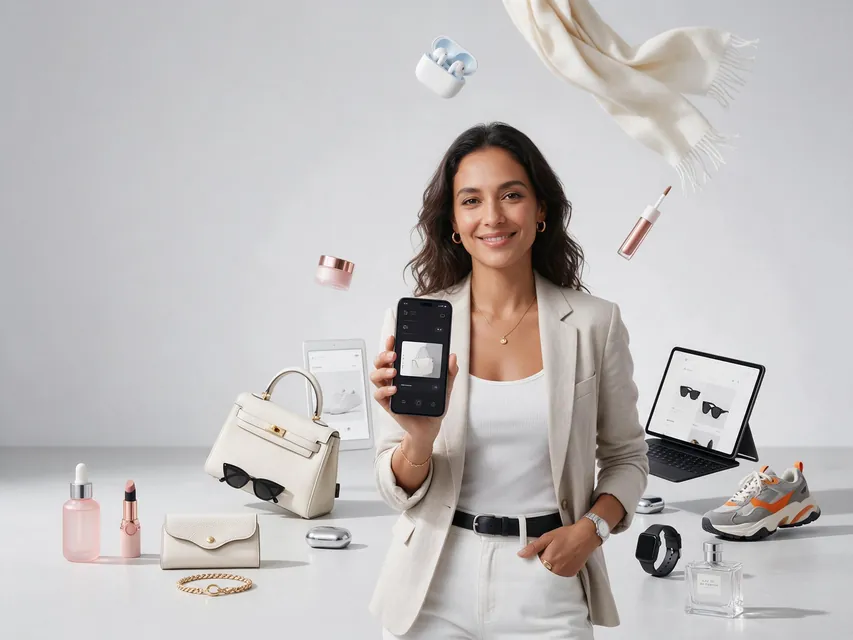 E-commerce adSeedream 5.0 Pro, 4:3from 8 tokens
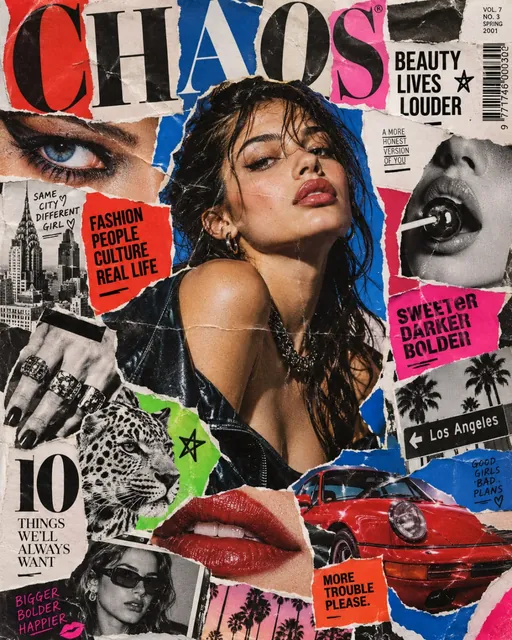 Magazine cutout collageGPT Image 2.5 Sunburst, 4:5from 2 tokens
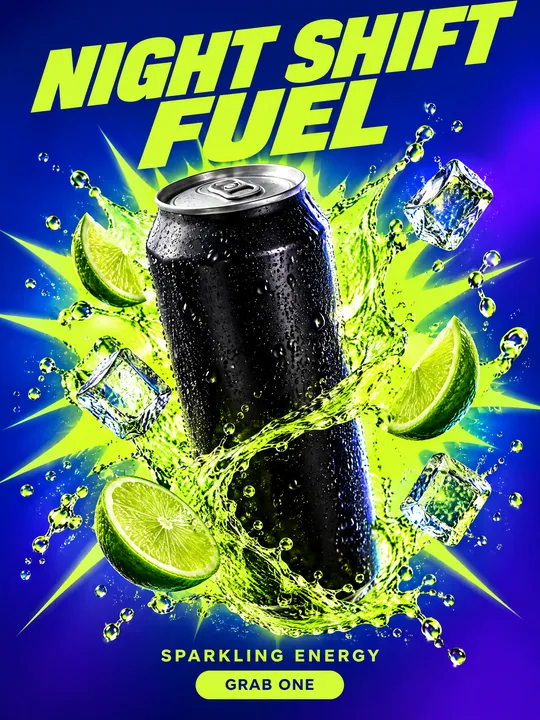 Energy drink posterGPT Image 2.5 Flare, 3:4from 2 tokens
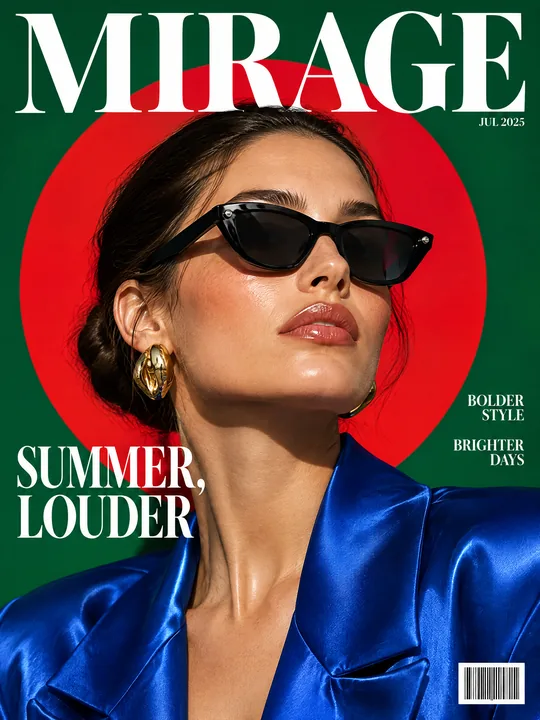 Sunglasses magazine coverGPT Image 2.5 Flare, 3:4from 2 tokens
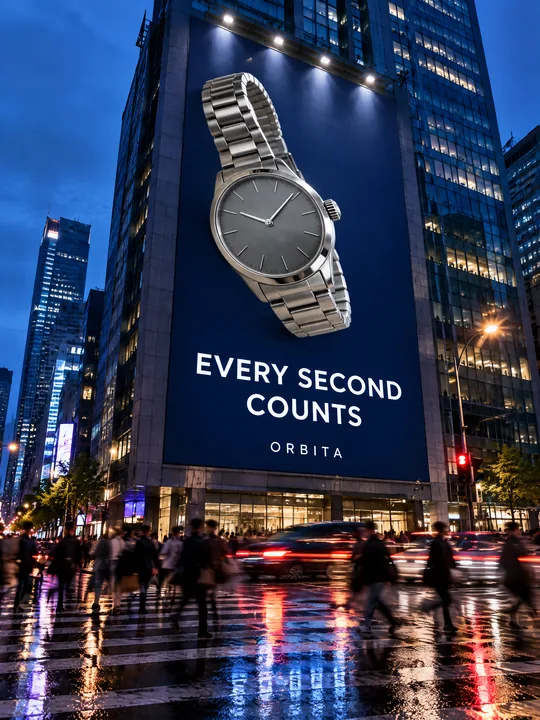 Building billboardGPT Image 2.5 Flare, 3:4from 2 tokens
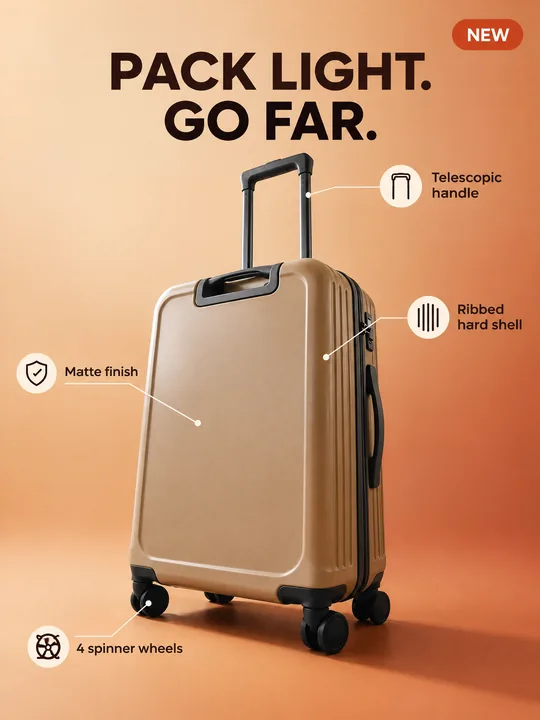 Marketplace infographicGPT Image 2.5 Flare, 3:4from 2 tokens
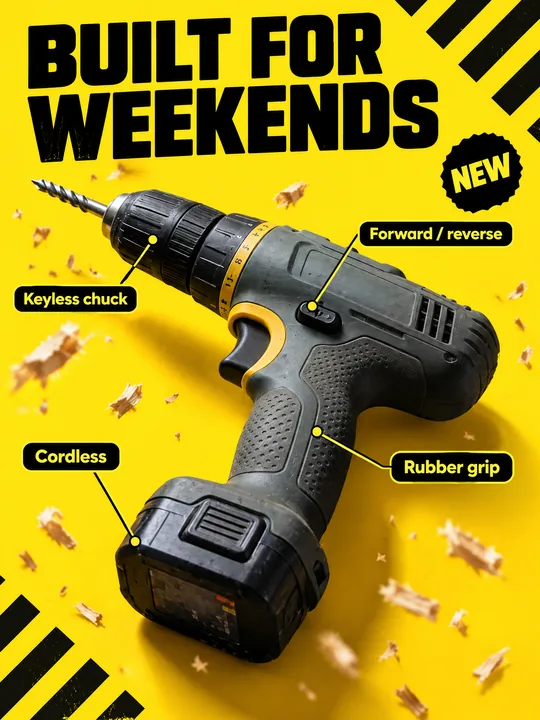 Tool product cardGPT Image 2.5 Flare, 3:4from 2 tokens
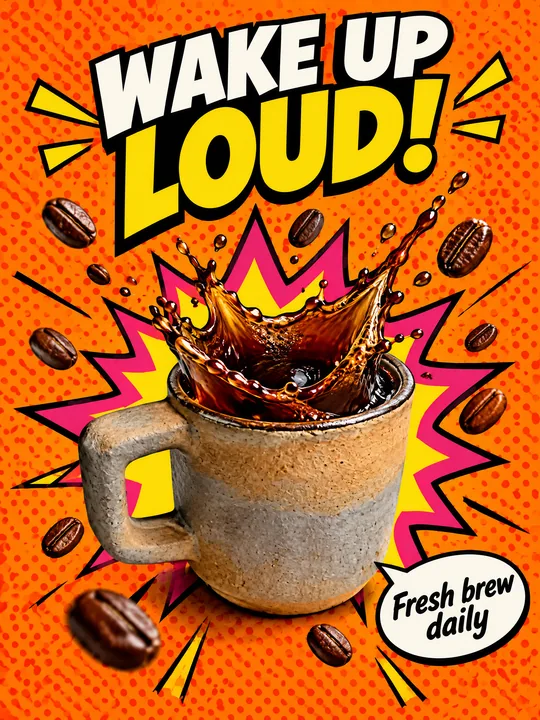 Pop art posterGPT Image 2.5 Flare, 3:4from 2 tokens
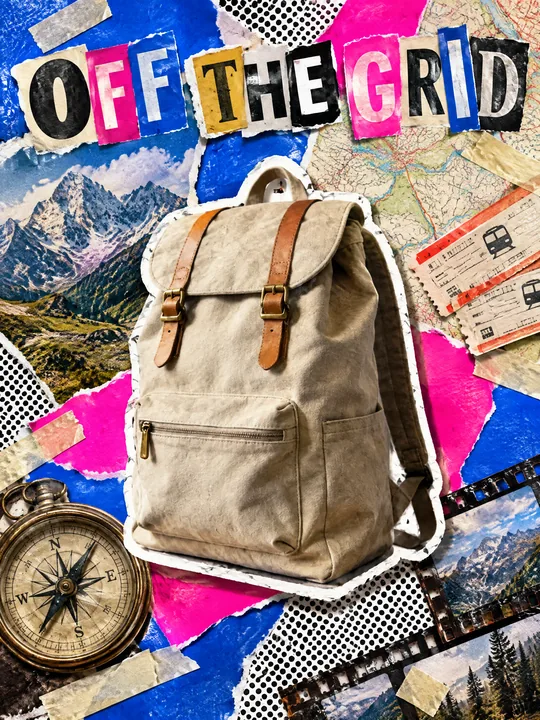 Ransom note collageGPT Image 2.5 Flare, 3:4from 2 tokens
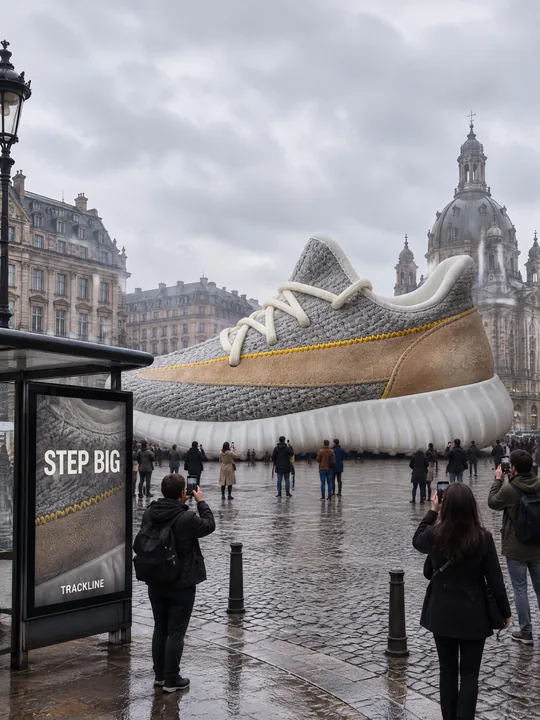 Giant product in the cityGPT Image 2.5 Flare, 3:4from 2 tokens
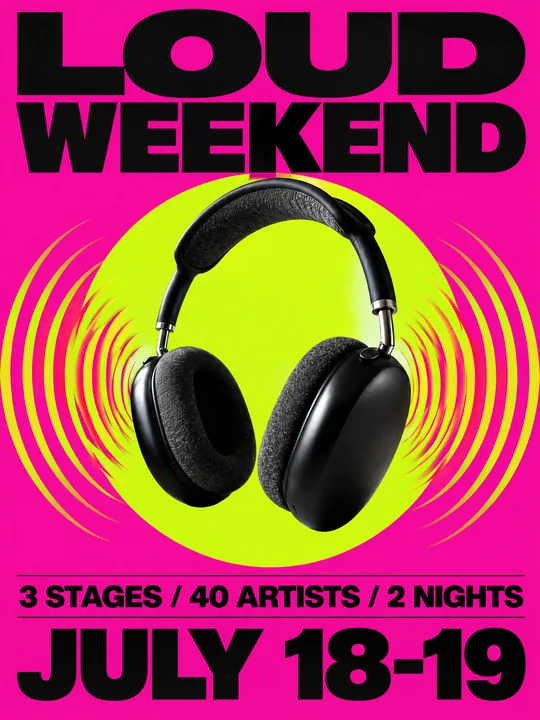 Festival gig posterGPT Image 2.5 Flare, 3:4from 2 tokens
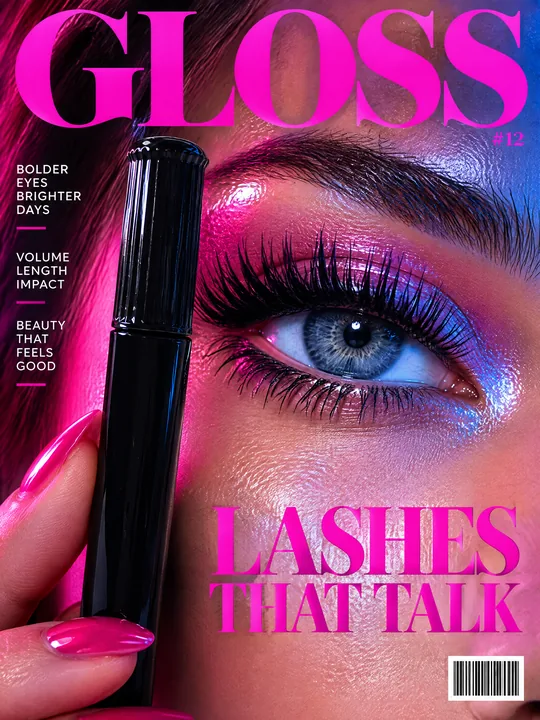 Beauty magazine coverGPT Image 2.5 Flare, 3:4from 2 tokens
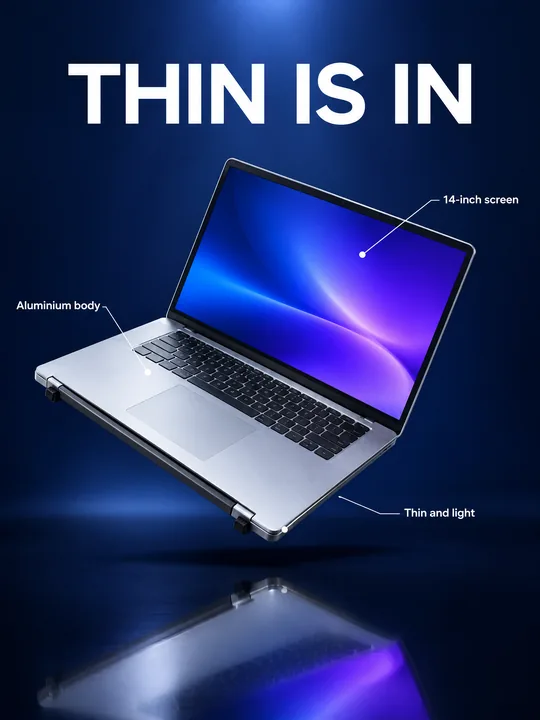 Gadget launch visualGPT Image 2.5 Flare, 3:4from 2 tokens
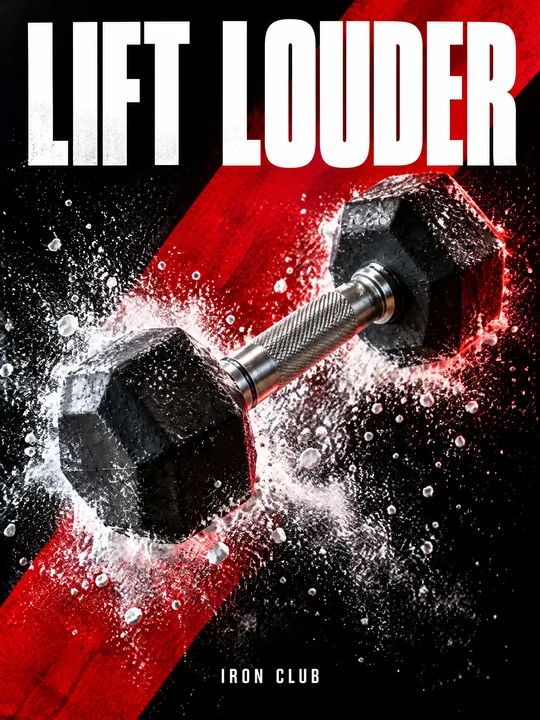 Sports posterGPT Image 2.5 Flare, 3:4from 2 tokens
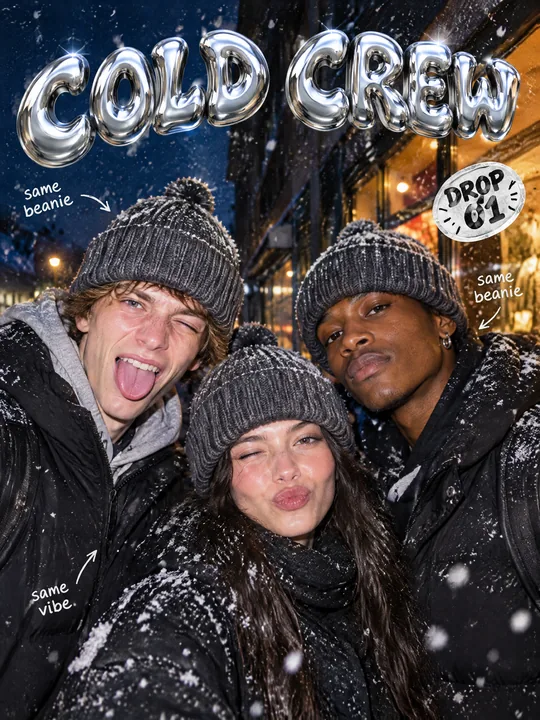 Streetwear drop posterGPT Image 2.5 Flare, 3:4from 2 tokens
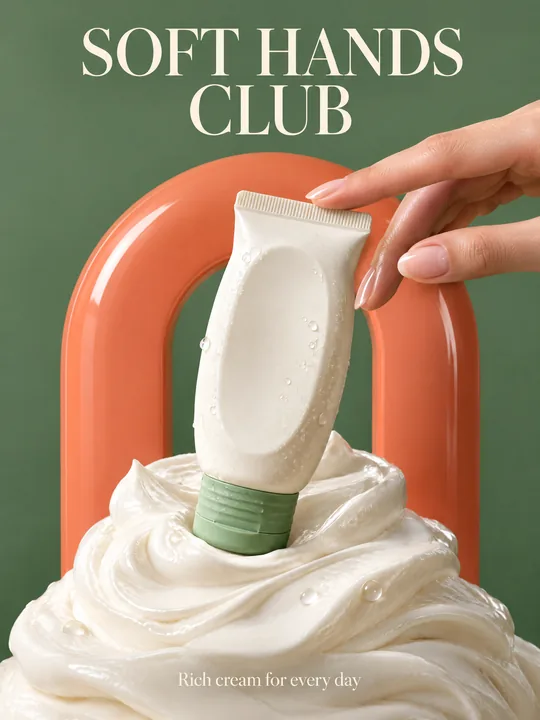 Skincare campaignGPT Image 2.5 Flare, 3:4from 2 tokens
The model and related tools
GPT Image
images up to 4K
up to 16 references
from 2 tokens
Ad posters and banners
17 models
Kling, Nano Banana, GPT Image, Seedream, FLUX, WAN, Z-Image
from 2 tokens
AI image generator
18 models
Kling, Nano Banana, GPT Image, Seedream, FLUX, WAN, Z-Image
from 2 tokens
Marketplace product photos
17 models
Kling, Nano Banana, GPT Image, Seedream, FLUX, WAN
from 2 tokens
Creatives for affiliate marketing
30 models
Kling, Seedance, Veo, Nano Banana, GPT Image, Seedream, FLUX, WAN, MiniMax H3, Z-Image
from 2 tokens
Frequently asked questions
Do I need a photo of the product in use?
No. In the example the carrier simply lies on a table, and the model put it on the father from the scene description. It matters more that the photo shows the color, the fabric and all large parts: whatever is out of frame, the model has to guess.
Can I put a real person on the poster?
Yes. Add their photo to the references next to the product photo, GPT Image 2.5 Flare takes up to 16, and say in the scene that the poster shows the person from the reference. Only use photos of people who agreed to it.
How do I put my brand name on the poster?
Write it in quotes instead of NESTLY, and the model sets it as a short line at the bottom of the poster, as in the example. A logo mark is safer to add on top of the finished image. Use logos that are not yours only with permission from the rights holder.
Why is there no text on the product itself?
The second sentence of the prompt forbids the model from printing any logo or text on the product, so it does not invent a label. If your product has large lettering that must stay, replace do not print any logo or text on the product itself in that sentence with keep the original print from the reference. Small text can drift, so check it on the result.
Can I print this poster?
The result is a photo of a poster on the street, not print artwork: there is glass, lamps and people around it. For the artwork itself replace Street photograph of a backlit city light-box poster at a bus stop at dusk with advertising poster, delete the sentence about the glass and the street, and raise the resolution to 4K or set a custom size in pixels.
How many variants do I get at once?
From 1 to 4 per run. The token price is on the Generate button before you start, and if a generation fails, the tokens come back on their own.