
Magazine cover with a model in your sunglasses
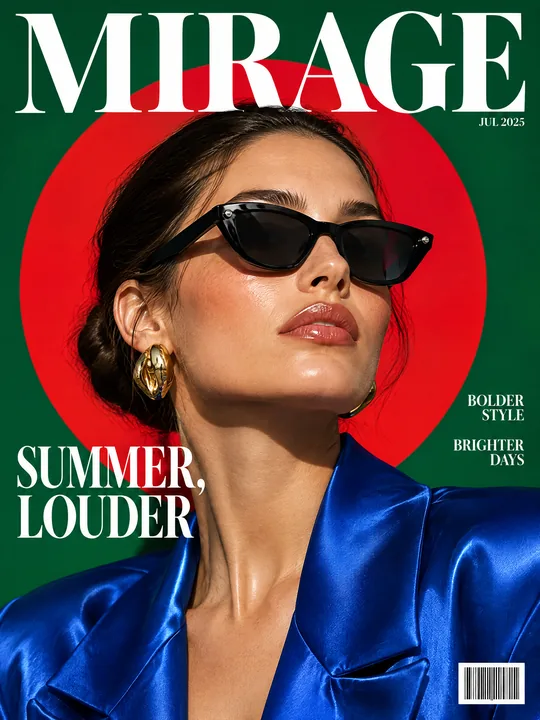
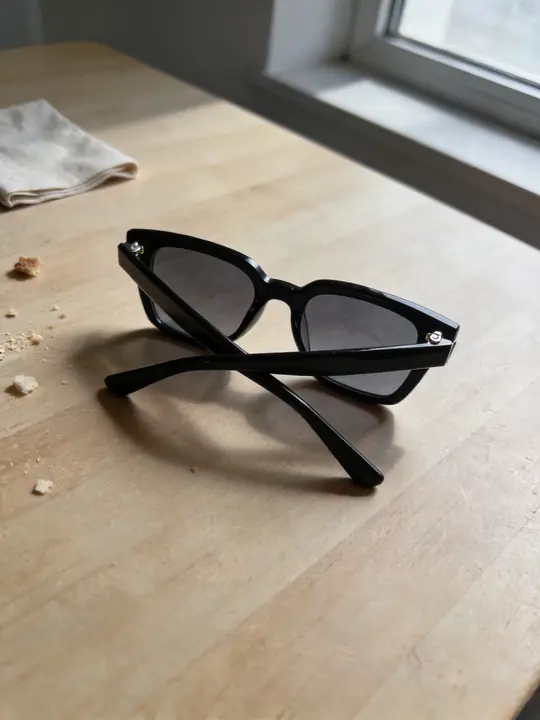
This prompt puts your sunglasses on a fashion model and builds a magazine cover around her: an emerald backdrop with a huge red circle, blue satin, gold earrings, the MIRAGE masthead, cover lines and a barcode. The source in the example is a pair of sunglasses shot on a kitchen table. Made with GPT Image 2.5 Flare at 3:4. Press Try it in ClickBait and add a photo of your sunglasses to the references.
Updated:
The prompt, the sunglasses photo and the cover
- Model
- GPT Image 2.5 Flare
- Aspect ratio
- 3:4
Use the product from the reference photo exactly as it is: same shape, proportions, colour and material. Do not redesign it and do not print any logo or text on the product itself. High-end fashion magazine cover, vertical 3:4. An adult female fashion model wears exactly the sunglasses from the reference (same frame shape, thickness and dark lens tint) in a confident editorial pose, chin slightly raised. Bold colour blocking: rich emerald green backdrop with a giant hot red circle behind her head, glossy cobalt blue satin outfit, gold earrings. Hard key light with soft fill, bright glossy highlights, real skin texture. Large elegant serif masthead at the top: "MIRAGE". One bold cover line on the left: "SUMMER, LOUDER". Two small cover lines on the right, a small issue date and a barcode in the bottom corner. Looks like a real premium newsstand cover of an invented magazine. All text must be spelled exactly as given, crisp and legible. No other text, no real brand logos.The prompt is in English, the language models follow best. Swap the product, colors and headlines right in the text.
The button opens Photo with this prompt, model and aspect ratio. Add a photo of your product to the references: the prompt is written for it. No account yet? Sign up first, the prompt waits for a day.
What to change for your accessory
- Product traits in brackets. The fragment (same frame shape, thickness and dark lens tint) pins down what matters in sunglasses: the frame shape, its thickness and the lens color. For your pair, list what matters in it, for example (same round gold metal frame and gradient brown lenses).
- The accessory itself. Replace sunglasses with your item and its traits: earrings (same shape, metal and size), a hat (same brim width and band). Keep the chin slightly raised pose for anything worn on the face or head.
- The model. adult female fashion model can become adult male fashion model or a description of a look. If you need a specific person, such as the face of your brand, add their photo as a second reference, and only with their consent.
- The colors. Rich emerald green backdrop, hot red circle and cobalt blue satin outfit build contrast around dark lenses. For a colored frame, pick a backdrop it does not get lost against.
- The text. Change MIRAGE and SUMMER, LOUDER right in the quotes. The small lines on the right and the date are left to the model: the example got BOLDER STYLE, BRIGHTER DAYS and JUL 2025. If you need your own, put them in quotes.
How to shoot the sunglasses and check the result
Show the whole frame
A photo on a table like the one in the example works. What matters is that the frame shape, the lens color and details such as rivets are visible and no glare hides them.
Add a second angle
If the frame thickness or a pattern on the temples matters, add a side view. GPT Image 2.5 Flare takes up to 16 references, enough for the sunglasses and a photo of a person.
Compare with the original
Check the frame on the cover against the source: shape, thickness, lens color, small details. If they do not match, run it again: one run gives 1 to 4 variants.
Where an accessory cover comes in handy
On the cover the sunglasses are worn by a person, and in a feed the cover looks like a magazine among ordinary product shots. Use it to announce a new collection, in ads for an eyewear store, or as the first page of a lookbook or catalog.
The magazine in the prompt is invented on purpose: the line Looks like a real premium newsstand cover of an invented magazine asks for a title that does not exist. Use a name of your own, not another brand or magazine.
Where to find it in ClickBait
GPT Image 2.5 Flare lives in ClickBait under the Photo section. Sign up, pick a version from the model list and describe what you want to get.
The token price is shown on the run button before you start. If a generation fails, the tokens go back to your balance automatically.
New accounts created with Google or email get a welcome bonus of 10 tokens. These are promo tokens and expire after 14 days.
More prompts
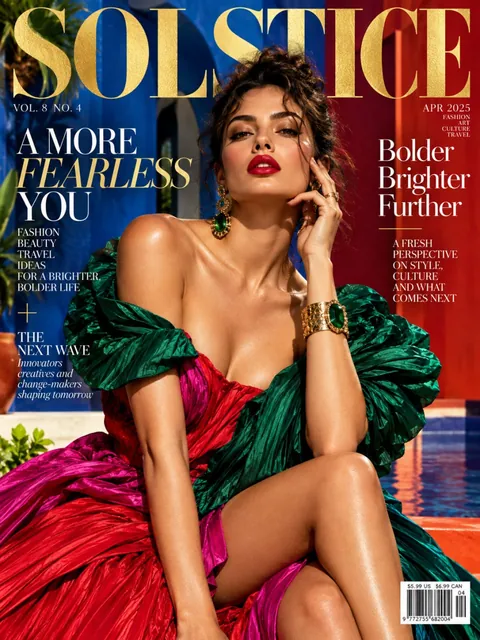 Fashion magazine coverGPT Image 2.5 Sunburst, 3:4from 2 tokens
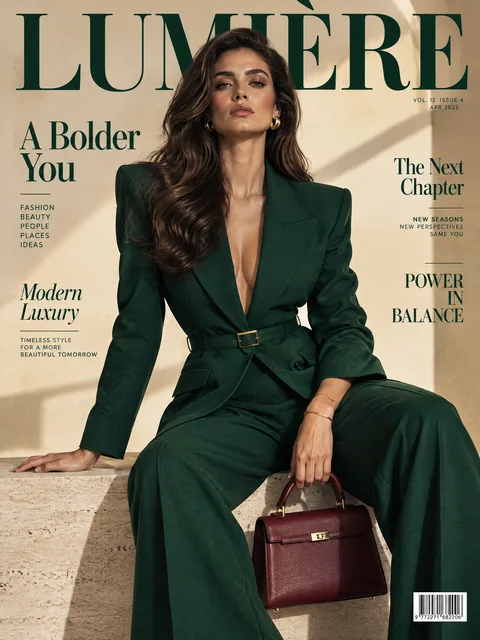 Luxury magazine coverGPT Image 2.5 Flare, 3:4from 2 tokens
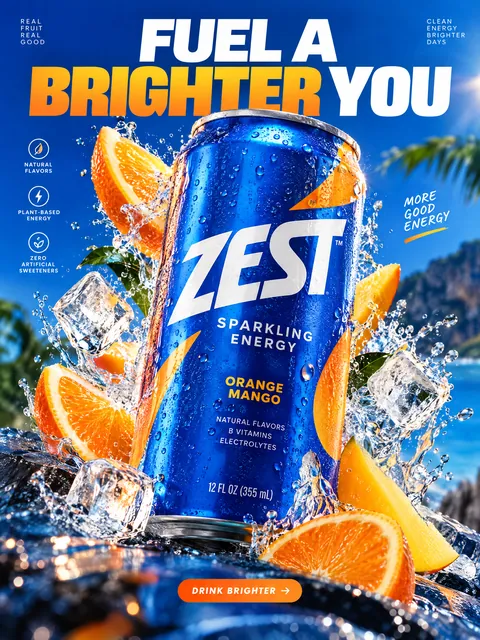 Product ad posterGPT Image 2.5 Sunburst, 3:4from 2 tokens
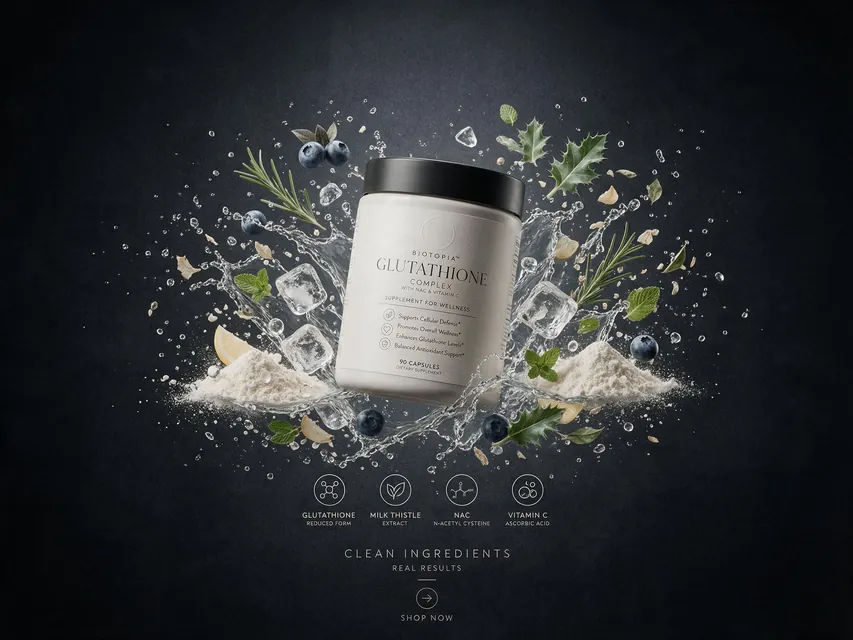 Supplement adSeedream 5.0 Pro, 4:3from 8 tokens
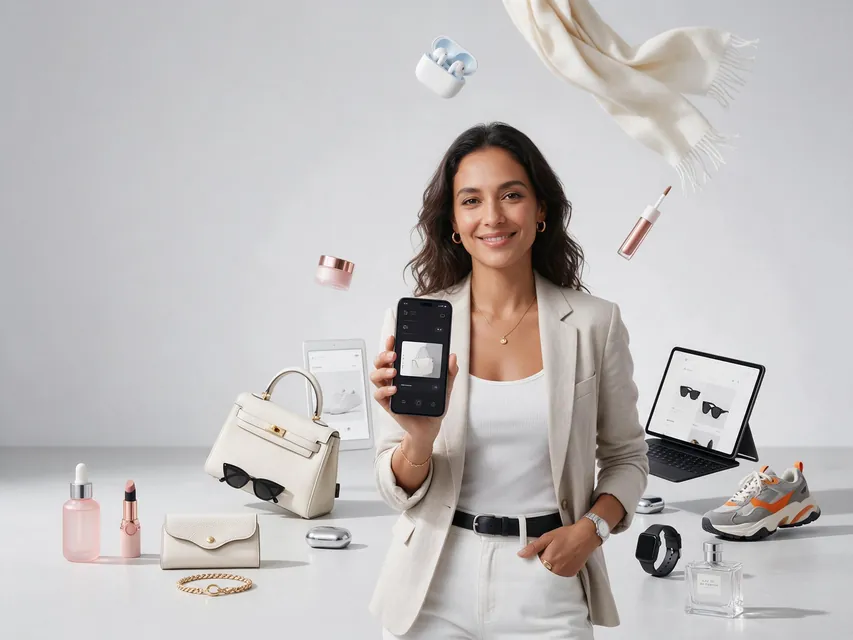 E-commerce adSeedream 5.0 Pro, 4:3from 8 tokens
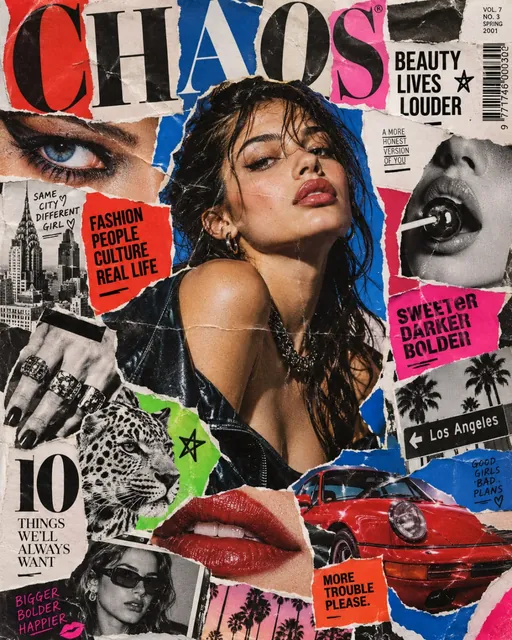 Magazine cutout collageGPT Image 2.5 Sunburst, 4:5from 2 tokens
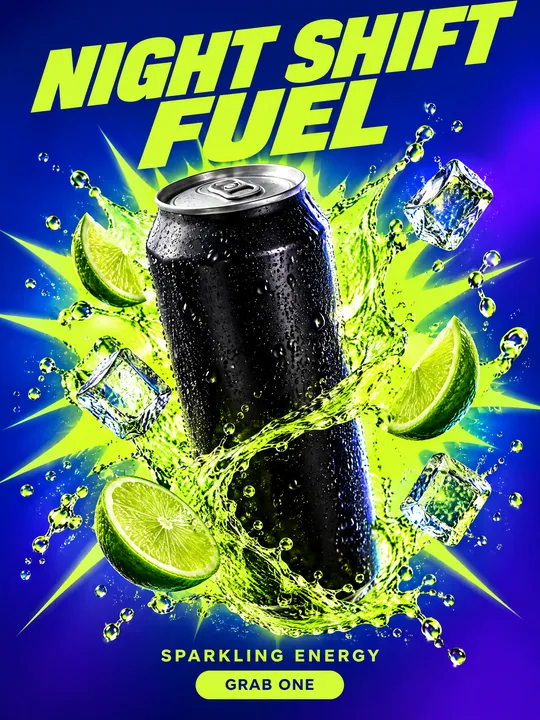 Energy drink posterGPT Image 2.5 Flare, 3:4from 2 tokens
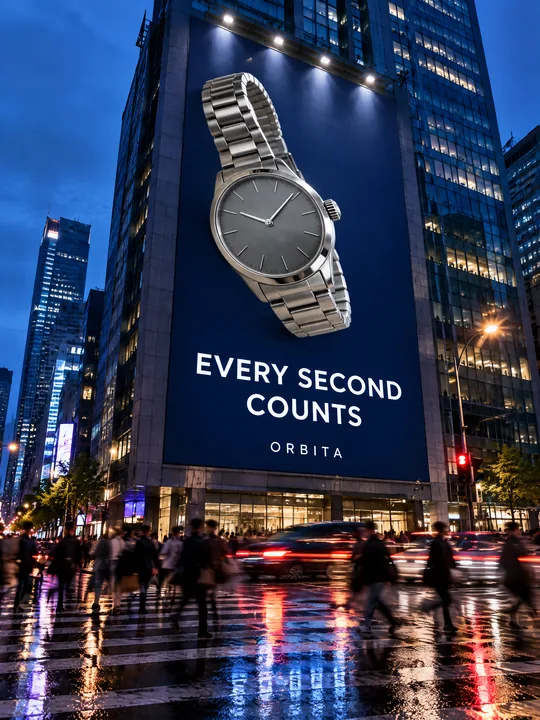 Building billboardGPT Image 2.5 Flare, 3:4from 2 tokens
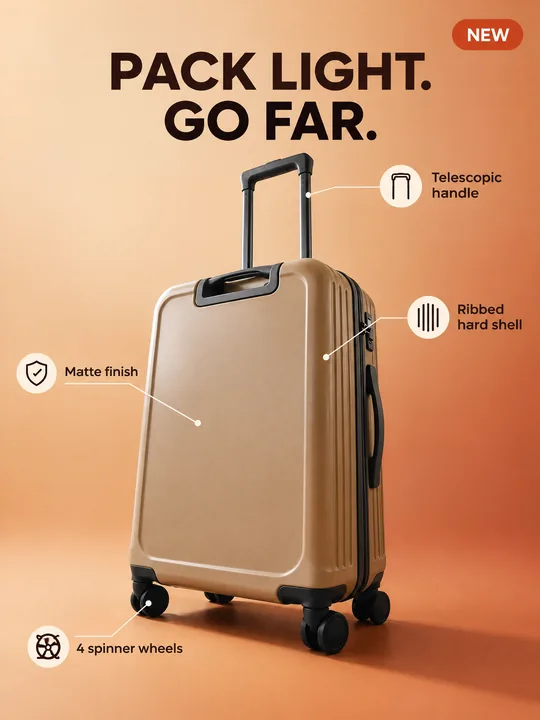 Marketplace infographicGPT Image 2.5 Flare, 3:4from 2 tokens
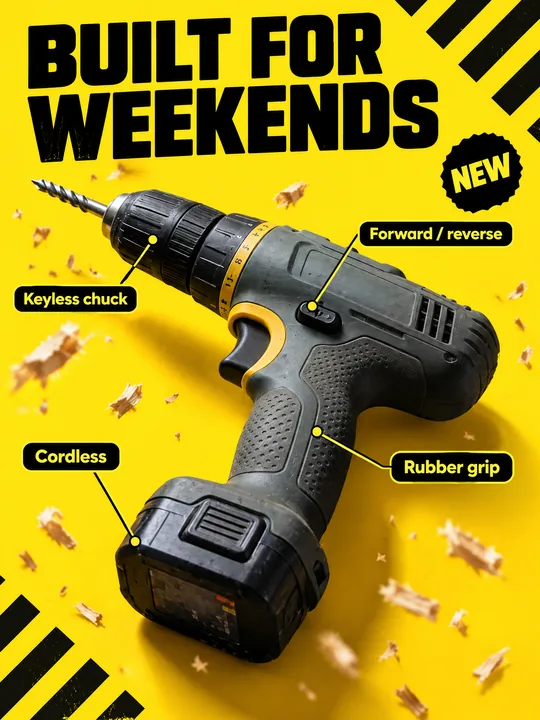 Tool product cardGPT Image 2.5 Flare, 3:4from 2 tokens
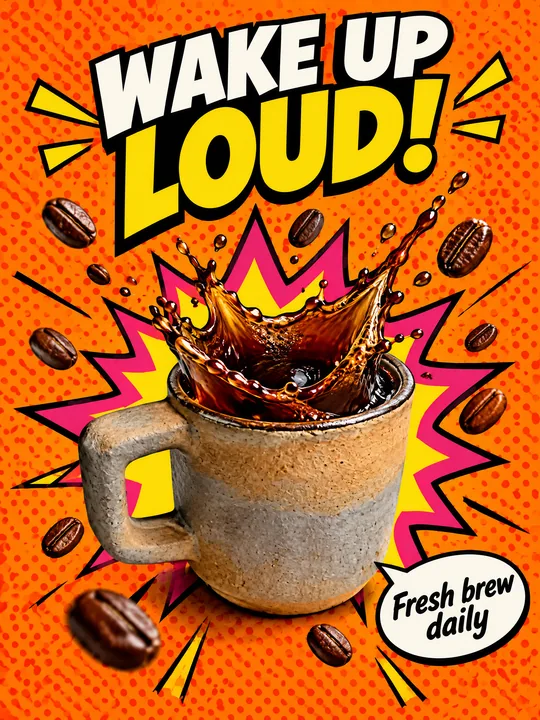 Pop art posterGPT Image 2.5 Flare, 3:4from 2 tokens
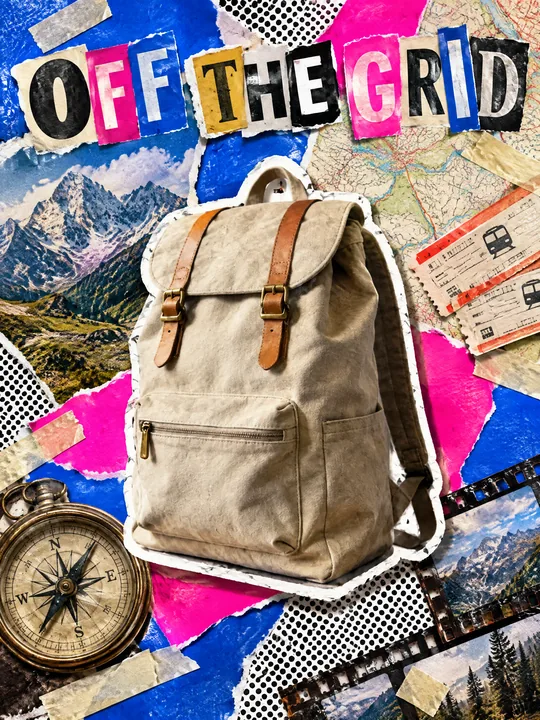 Ransom note collageGPT Image 2.5 Flare, 3:4from 2 tokens
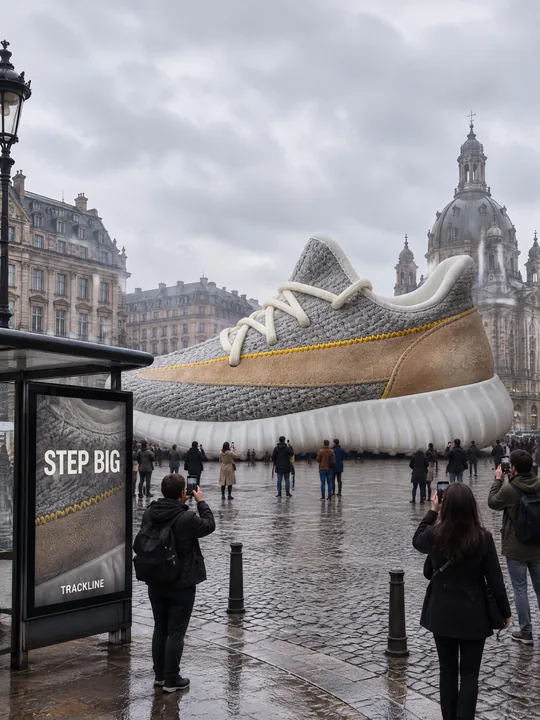 Giant product in the cityGPT Image 2.5 Flare, 3:4from 2 tokens
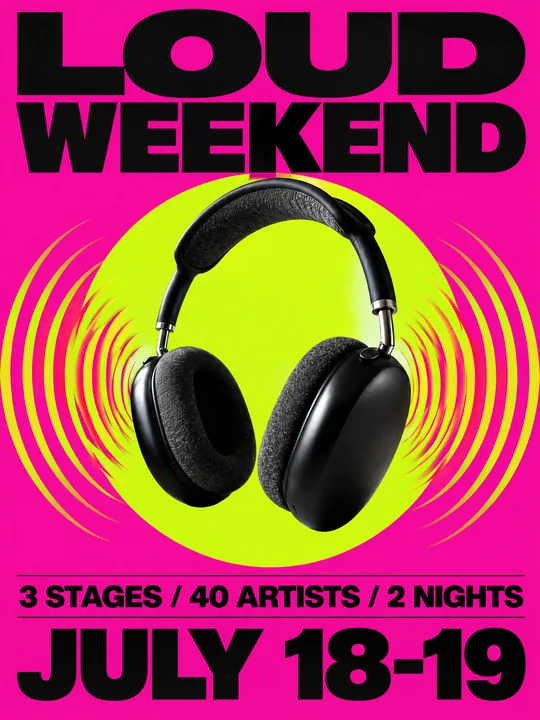 Festival gig posterGPT Image 2.5 Flare, 3:4from 2 tokens
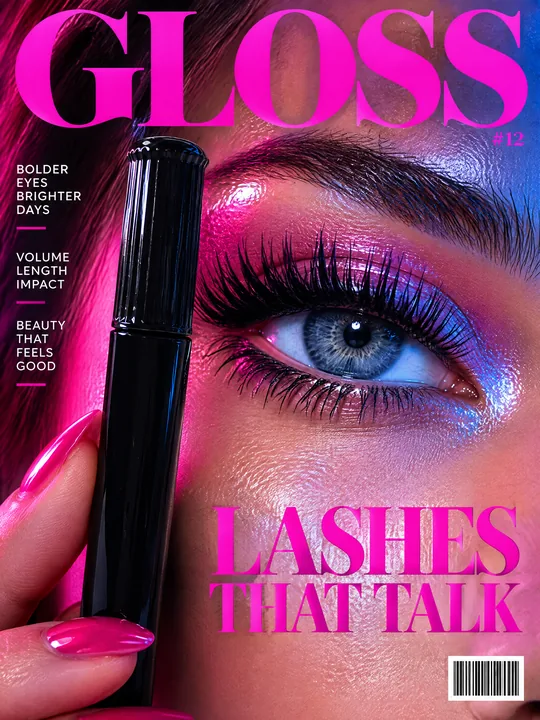 Beauty magazine coverGPT Image 2.5 Flare, 3:4from 2 tokens
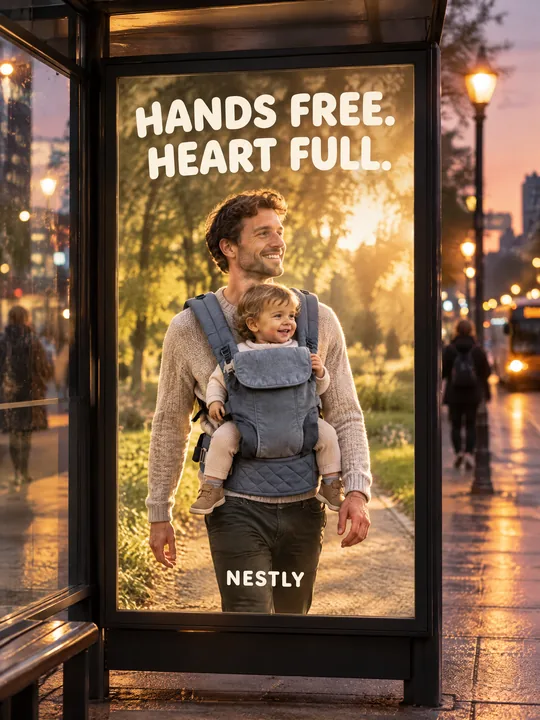 Bus stop posterGPT Image 2.5 Flare, 3:4from 2 tokens
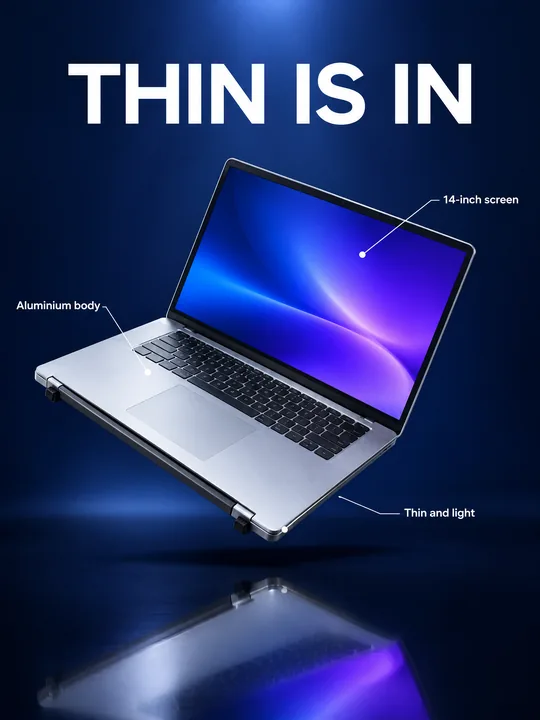 Gadget launch visualGPT Image 2.5 Flare, 3:4from 2 tokens
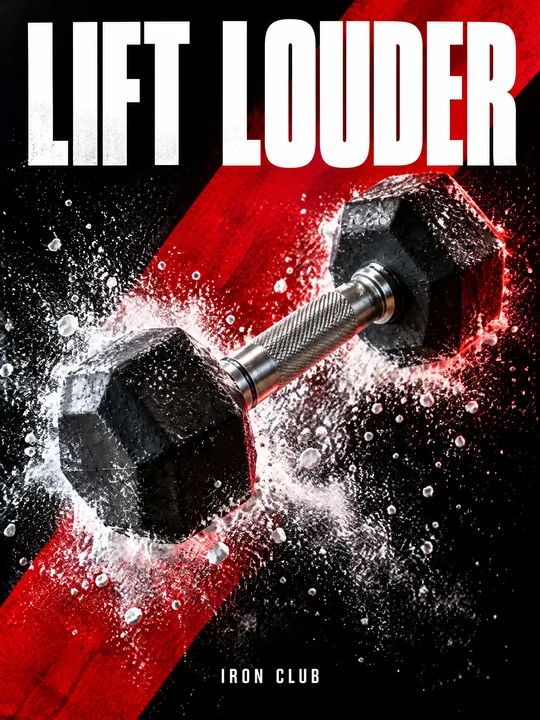 Sports posterGPT Image 2.5 Flare, 3:4from 2 tokens
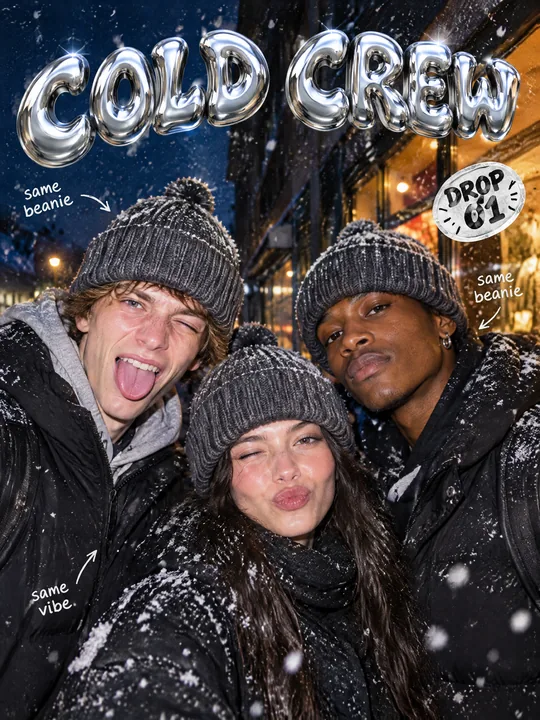 Streetwear drop posterGPT Image 2.5 Flare, 3:4from 2 tokens
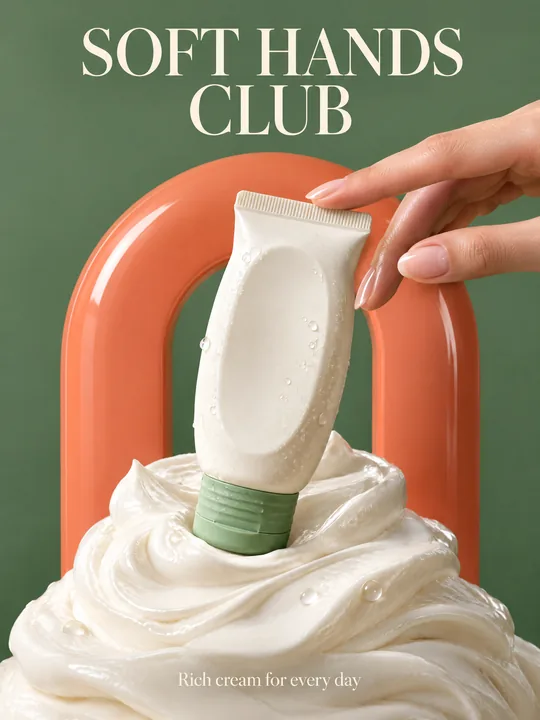 Skincare campaignGPT Image 2.5 Flare, 3:4from 2 tokens
The model and related tools
GPT Image
images up to 4K
up to 16 references
from 2 tokens
Ad posters and banners
17 models
Kling, Nano Banana, GPT Image, Seedream, FLUX, WAN, Z-Image
from 2 tokens
AI image generator
18 models
Kling, Nano Banana, GPT Image, Seedream, FLUX, WAN, Z-Image
from 2 tokens
Marketplace product photos
17 models
Kling, Nano Banana, GPT Image, Seedream, FLUX, WAN
from 2 tokens
Creatives for affiliate marketing
30 models
Kling, Seedance, Veo, Nano Banana, GPT Image, Seedream, FLUX, WAN, MiniMax H3, Z-Image
from 2 tokens
Frequently asked questions
Will the AI put my exact sunglasses on the model?
It takes the frame shape and lens color from the reference, and the traits in brackets in the prompt reinforce them. Fine details such as text on a temple can drift, so compare them with the original.
Can I put a real person on the cover?
Yes. Add their photo to the references next to the sunglasses and say in the prompt that the cover shows the person from the reference. Only use photos of people who agreed to be published this way.
Does the prompt work for other accessories?
Yes, for anything worn on the face, head or neck: earrings, a hat, a scarf, a necklace. Change the word sunglasses and the traits in brackets, and match the backdrop colors to the item.
Where do the date and the small cover lines come from?
The prompt asks for two small lines on the right, an issue date and a barcode, but gives no words for them, so the model makes them up. Put your own lines and date in quotes and it uses them instead.
Which resolution should I pick for print?
Try it opens at 2K and medium quality. GPT Image 2.5 Flare offers 1K, 2K and 4K, a custom size in pixels and 5 quality levels, so raise the resolution and quality before the run if the cover goes to print.