
Product advertising poster prompt
This prompt makes the product the hero of the poster: large in the center, on a saturated color background, framed by splashing water, ice or fruit. It leaves room for a headline at the top and for a description and a button at the bottom. Below are three results from the same text: two cans from GPT Image 2.5 Sunburst and a water bottle from Seedream 5.0 Pro. Add a photo of your product to the references and the model builds the poster around it.
Updated:
The prompt and examples
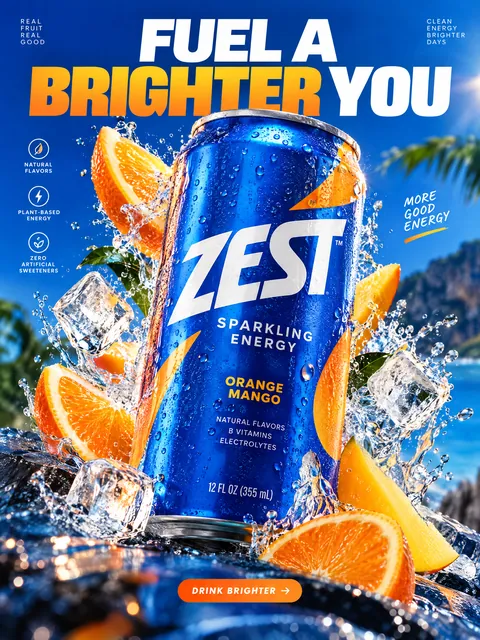
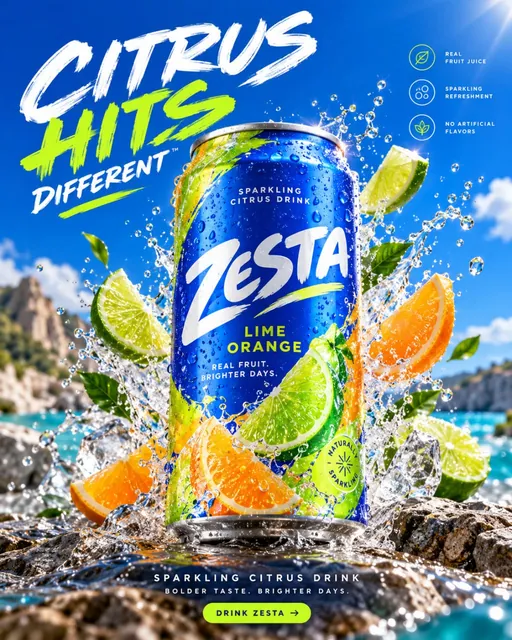
GPT Image 2.5 Sunburst, 4:5 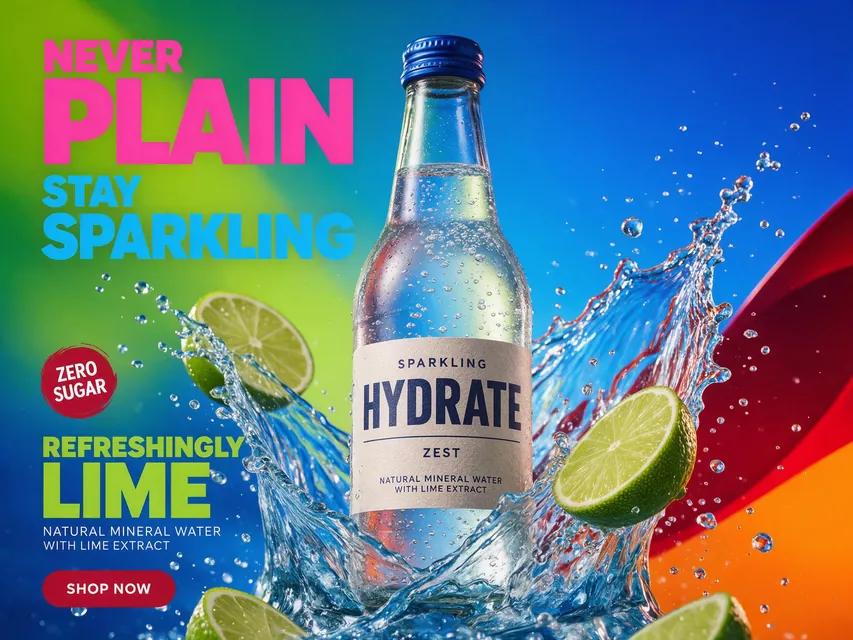
Seedream 5.0 Pro, 4:3
- Model
- GPT Image 2.5 Sunburst
- Aspect ratio
- 3:4
Create a bold, colorful high-end commercial product advertising poster, vertical 4:5.

The product is the absolute hero of the image, positioned large in the center of the frame, occupying approximately 45-60% of the composition.

Use a vibrant, highly saturated advertising palette:

electric cobalt blue,
acid lime green,
bright orange,
hot pink,
deep red,
or combinations of two contrasting dominant colors.

The background must feel intentionally designed like a real premium advertising campaign:
strong color blocking,
smooth gradients,
glossy surfaces,
graphic shadows,
clean geometric forms.

Add one strong dynamic physical element around the product depending on its category:

water splash,
flying flower petals,
fruit slices,
powder particles,
fabric,
ice,
liquid,
smoke,
metallic fragments,
or glossy abstract shapes.

The elements should frame the product and create motion without hiding it.

Lighting:
bright commercial studio lighting,
hard rim light,
large glossy highlights,
dramatic reflections,
strong separation from background,
crisp shadows,
high saturation,
rich contrast.

Product materials must be extremely realistic:
glass,
metal,
plastic,
fabric,
leather,
paper packaging,
condensation,
surface imperfections,
microtexture.

Use macro-level detail and premium advertising photography.

Composition:
strong central hero placement,
clear visual hierarchy,
large clean space in upper third for headline,
smaller clean area near bottom for product description and CTA.

Optional advertising typography:
short bold headline,
large graphic type,
modern sans-serif,
high contrast,
minimal copy.

The overall layout should feel like a real outdoor billboard / social advertising campaign, not a simple product render.

Style references:
premium beauty campaign,
luxury beverage advertising,
sportswear key visual,
modern FMCG advertising,
high-end commercial still life.

Camera:
50-85mm product photography,
high-resolution studio camera,
sharp product,
controlled depth of field,
realistic perspective.

Mood:
bright,
energetic,
bold,
premium,
commercial,
memorable,
playful but sophisticated.

Avoid:
beige background,
muted pastel look,
empty minimalism,
generic e-commerce packshot,
cheap gradients,
random floating objects,
excessive clutter,
AI deformation,
unreadable label,
plastic CGI look,
weak lighting.

The result must look like a professionally art-directed advertising poster designed by a major creative agency.
The prompt is in English, the language models follow best. Swap the product, colors and headlines right in the text.
The button opens the Photo section with this prompt, model and aspect ratio. No account yet? Sign up first, the prompt waits for a day.
How to make a poster for your product
Add a product photo
Press Try it in ClickBait and upload a packshot to the references, ideally on a plain background with a readable label. Without a photo the model invents a product, as in the examples.
Pick what surrounds it
In the block about the dynamic element keep the one that fits: splashes and ice for a drink, petals for cosmetics, fabric for clothing. One element is enough.
Add a headline and run
The model places a short quoted headline in the upper third. The token price is on the run button, and a failed generation returns the tokens.
Why one prompt gives different posters
The prompt describes the rules of a poster, not one picture: the product fills 45-60% of the frame, the background uses two contrasting colors, the light is studio light with highlights, and the top stays clear for text. Each run gives a new scene in the same ad style.
Each model has its own handwriting, and the examples show it: the cans from GPT Image 2.5 Sunburst came out with a dense layout and lots of lettering, the bottle from Seedream 5.0 Pro has less text and softer light. For a landscape banner pick 4:3 in the settings, the prompt text can stay as it is.
What else to change
- The palette: replace electric cobalt blue, acid lime green and hot pink with your brand colors.
- The packaging material: in Product materials keep yours, for example glass for a bottle or paper packaging for a box.
- The style: in Style references choose one direction, such as premium beauty campaign or sportswear key visual.
- The text: if you will add copy on top later, remove the Optional advertising typography block and the headline space stays empty.
Where to find it in ClickBait
GPT Image 2.5 Sunburst lives in ClickBait under the Photo section. Sign up, pick a version from the model list and describe what you want to get.
The token price is shown on the run button before you start. If a generation fails, the tokens go back to your balance automatically.
New accounts created with Google or email get a welcome bonus of 10 tokens. These are promo tokens and expire after 14 days.
More prompts
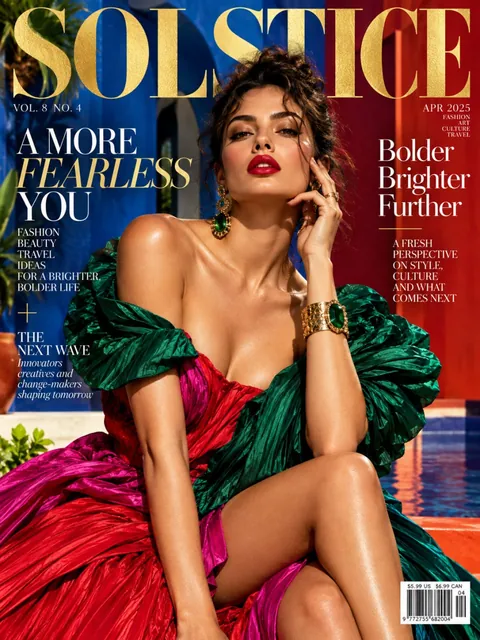 Fashion magazine coverGPT Image 2.5 Sunburst, 3:4from 2 tokens
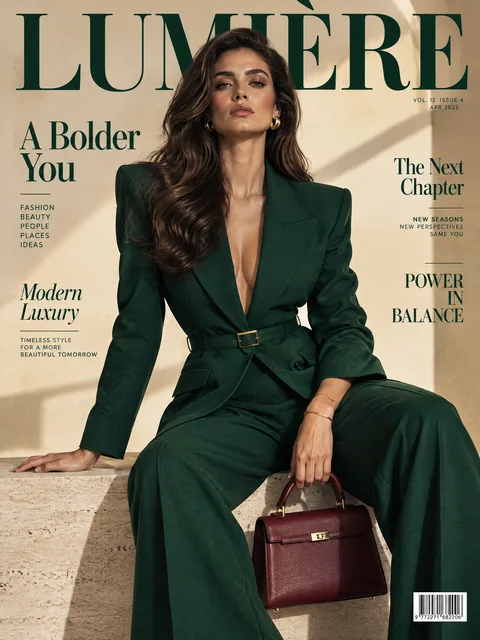 Luxury magazine coverGPT Image 2.5 Flare, 3:4from 2 tokens
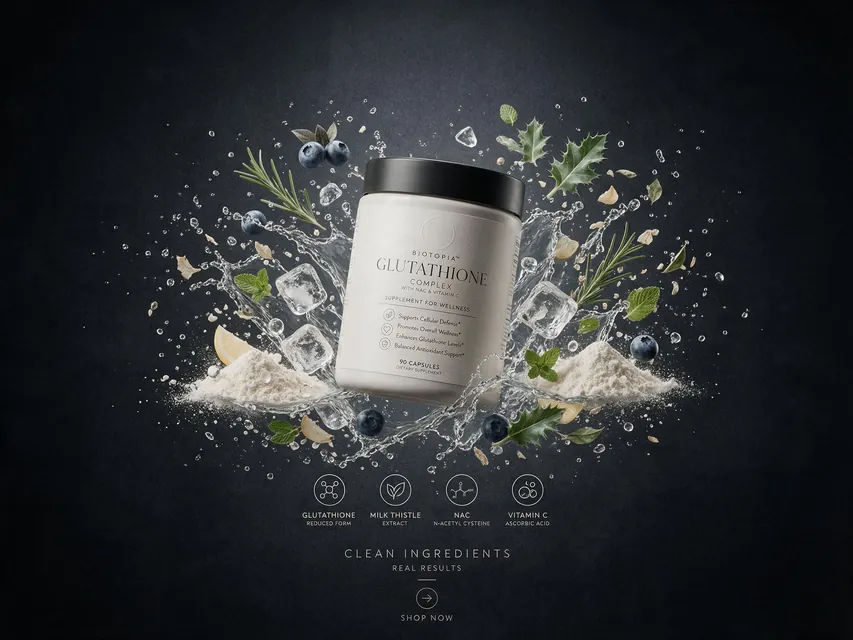 Supplement adSeedream 5.0 Pro, 4:3from 8 tokens
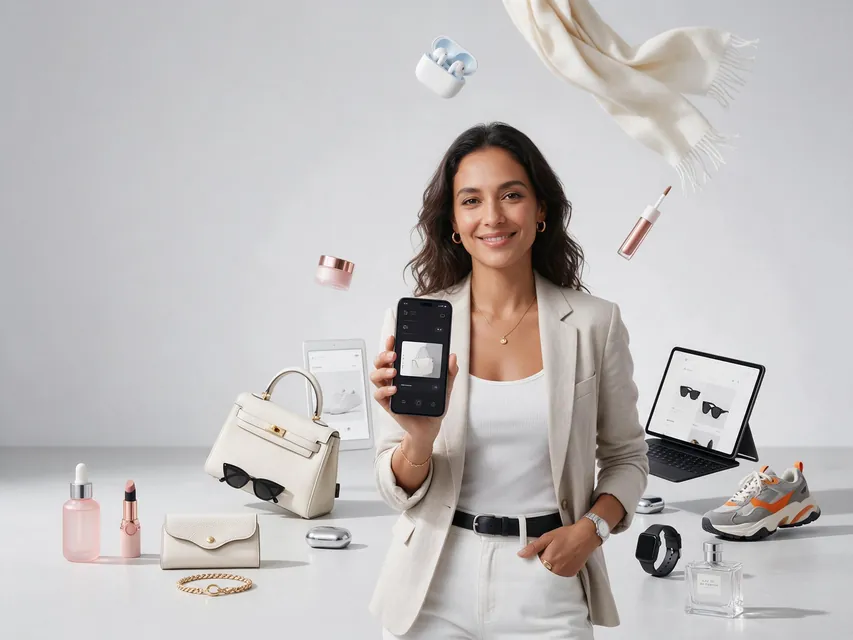 E-commerce adSeedream 5.0 Pro, 4:3from 8 tokens
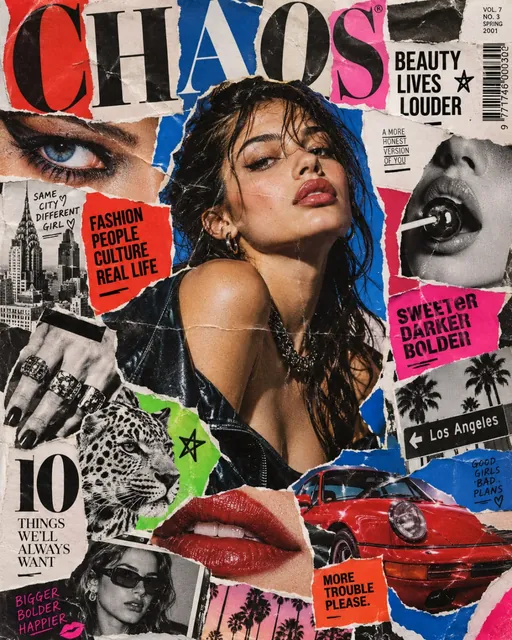 Magazine cutout collageGPT Image 2.5 Sunburst, 4:5from 2 tokens
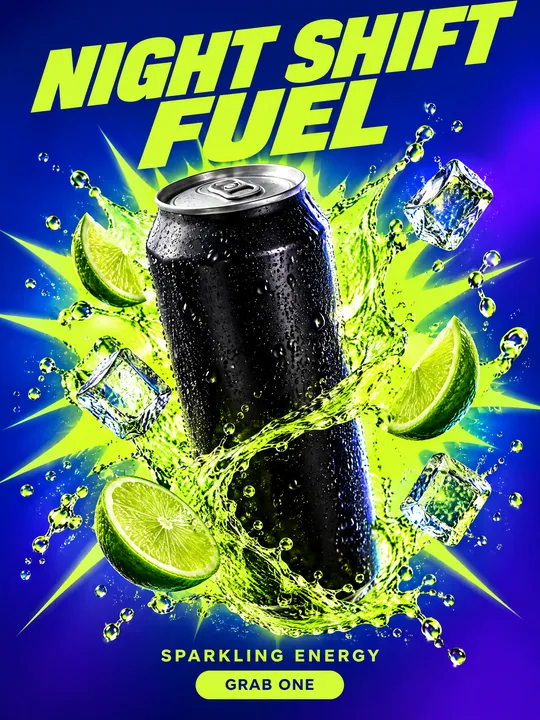 Energy drink posterGPT Image 2.5 Flare, 3:4from 2 tokens
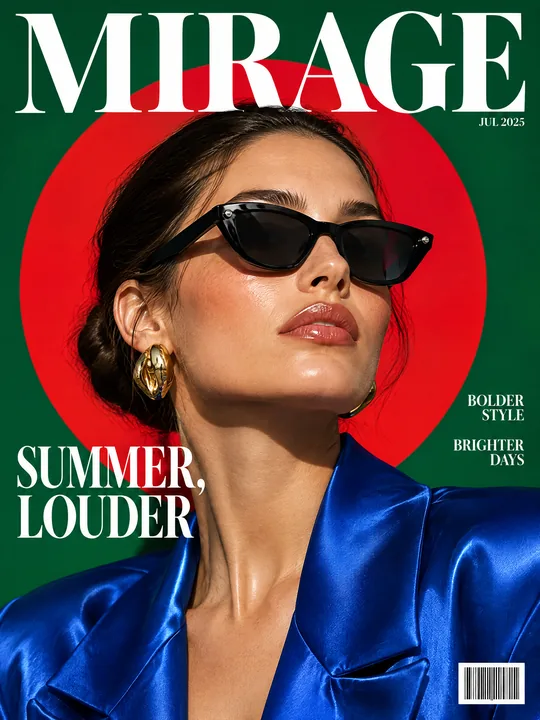 Sunglasses magazine coverGPT Image 2.5 Flare, 3:4from 2 tokens
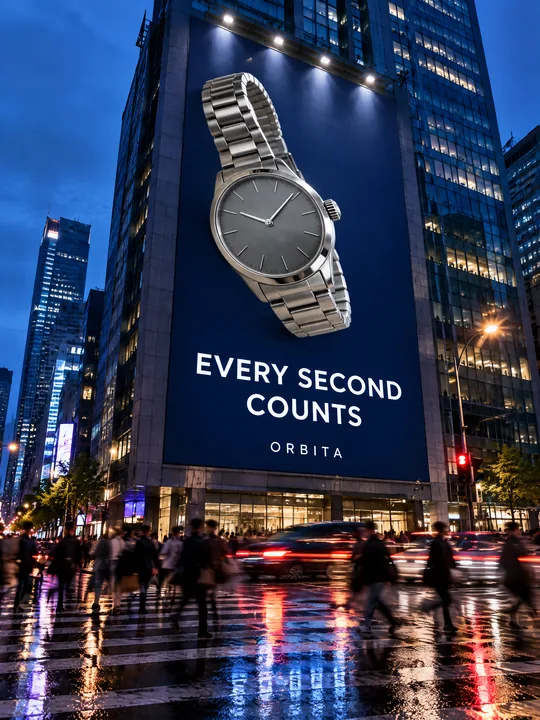 Building billboardGPT Image 2.5 Flare, 3:4from 2 tokens
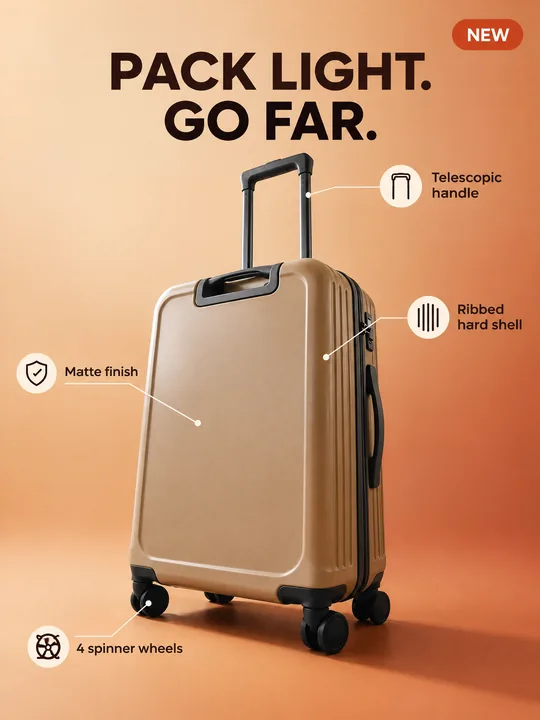 Marketplace infographicGPT Image 2.5 Flare, 3:4from 2 tokens
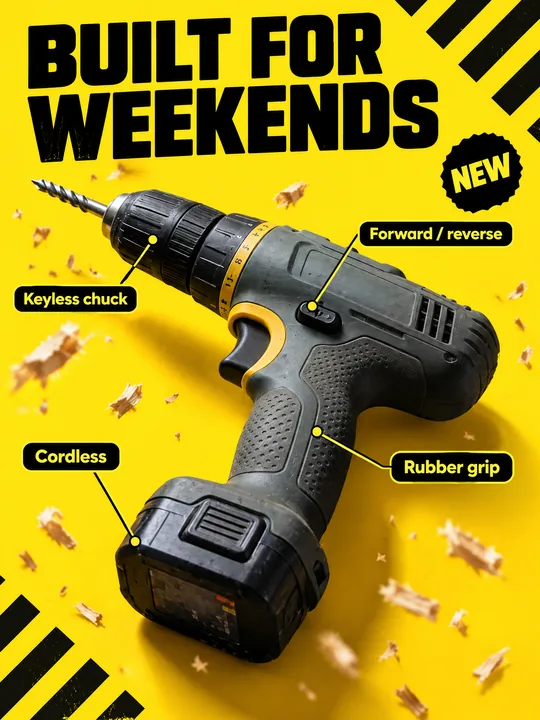 Tool product cardGPT Image 2.5 Flare, 3:4from 2 tokens
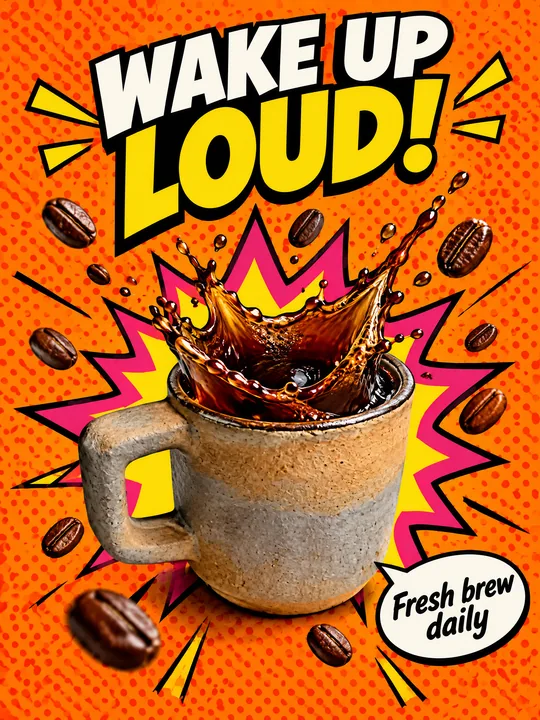 Pop art posterGPT Image 2.5 Flare, 3:4from 2 tokens
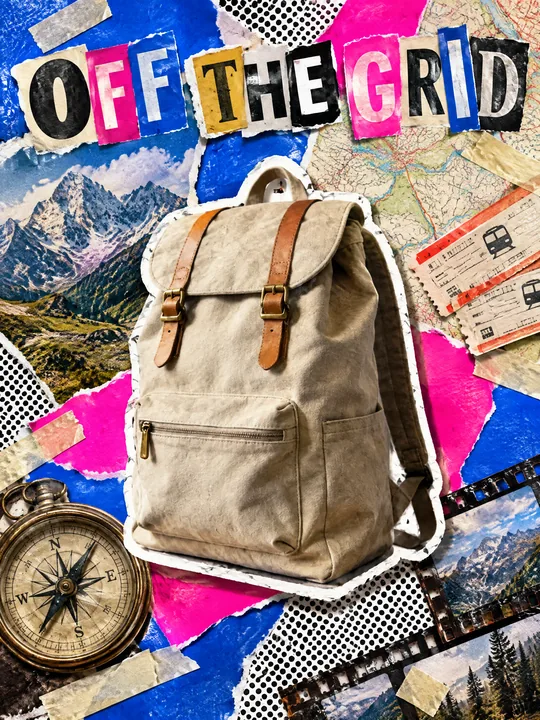 Ransom note collageGPT Image 2.5 Flare, 3:4from 2 tokens
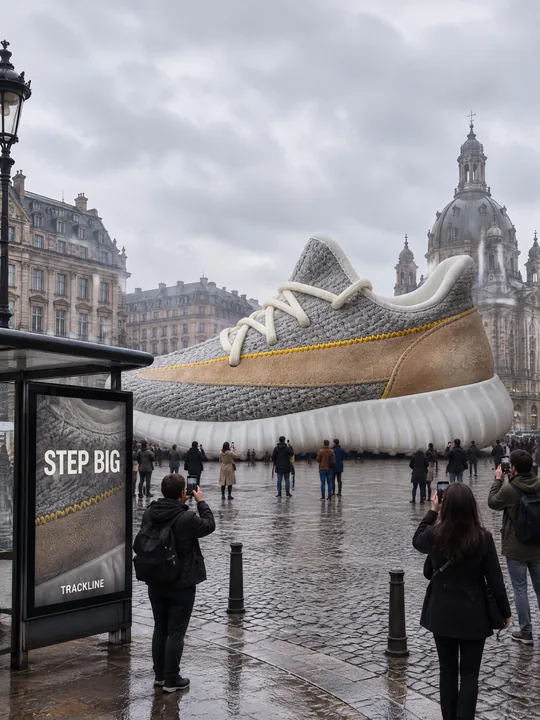 Giant product in the cityGPT Image 2.5 Flare, 3:4from 2 tokens
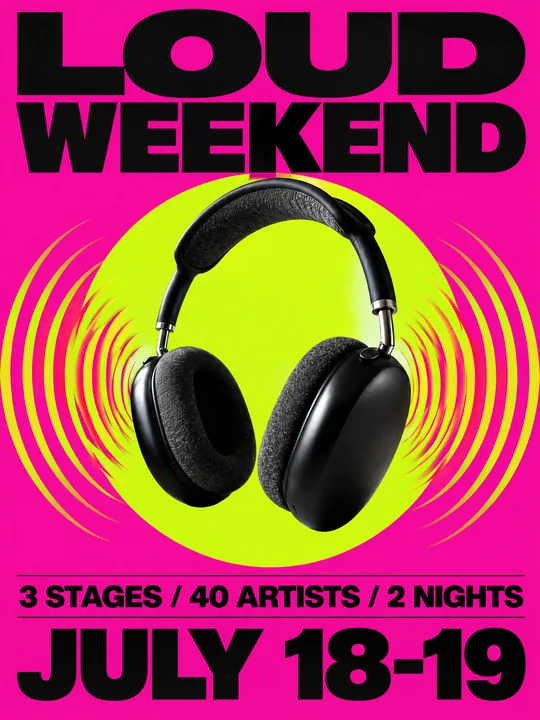 Festival gig posterGPT Image 2.5 Flare, 3:4from 2 tokens
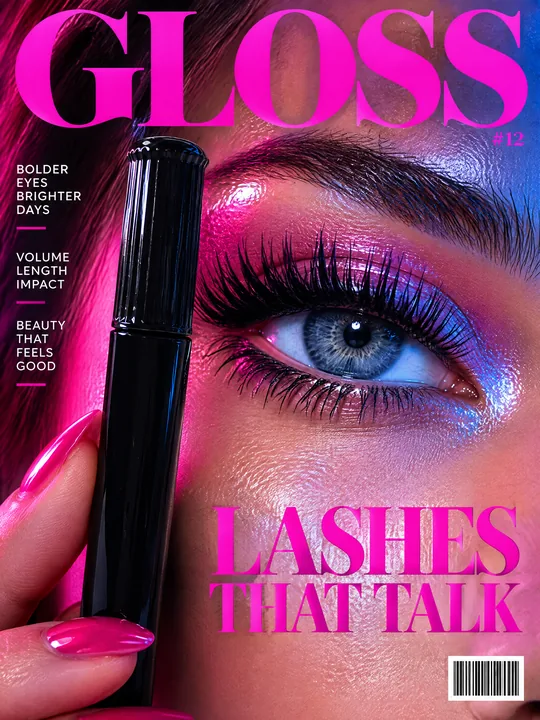 Beauty magazine coverGPT Image 2.5 Flare, 3:4from 2 tokens
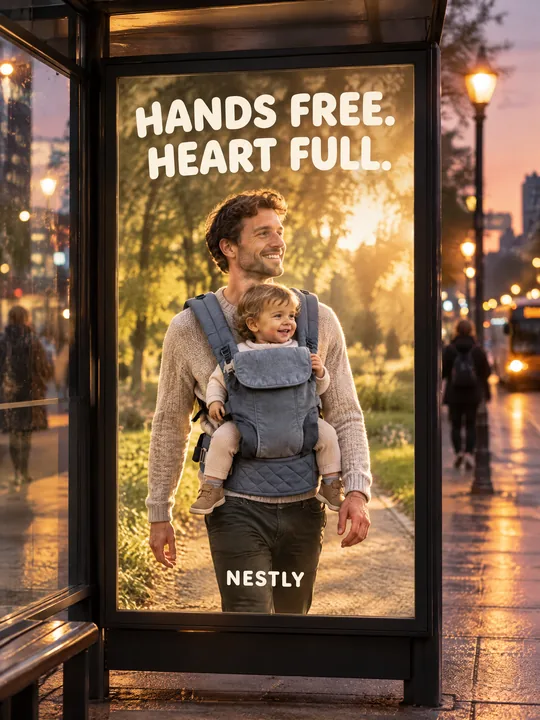 Bus stop posterGPT Image 2.5 Flare, 3:4from 2 tokens
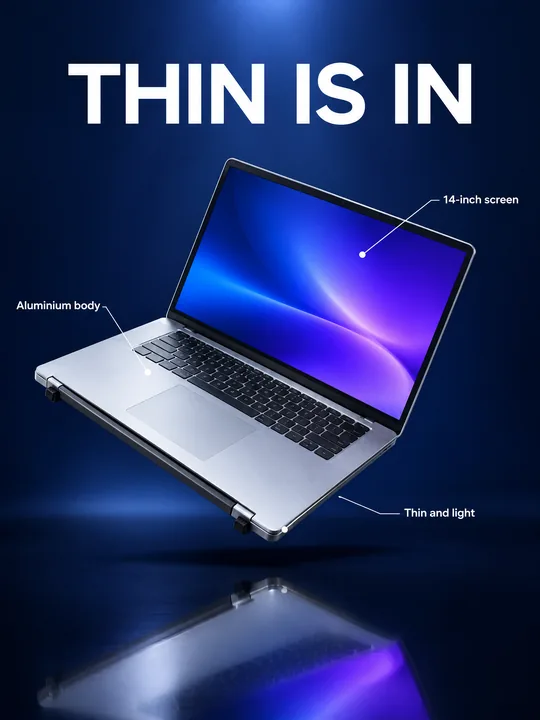 Gadget launch visualGPT Image 2.5 Flare, 3:4from 2 tokens
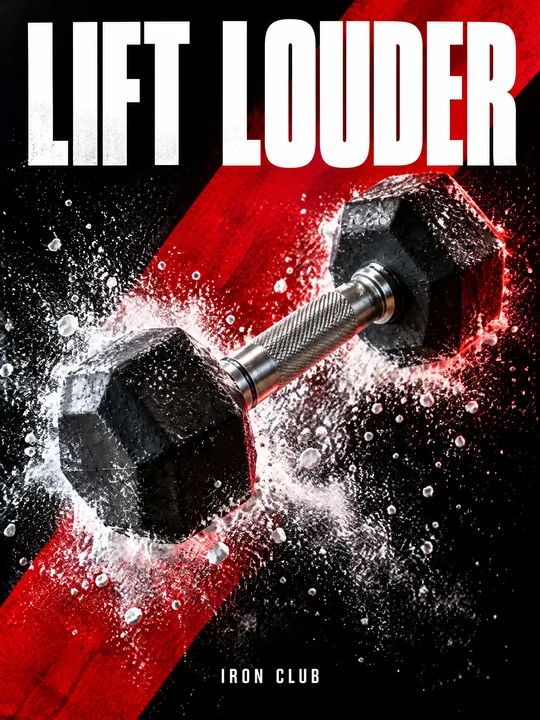 Sports posterGPT Image 2.5 Flare, 3:4from 2 tokens
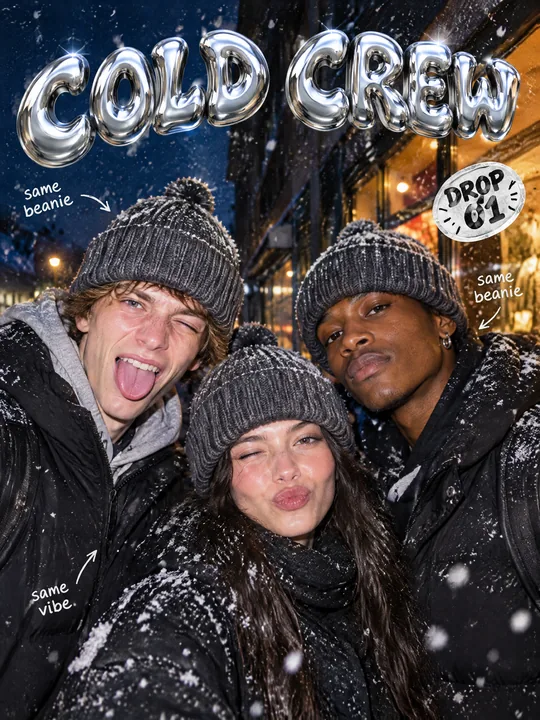 Streetwear drop posterGPT Image 2.5 Flare, 3:4from 2 tokens
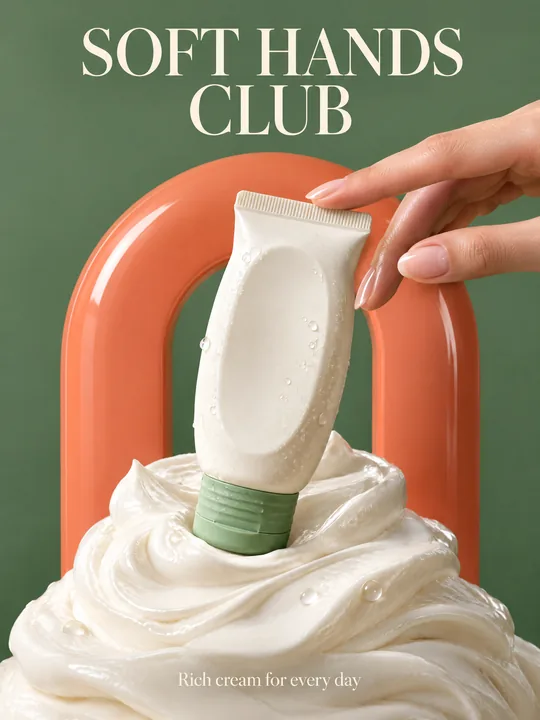 Skincare campaignGPT Image 2.5 Flare, 3:4from 2 tokens
The model and related tools
GPT Image
images up to 4K
up to 16 references
from 2 tokens
Ad posters and banners
17 models
Kling, Nano Banana, GPT Image, Seedream, FLUX, WAN, Z-Image
from 2 tokens
AI image generator
18 models
Kling, Nano Banana, GPT Image, Seedream, FLUX, WAN, Z-Image
from 2 tokens
Marketplace product photos
17 models
Kling, Nano Banana, GPT Image, Seedream, FLUX, WAN
from 2 tokens
Creatives for affiliate marketing
30 models
Kling, Seedance, Veo, Nano Banana, GPT Image, Seedream, FLUX, WAN, MiniMax H3, Z-Image
from 2 tokens
Frequently asked questions
Will the model keep my packaging and label?
With a photo in the references the model keeps the shape, colors and large lettering of the package. Small label text can drift, so check it on the result and add ingredients or prices on top of the finished poster.
Which model should I use for a poster?
For packaging with text start with GPT Image 2.5 Sunburst: Photo labels it as precise editing, and it takes up to 16 references. Seedream 5.0 Pro made the water bottle example, with up to 10 references and 2K output.
Does the prompt work beyond drinks?
Yes. The prompt picks the element around the product by category: petals, powder, fabric, metal or smoke. For cosmetics, sports nutrition or electronics keep the fitting element and change the palette.
Can I get the poster with my slogan right away?
Yes, put it in quotes after the line short bold headline. A slogan of two or three words comes out clean more often than a long phrase.
How do I make a set of posters for different platforms?
Run the same prompt in several aspect ratios: 4:5 and 3:4 for the feed, 9:16 for stories, 4:3 for a banner. One run gives up to 4 variants.