
AI image prompt library
These are the prompts we use for static ads: magazine covers, posters, billboards, marketplace cards and collages. Many of them start from a photo of your product, and each such page shows the plain source shot next to the ad it became. Every prompt comes with its model, aspect ratio and full text. Copy it or press Try it in ClickBait to open it in the Photo section.
Updated:
All prompts
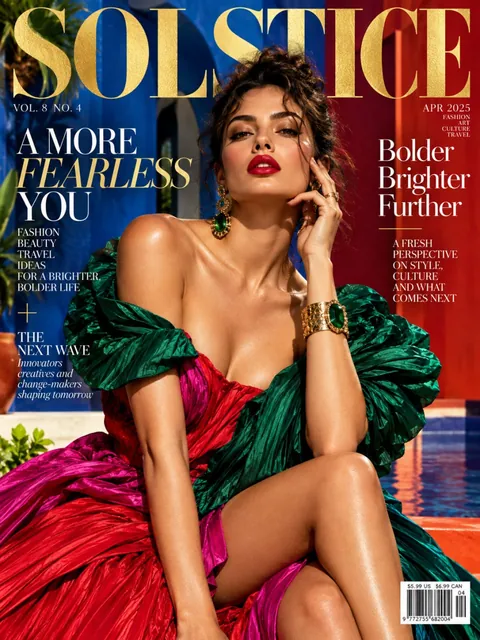 Fashion magazine coverGPT Image 2.5 Sunburst, 3:4from 2 tokens
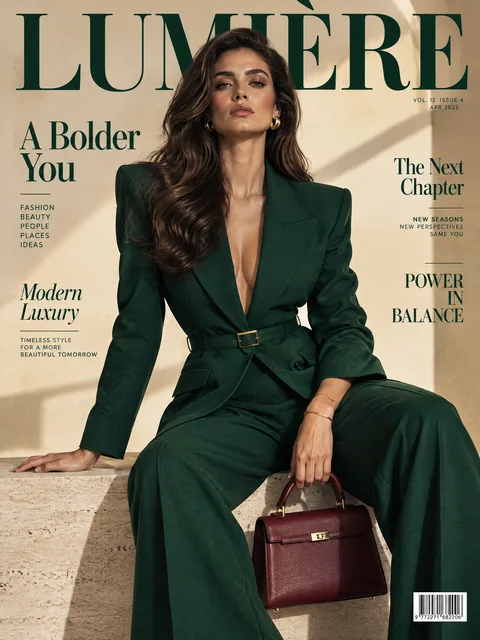 Luxury magazine coverGPT Image 2.5 Flare, 3:4from 2 tokens
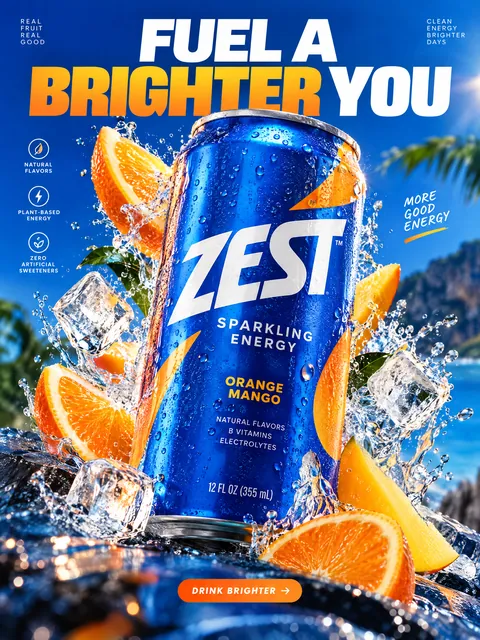 Product ad posterGPT Image 2.5 Sunburst, 3:4from 2 tokens
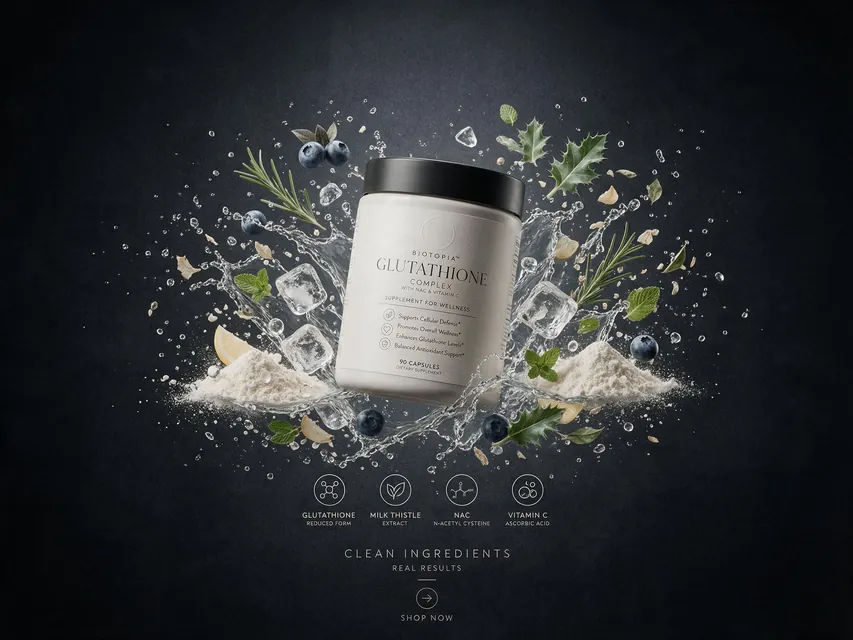 Supplement adSeedream 5.0 Pro, 4:3from 8 tokens
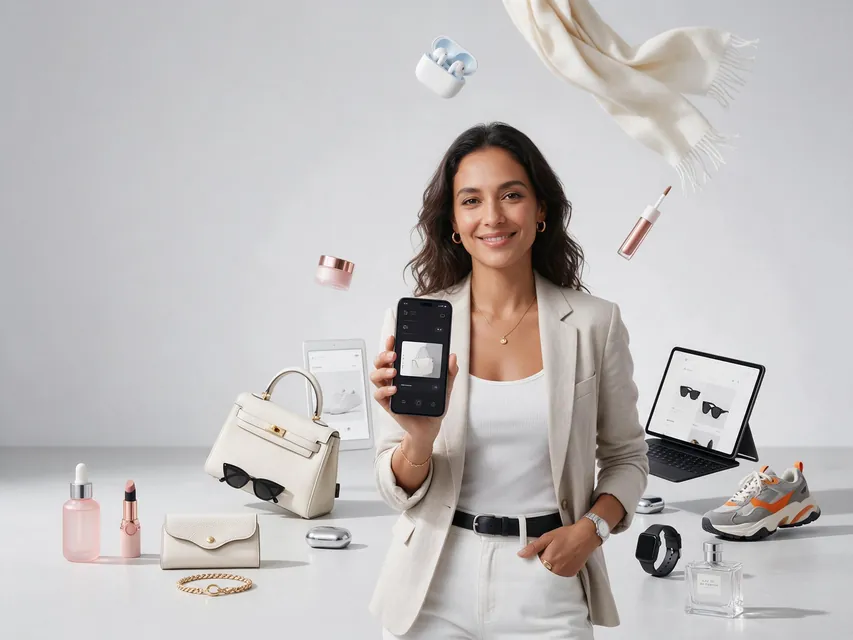 E-commerce adSeedream 5.0 Pro, 4:3from 8 tokens
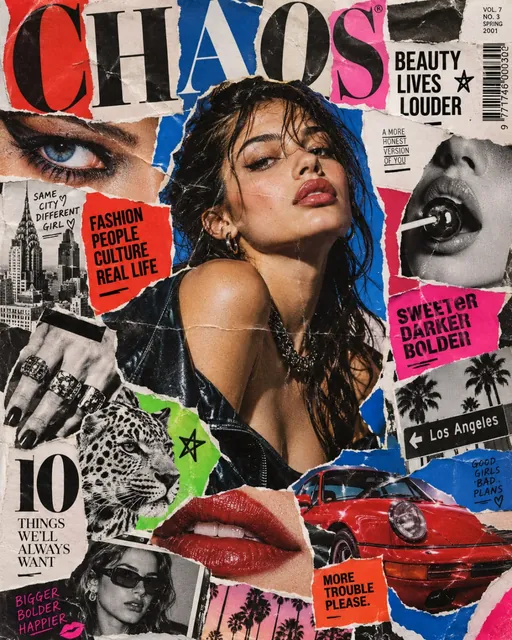 Magazine cutout collageGPT Image 2.5 Sunburst, 4:5from 2 tokens
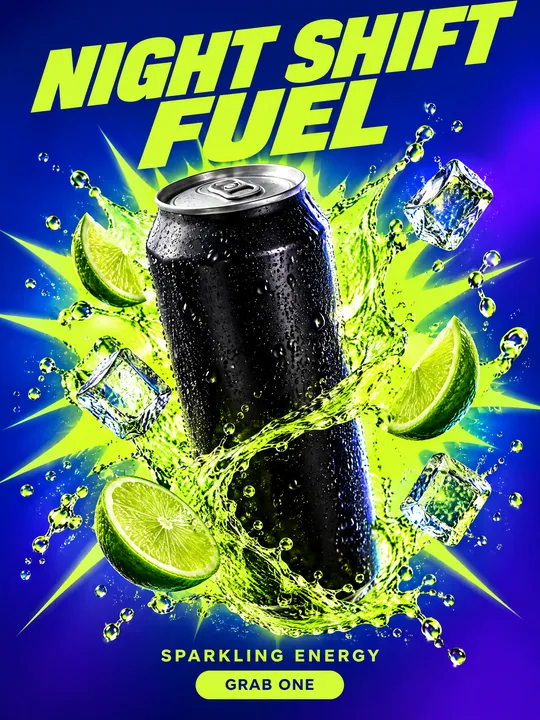 Energy drink posterGPT Image 2.5 Flare, 3:4from 2 tokens
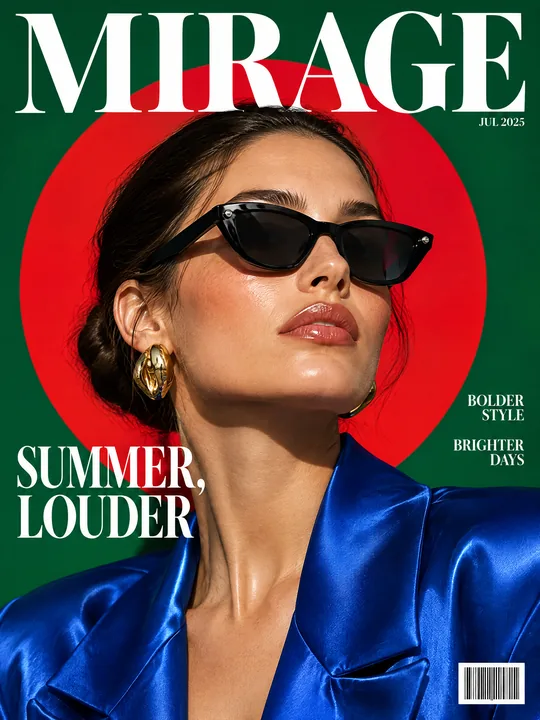 Sunglasses magazine coverGPT Image 2.5 Flare, 3:4from 2 tokens
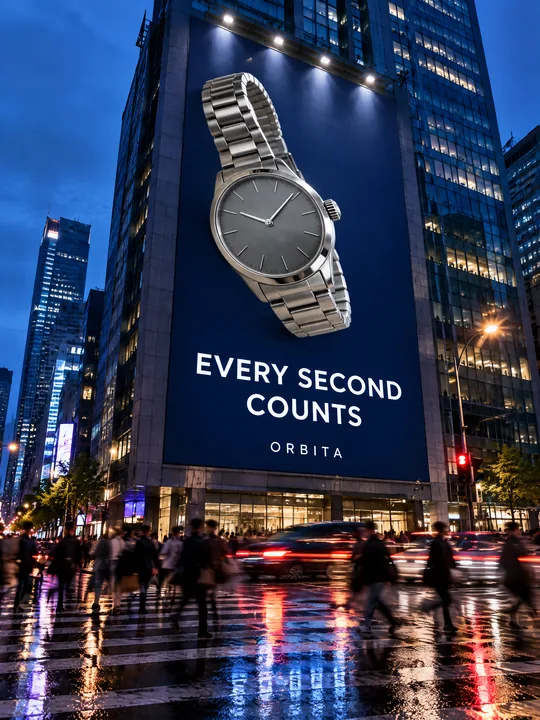 Building billboardGPT Image 2.5 Flare, 3:4from 2 tokens
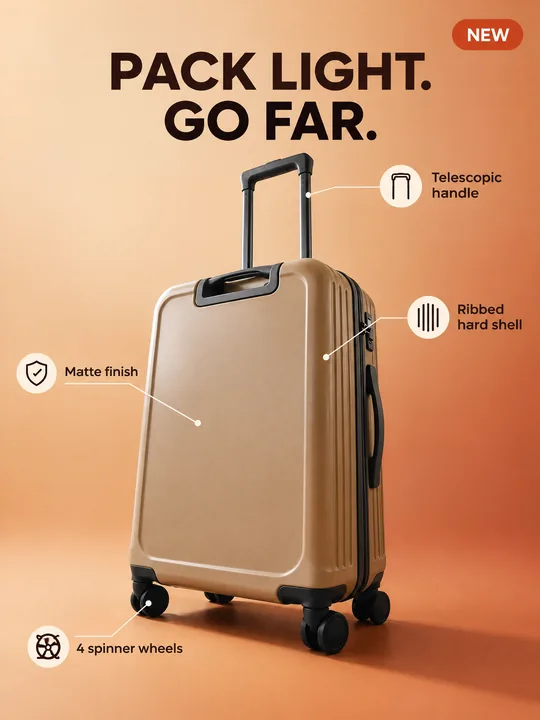 Marketplace infographicGPT Image 2.5 Flare, 3:4from 2 tokens
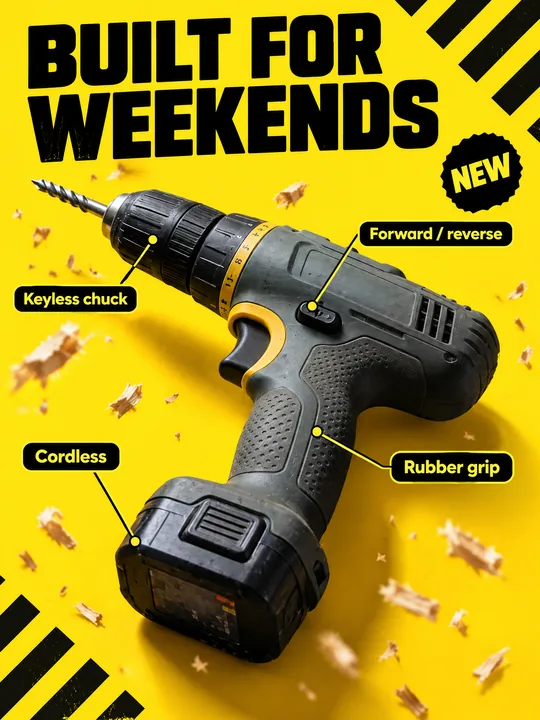 Tool product cardGPT Image 2.5 Flare, 3:4from 2 tokens
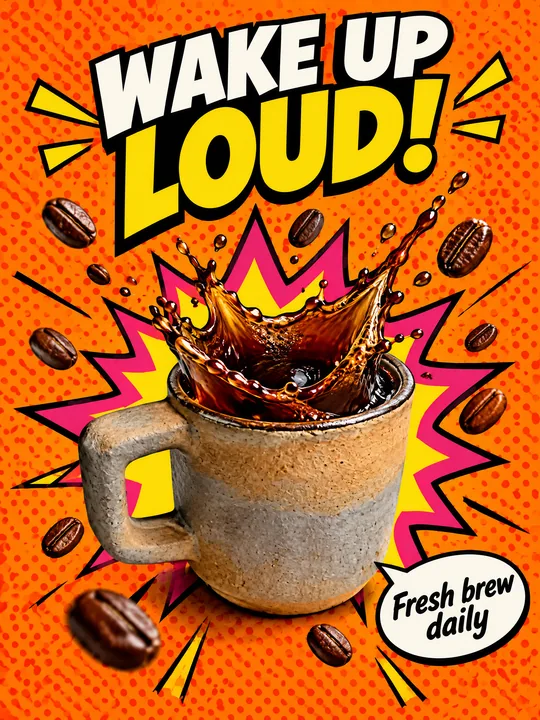 Pop art posterGPT Image 2.5 Flare, 3:4from 2 tokens
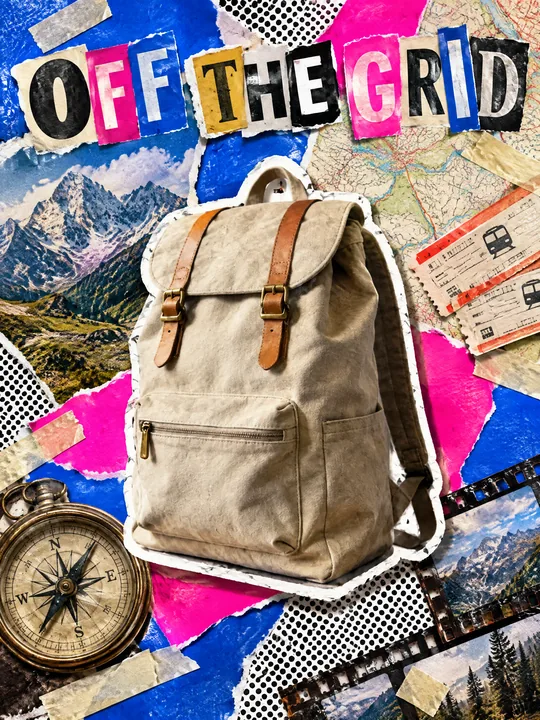 Ransom note collageGPT Image 2.5 Flare, 3:4from 2 tokens
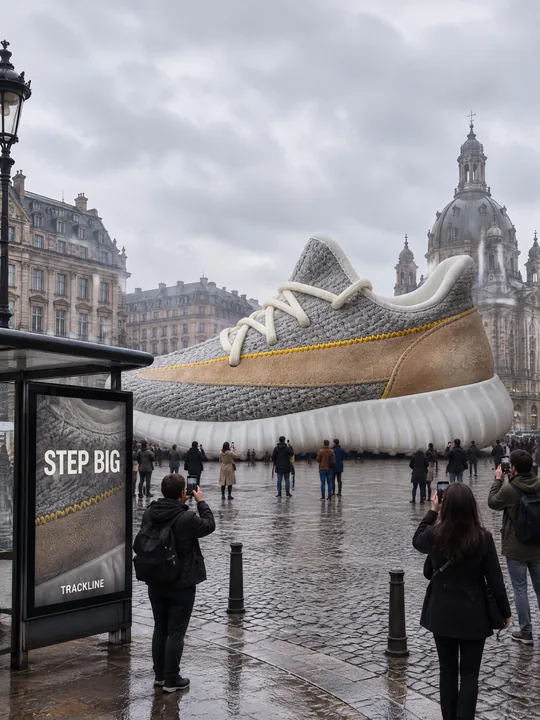 Giant product in the cityGPT Image 2.5 Flare, 3:4from 2 tokens
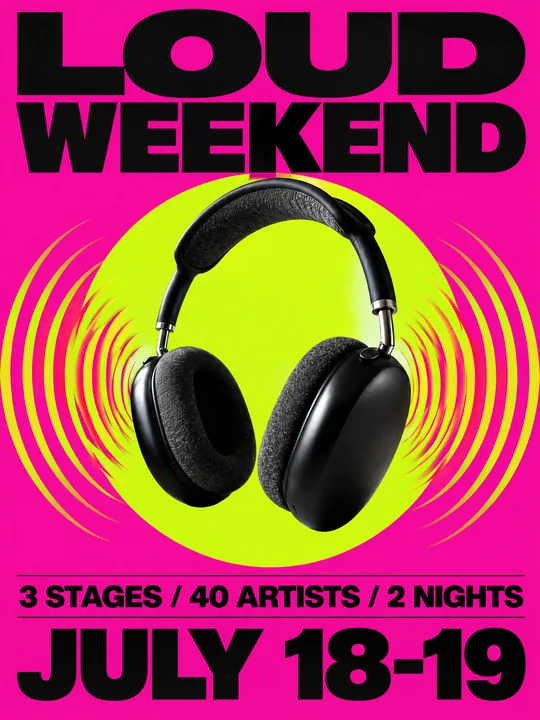 Festival gig posterGPT Image 2.5 Flare, 3:4from 2 tokens
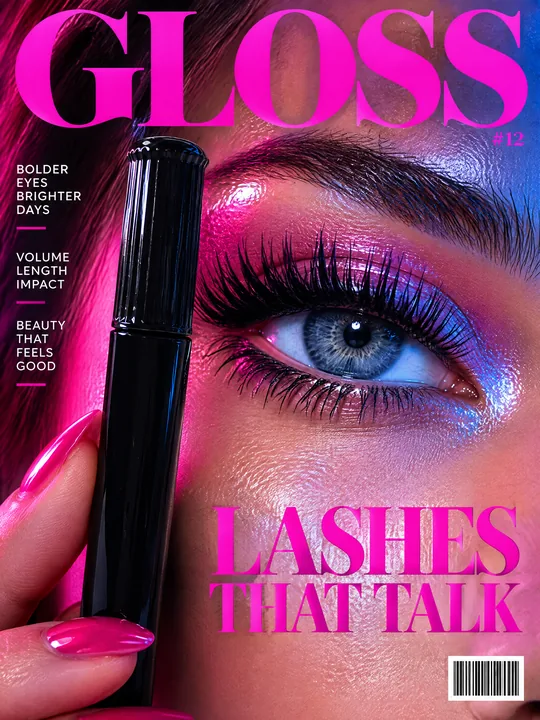 Beauty magazine coverGPT Image 2.5 Flare, 3:4from 2 tokens
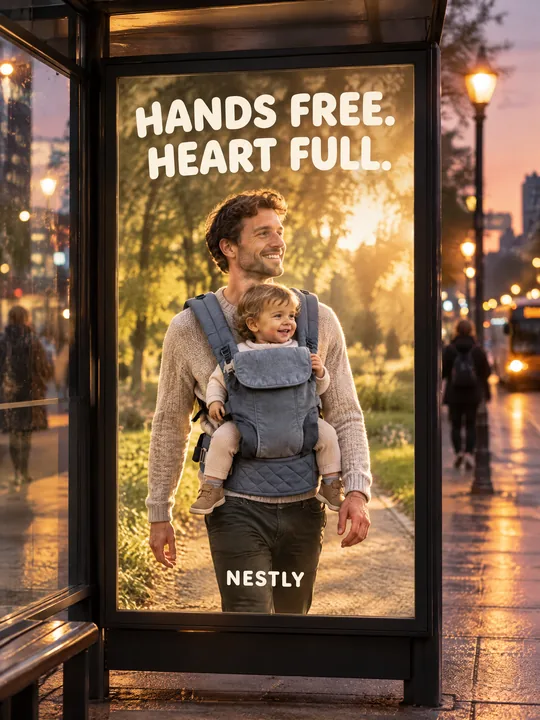 Bus stop posterGPT Image 2.5 Flare, 3:4from 2 tokens
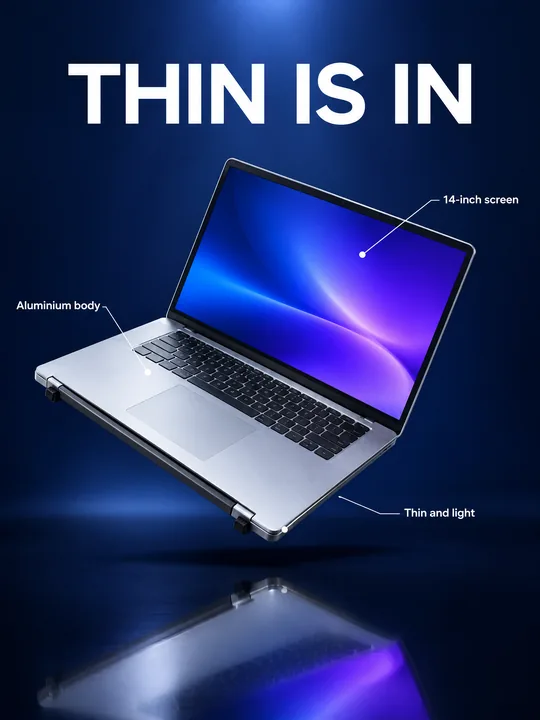 Gadget launch visualGPT Image 2.5 Flare, 3:4from 2 tokens
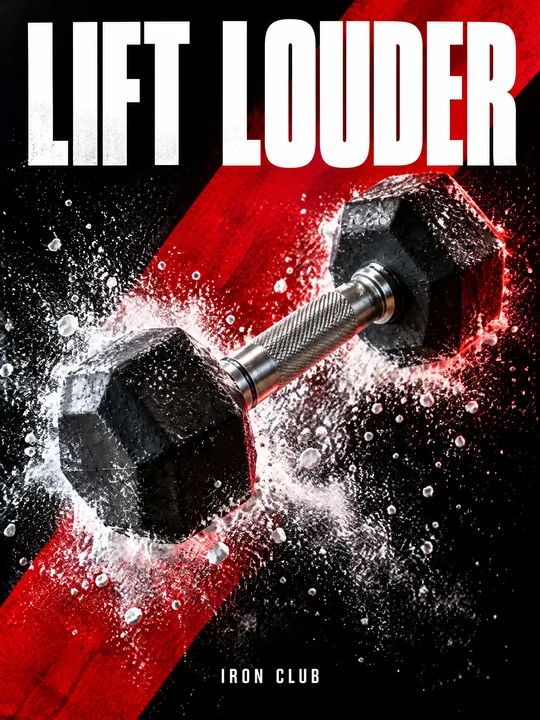 Sports posterGPT Image 2.5 Flare, 3:4from 2 tokens
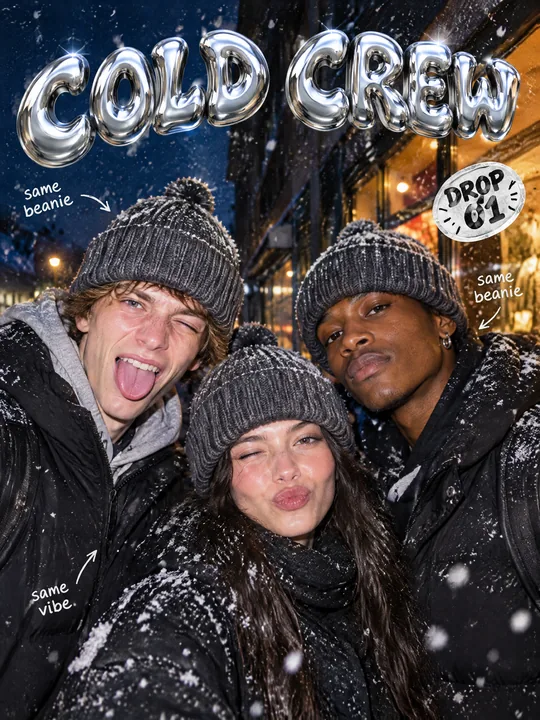 Streetwear drop posterGPT Image 2.5 Flare, 3:4from 2 tokens
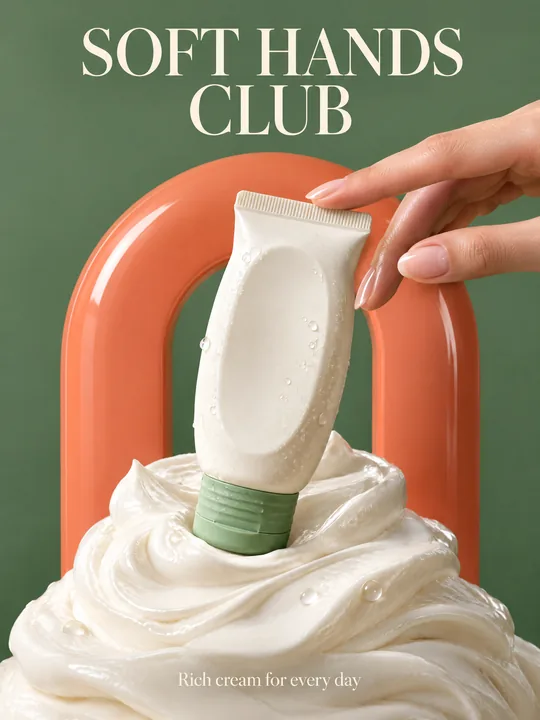 Skincare campaignGPT Image 2.5 Flare, 3:4from 2 tokens
How to use the library
Pick an example
Open the prompt whose result is closest to the image you need. Each page shows the model and aspect ratio behind the example.
Run it or copy it
Try it in ClickBait opens Photo with the prompt. Without an account you sign up first, and the prompt waits for a day.
Make it yours
Add a product photo to the references and change the title, colors and headlines in the text. The token price is on the run button before you start.
What a good image prompt is made of
Almost every prompt here follows one pattern. First the hero and the job of the shot, then a composition with room for text, then light and camera, palette and mood. At the end comes a list of things to avoid, such as beige minimalism, plastic skin and random fonts. That list often matters more than the rest.
The prompts are in English because models follow it best. Set text in the image as short quoted words, and put small print, prices and ingredients on top of the finished image.
Related tools
Frequently asked questions
Can I use the prompts for free?
Yes, the texts are open: copy them and change them as you like. Only the generation in ClickBait is paid, and its token price is on the run button before you start.
Which models do these prompts need?
The examples were made with GPT Image 2.5 Sunburst and Flare and Seedream 5.0 Pro. The prompts work with other models in Photo too, but the result will differ from the example.
What does Try it in ClickBait do?
It opens the Photo section with the prompt, model and aspect ratio. Without an account you sign up first, and the prompt waits for a day and fills the field on its own.
How do I get an image with my product?
Upload the product photo to the references before the run and say in the prompt that it is the product in frame. GPT Image 2.5 takes up to 16 images, Seedream 5.0 Pro up to 10.
Will there be new prompts?
Yes, the library grows with the techniques we use in our own ads. The update date is under the heading of every page.