
Giant product in the city: a fake out-of-home ad prompt
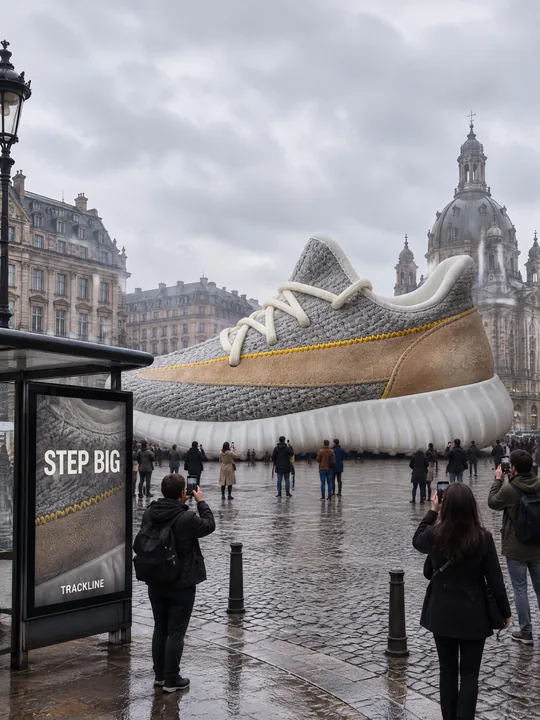
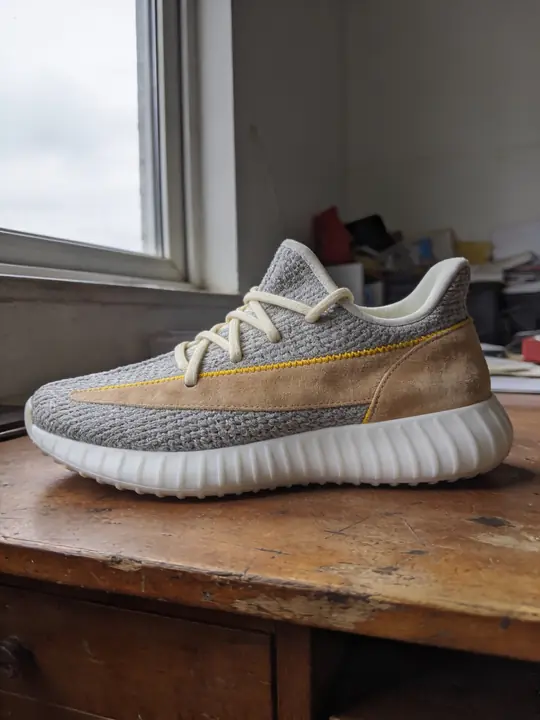
This prompt drops a product from an ordinary photo into a city square at the height of a two-storey house: tiny passersby stand at its base, some look up and film it on phones, and a real shadow lies on the cobblestones. The genre is called FOOH, fake out-of-home advertising. In the example a sneaker from an old desk towers over a European square. Model GPT Image 2.5 Flare, 3:4. Press Try it in ClickBait and add your product photo to the references.
Updated:
The prompt, the source photo and the square
- Model
- GPT Image 2.5 Flare
- Aspect ratio
- 3:4
Use the product from the reference photo exactly as it is: same shape, proportions, colour and material. Do not redesign it and do not print any logo or text on the product itself. Fake out-of-home CGI street advertising, vertical 3:4, photoreal. The running shoe from the reference, giant like a two-storey building, stands in the middle of a European city square; people are tiny around its sole, some looking up and filming it with phones. Overcast soft daylight, realistic contact shadow on the cobblestones, light haze. A bus stop poster in the foreground reads "STEP BIG" with a small brand line "TRACKLINE". Looks like a viral social media street ad, shot from street level, 24mm. All text must be spelled exactly as given, crisp and legible. No other text, no real brand logos.The prompt is in English, the language models follow best. Swap the product, colors and headlines right in the text.
The button opens Photo with this prompt, model and aspect ratio. Add a photo of your product to the references: the prompt is written for it. No account yet? Sign up first, the prompt waits for a day.
What to change for your product
- The product: the scene starts with The running shoe from the reference. Put in yours, such as the suitcase, the perfume bottle or the coffee machine. The rest of the line about size works with any object.
- The size: giant like a two-storey building. Scale comes from a comparison viewers know: for a quieter take write as tall as a bus, for a louder one as tall as a five-storey building.
- The place: a European city square can become a seaside promenade, a snowy mountain village or a busy crossing at night. Change the ground with it: cobblestones to wet asphalt, sand or snow.
- The weather: Overcast soft daylight and light haze give soft diffused light without harsh highlights. Sun or night work too, but then check the shadow under the product with extra care.
- The poster: in A bus stop poster in the foreground replace STEP BIG with your slogan and TRACKLINE with your brand name. In the example the poster shows the same sneaker in close-up.
Why the giant looks real
The eye believes scale through small details, and the prompt lists them all. Tiny people at the base give a measure of height, the phones in their hands say it is happening right now, and realistic contact shadow on the cobblestones puts the product on the ground: without the shadow it would hover over the square.
The camera works for scale too. Shot from street level, 24mm means the viewer looks up like a passerby. Light haze separates the planes in depth, and the soft overcast light avoids the highlights that usually give computer graphics away.
How to make your own scene
Shoot the product from the side
The giant stands on the ground, so the model needs the sole or the base: shoot the whole product from the side or at three quarters, without hands. The sneaker in the example was shot in profile on a desk by a window.
Open Photo with the prompt
Try it in ClickBait switches on GPT Image 2.5 Flare, 3:4, 2K resolution and medium quality. Add the product photo to the references and adjust the place, the size and the text in the prompt.
Make several variants
Shadow, scale and crowd land differently from run to run, so take 3-4 variants at once and pick the one with the most convincing shadow. The price is on the button, and a failed generation returns the tokens.
Where to find it in ClickBait
GPT Image 2.5 Flare lives in ClickBait under the Photo section. Sign up, pick a version from the model list and describe what you want to get.
The token price is shown on the run button before you start. If a generation fails, the tokens go back to your balance automatically.
New accounts created with Google or email get a welcome bonus of 10 tokens. These are promo tokens and expire after 14 days.
More prompts
 Fashion magazine coverGPT Image 2.5 Sunburst, 3:4from 2 tokens
 Luxury magazine coverGPT Image 2.5 Flare, 3:4from 2 tokens
 Product ad posterGPT Image 2.5 Sunburst, 3:4from 2 tokens
 Supplement adSeedream 5.0 Pro, 4:3from 8 tokens
 E-commerce adSeedream 5.0 Pro, 4:3from 8 tokens
 Magazine cutout collageGPT Image 2.5 Sunburst, 4:5from 2 tokens
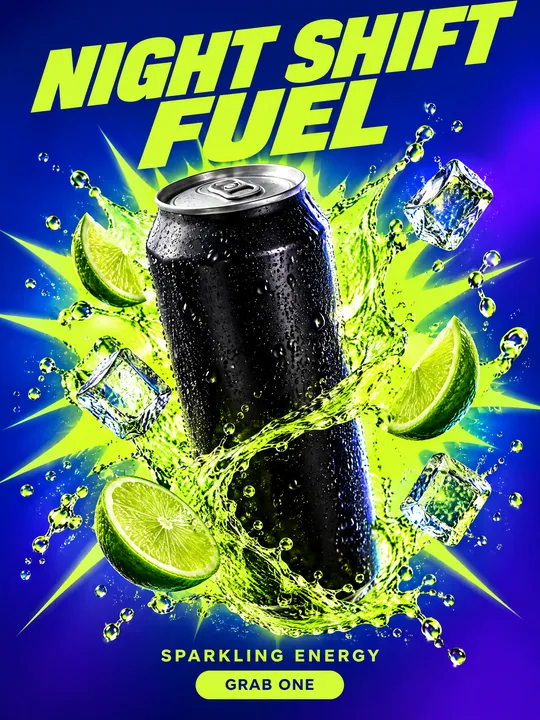 Energy drink posterGPT Image 2.5 Flare, 3:4from 2 tokens
 Sunglasses magazine coverGPT Image 2.5 Flare, 3:4from 2 tokens
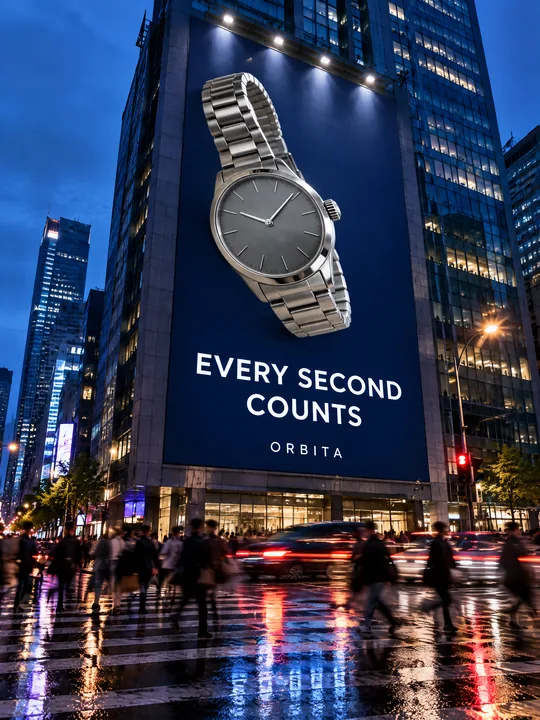 Building billboardGPT Image 2.5 Flare, 3:4from 2 tokens
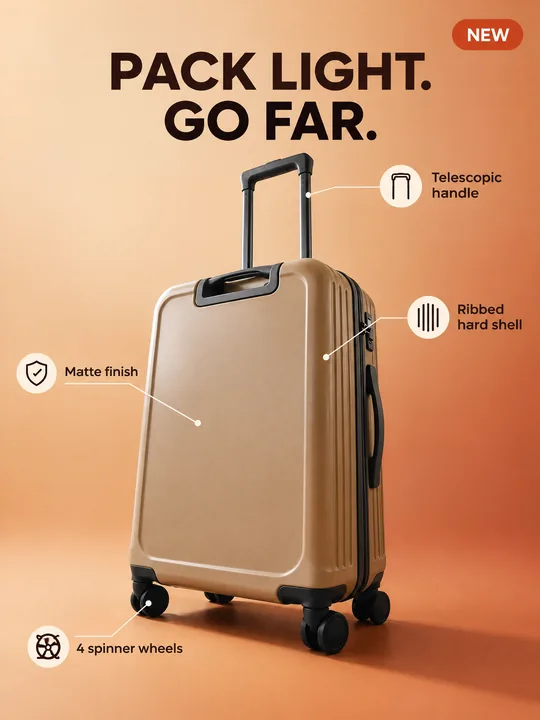 Marketplace infographicGPT Image 2.5 Flare, 3:4from 2 tokens
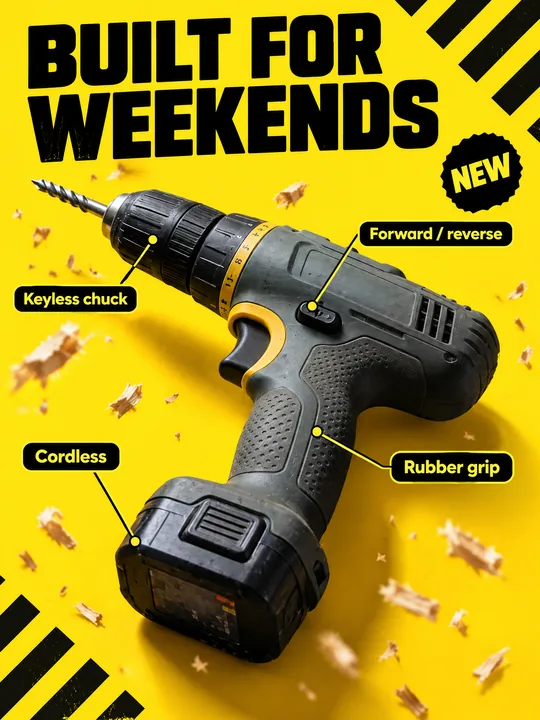 Tool product cardGPT Image 2.5 Flare, 3:4from 2 tokens
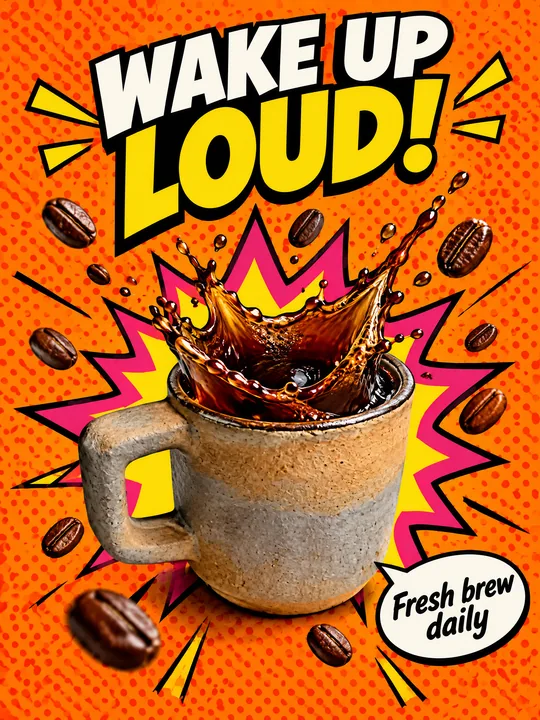 Pop art posterGPT Image 2.5 Flare, 3:4from 2 tokens
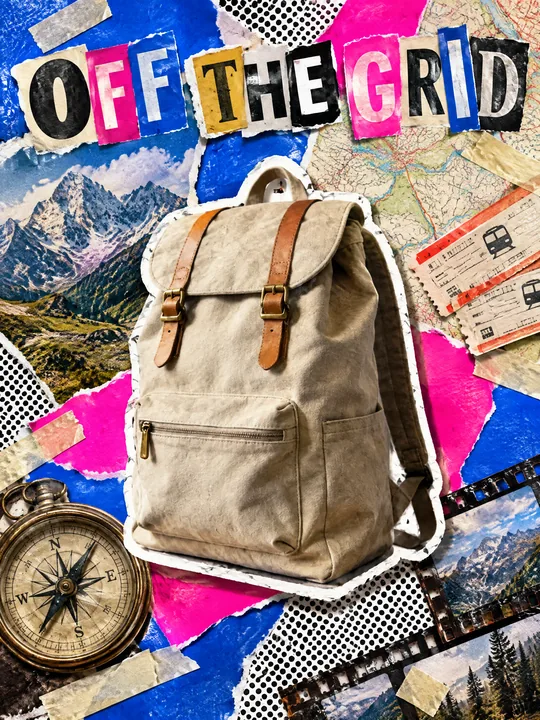 Ransom note collageGPT Image 2.5 Flare, 3:4from 2 tokens
 Festival gig posterGPT Image 2.5 Flare, 3:4from 2 tokens
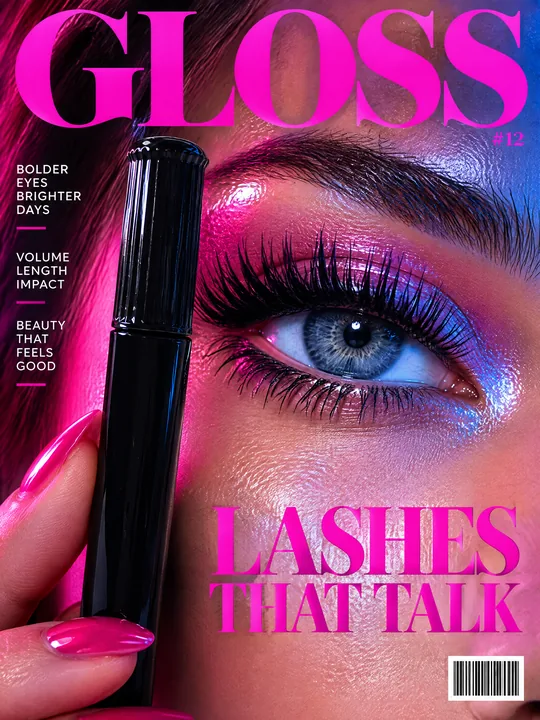 Beauty magazine coverGPT Image 2.5 Flare, 3:4from 2 tokens
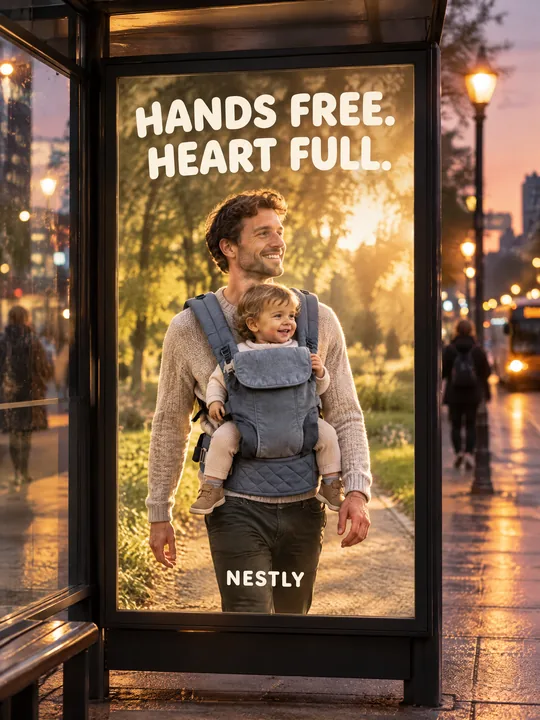 Bus stop posterGPT Image 2.5 Flare, 3:4from 2 tokens
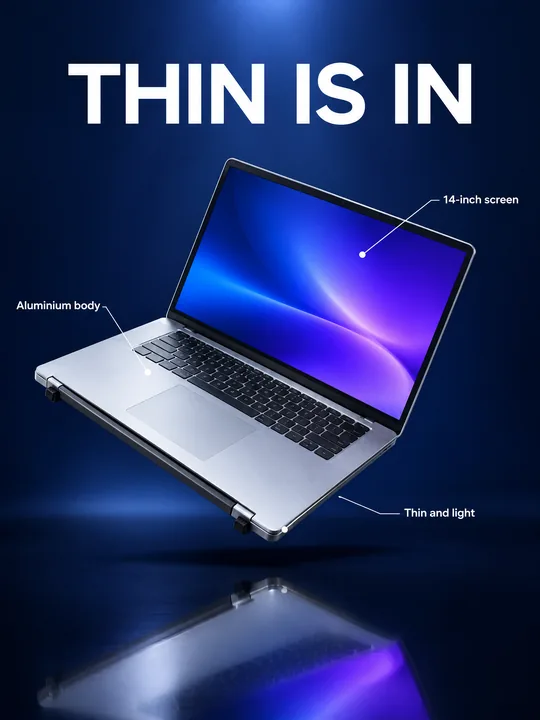 Gadget launch visualGPT Image 2.5 Flare, 3:4from 2 tokens
 Sports posterGPT Image 2.5 Flare, 3:4from 2 tokens
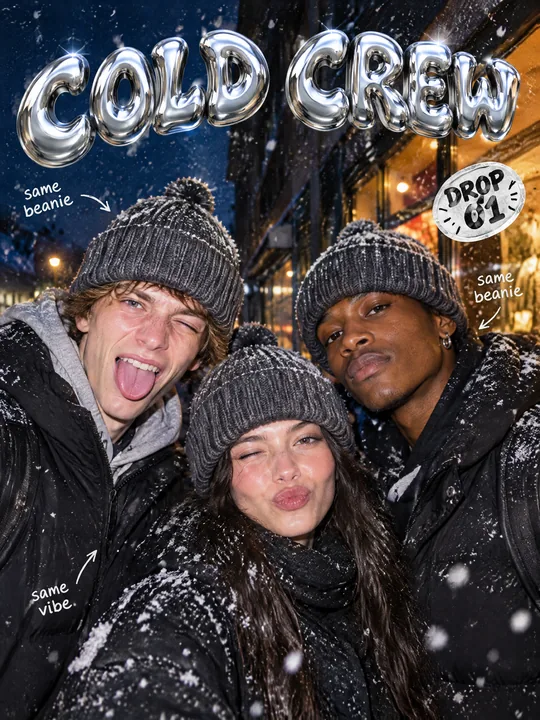 Streetwear drop posterGPT Image 2.5 Flare, 3:4from 2 tokens
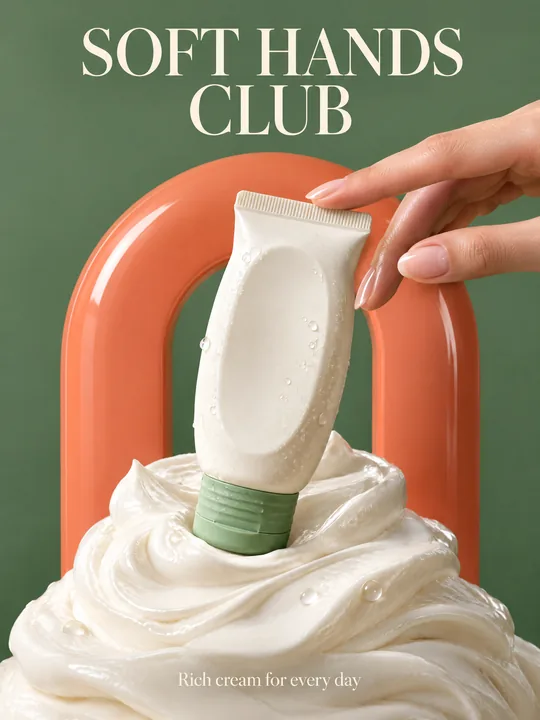 Skincare campaignGPT Image 2.5 Flare, 3:4from 2 tokens
The model and related tools
GPT Image
images up to 4K
up to 16 references
from 2 tokens
Ad posters and banners
17 models
Kling, Nano Banana, GPT Image, Seedream, FLUX, WAN, Z-Image
from 2 tokens
AI image generator
18 models
Kling, Nano Banana, GPT Image, Seedream, FLUX, WAN, Z-Image
from 2 tokens
Marketplace product photos
17 models
Kling, Nano Banana, GPT Image, Seedream, FLUX, WAN
from 2 tokens
Creatives for affiliate marketing
30 models
Kling, Seedance, Veo, Nano Banana, GPT Image, Seedream, FLUX, WAN, MiniMax H3, Z-Image
from 2 tokens
Frequently asked questions
What is FOOH and why use it for a product?
Fake out-of-home: a computer-made ad where a huge product stands in the middle of a real city. The genre runs on scale: a thing you usually hold in one hand suddenly stands taller than the street lamps. The prompt makes one frame of such an ad for a post or an ad creative.
Can I put the product in my own city?
Yes, replace a European city square with your place. Describe it by its features, not its address: an embankment with a Ferris wheel, a square with a clock tower, a snowy street with a tram. The features tell the model which street to draw.
Are the people in the picture real?
No, the model draws the passersby, they are not photos of real people. If you want a specific person next to the product, such as the brand founder, add their photo to the references and only use photos of people who agreed to the ad.
Can I skip the bus stop poster?
Yes, delete the whole A bus stop poster in the foreground sentence and the frame keeps only the product and the square. Keep No other text, no real brand logos, though: it asks the model to leave out shop signs with logos of other brands.
Can I make the scene for stories?
Yes. Change vertical 3:4 in the line Fake out-of-home CGI street advertising to vertical 9:16 and pick 9:16 in Photo so the text and the setting agree. A tall frame suits a giant: there is more sky above it, and its height reads stronger.