
Gadget launch key visual prompt
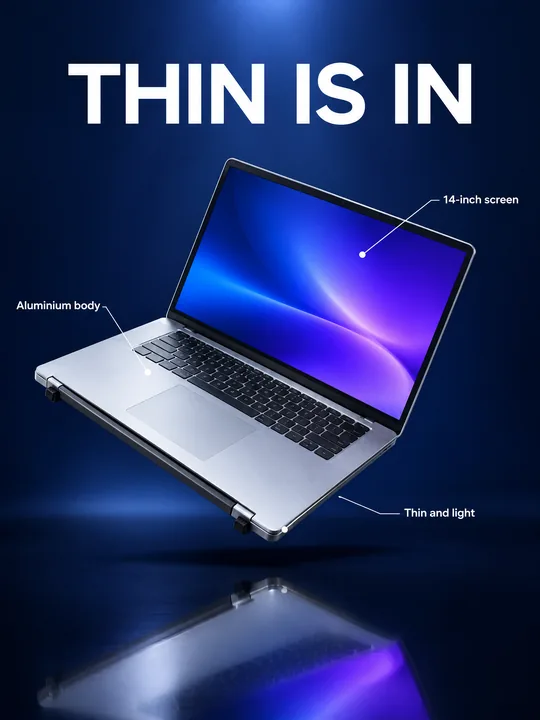
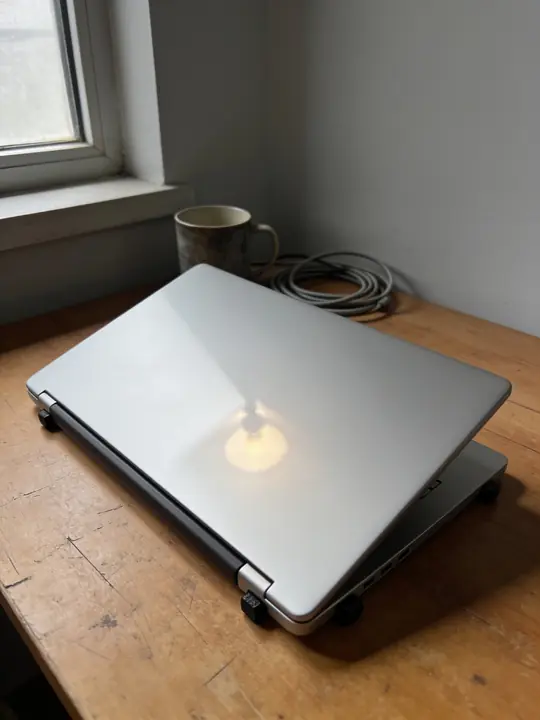
This prompt builds a key visual for a tech launch: the gadget floats above a glossy black floor against deep blue, thin callouts label its details and a big headline sits on top. In the example GPT Image 2.5 Flare at 3:4 took a closed laptop from an ordinary table, opened it and lit the screen with a gradient. Add a photo of your gadget to the references, write in its real features and run it.
Updated:
The prompt and an example: a laptop before and after
- Model
- GPT Image 2.5 Flare
- Aspect ratio
- 3:4
Use the product from the reference photo exactly as it is: same shape, proportions, colour and material. Do not redesign it and do not print any logo or text on the product itself. Tech product launch key visual, vertical 3:4. The laptop from the reference floats open at a dynamic angle above a glossy black floor, its screen glowing with an abstract cobalt-to-violet gradient wallpaper and no interface. Thin white callout lines point to real details with short labels: "Aluminium body", "14-inch screen", "Thin and light". Huge clean headline at the top: "THIN IS IN". Deep midnight blue background with a soft spotlight and subtle reflections, precise studio lighting, crisp edges, premium keynote minimalism. All text must be spelled exactly as given, crisp and legible. No other text, no real brand logos.The prompt is in English, the language models follow best. Swap the product, colors and headlines right in the text.
The button opens Photo with this prompt, model and aspect ratio. Add a photo of your product to the references: the prompt is written for it. No account yet? Sign up first, the prompt waits for a day.
How the visual is built
The shot uses tricks familiar from tech presentations: the object hangs in the air at an angle, a glossy floor reflects it, the background sinks into deep blue and a soft spotlight falls from above. Each one is named in the prompt: floats open at a dynamic angle, glossy black floor, soft spotlight, premium keynote minimalism.
In the source photo the laptop is closed, so the model drew the keyboard, the touchpad and the screen bezel on its own. It does not fill the screen with an interface: the words and no interface leave only an abstract gradient, so there are no made-up windows or buttons in the shot.
What to change for your gadget
- The product name: The laptop from the reference. Write what you have: headphones, a smartwatch, a speaker, a camera, a gamepad.
- The screen: delete its screen glowing with an abstract cobalt-to-violet gradient wallpaper and no interface if there is no screen. For your own interface add a screenshot to the references and say it is on the screen.
- The callouts: "Aluminium body", "14-inch screen", "Thin and light". Replace them with two to four true features, one to three words each. The model does not check specs and will place any label, so write only what the product really has.
- The headline: "THIN IS IN". A short quoted phrase of two to four words.
- The colors: repaint Deep midnight blue background and the cobalt-to-violet screen in your brand colors, for example deep graphite and dark emerald.
How to shoot the gadget for the reference
Shoot in daylight
An ordinary table by a window works, as in the example. Under a yellow lamp the body changes tint in the photo, and the model takes the color from the photo.
Show what must come out accurate
If the screen, buttons or ports matter, add a shot from that side: GPT Image 2.5 Flare takes up to 16 references. Whatever the photo does not show, the model makes up.
Check the result
Make sure each callout line ends at the part it labels and the lettering on the body has not drifted. Run a weak variant again: one run gives 1 to 4.
Where to find it in ClickBait
GPT Image 2.5 Flare lives in ClickBait under the Photo section. Sign up, pick a version from the model list and describe what you want to get.
The token price is shown on the run button before you start. If a generation fails, the tokens go back to your balance automatically.
New accounts created with Google or email get a welcome bonus of 10 tokens. These are promo tokens and expire after 14 days.
More prompts
 Fashion magazine coverGPT Image 2.5 Sunburst, 3:4from 2 tokens
 Luxury magazine coverGPT Image 2.5 Flare, 3:4from 2 tokens
 Product ad posterGPT Image 2.5 Sunburst, 3:4from 2 tokens
 Supplement adSeedream 5.0 Pro, 4:3from 8 tokens
 E-commerce adSeedream 5.0 Pro, 4:3from 8 tokens
 Magazine cutout collageGPT Image 2.5 Sunburst, 4:5from 2 tokens
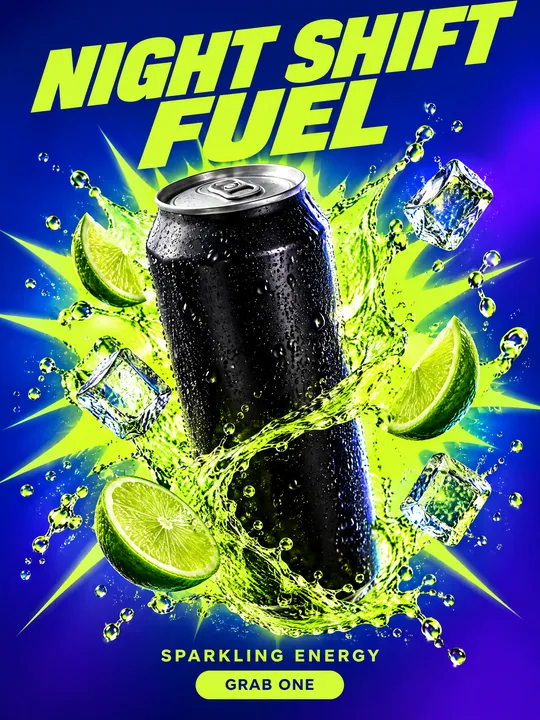 Energy drink posterGPT Image 2.5 Flare, 3:4from 2 tokens
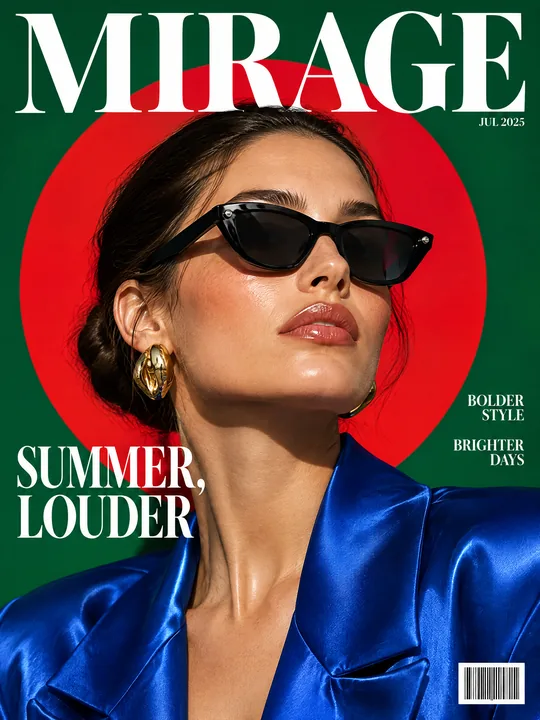 Sunglasses magazine coverGPT Image 2.5 Flare, 3:4from 2 tokens
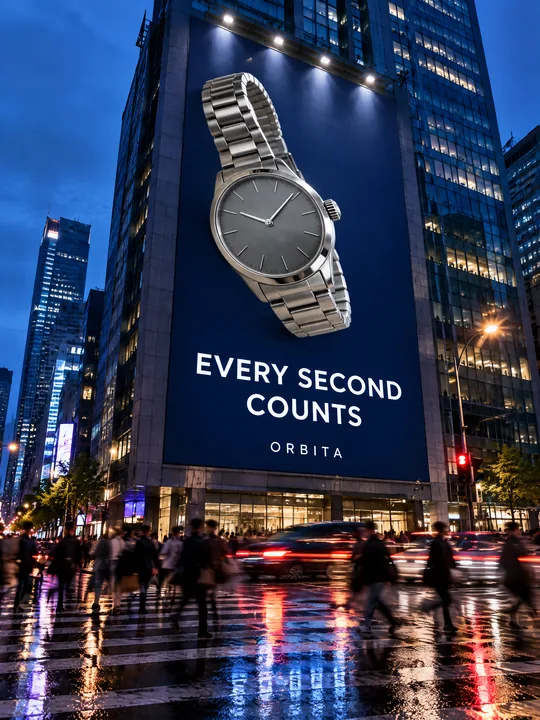 Building billboardGPT Image 2.5 Flare, 3:4from 2 tokens
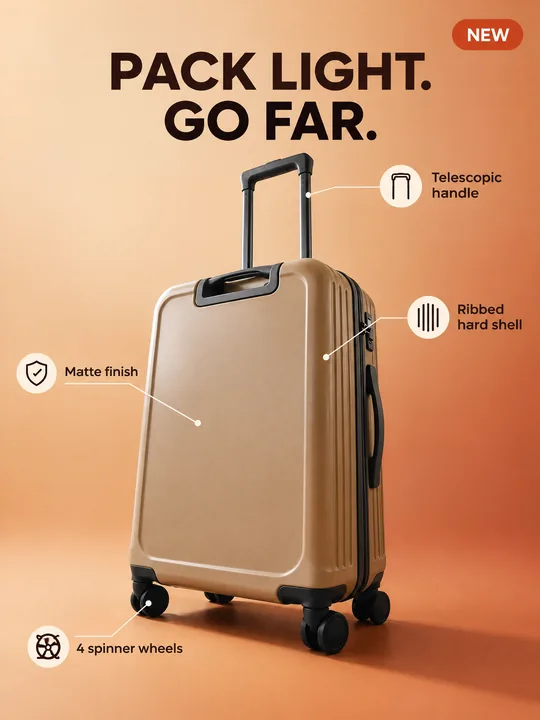 Marketplace infographicGPT Image 2.5 Flare, 3:4from 2 tokens
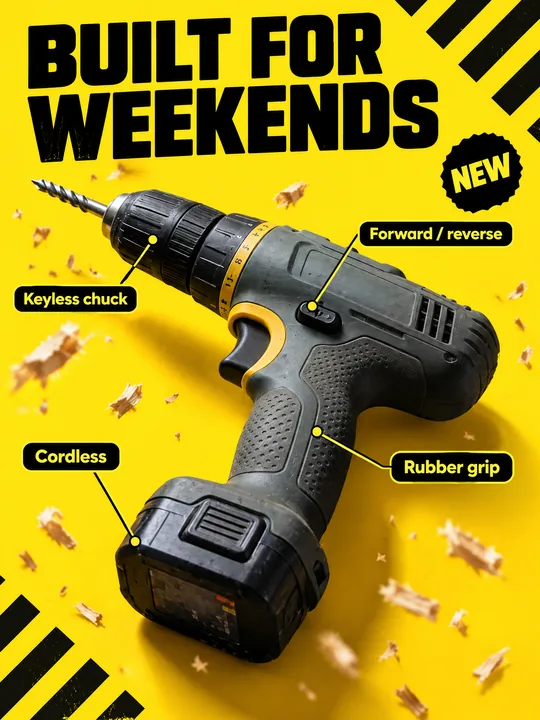 Tool product cardGPT Image 2.5 Flare, 3:4from 2 tokens
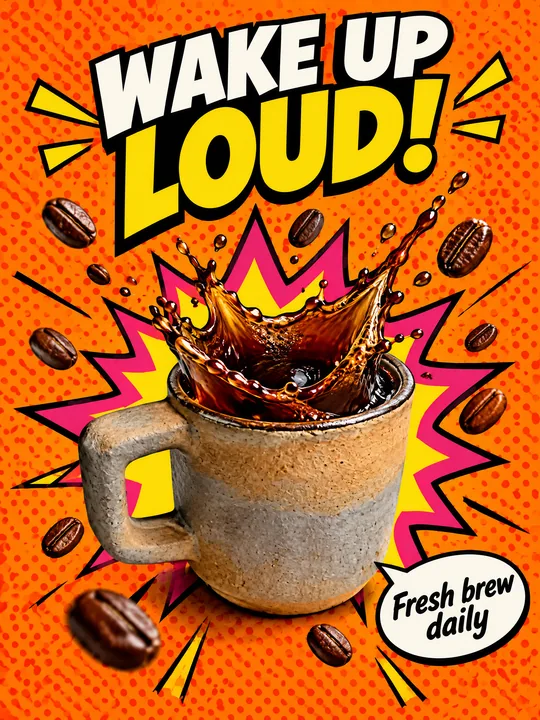 Pop art posterGPT Image 2.5 Flare, 3:4from 2 tokens
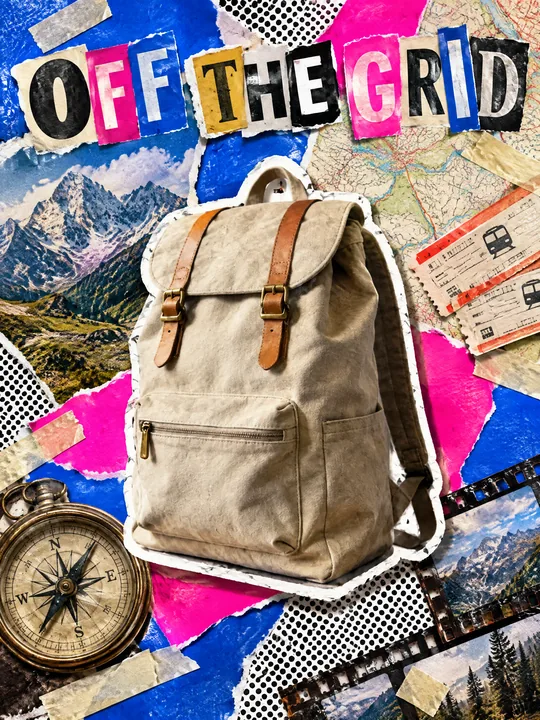 Ransom note collageGPT Image 2.5 Flare, 3:4from 2 tokens
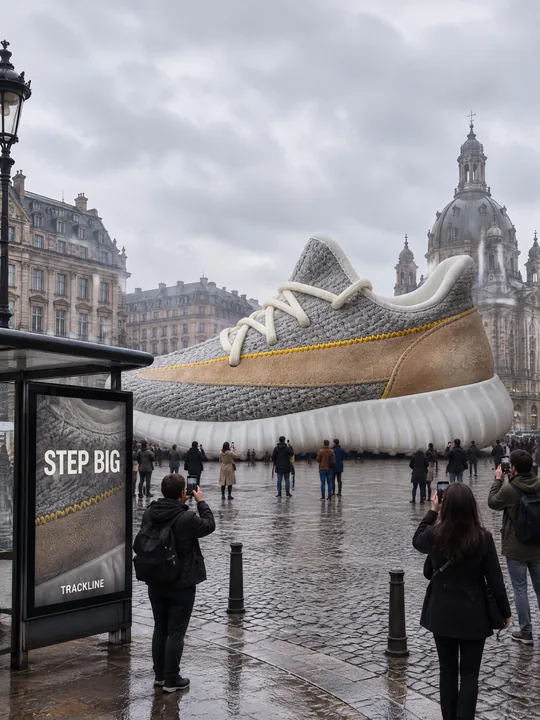 Giant product in the cityGPT Image 2.5 Flare, 3:4from 2 tokens
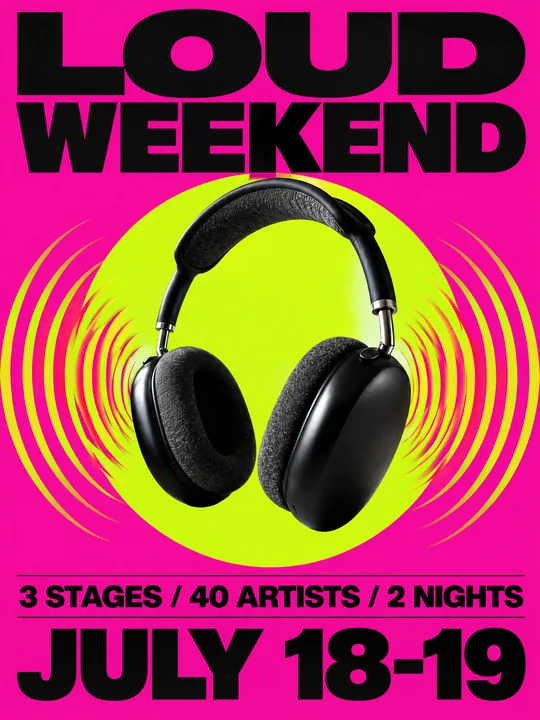 Festival gig posterGPT Image 2.5 Flare, 3:4from 2 tokens
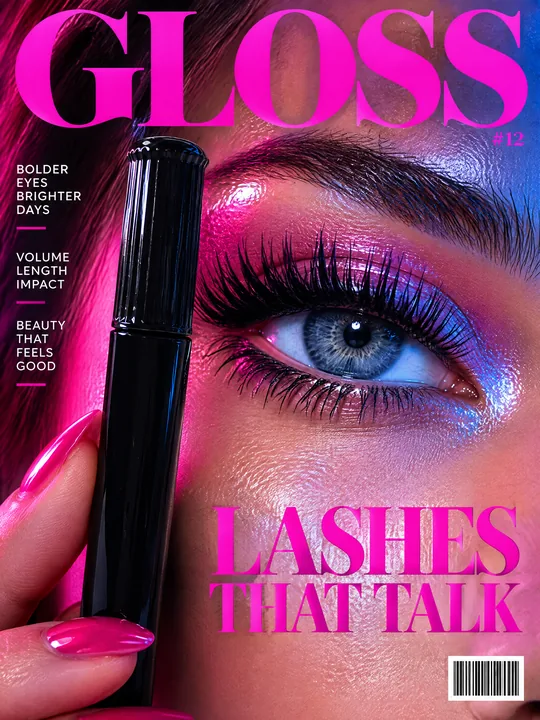 Beauty magazine coverGPT Image 2.5 Flare, 3:4from 2 tokens
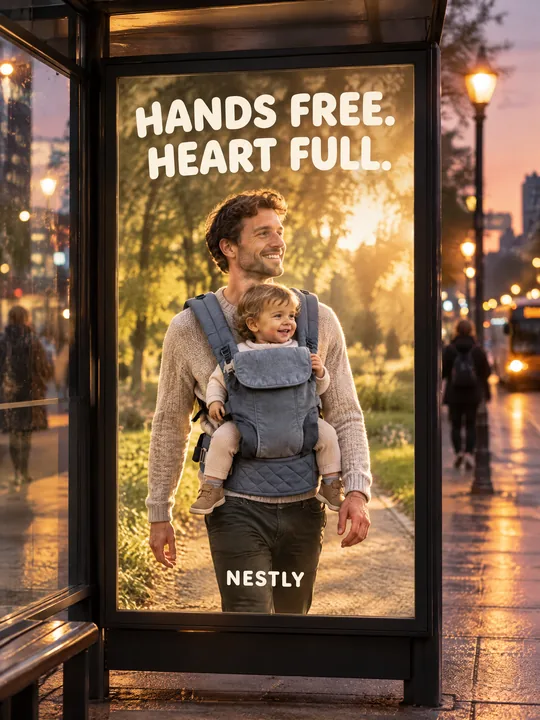 Bus stop posterGPT Image 2.5 Flare, 3:4from 2 tokens
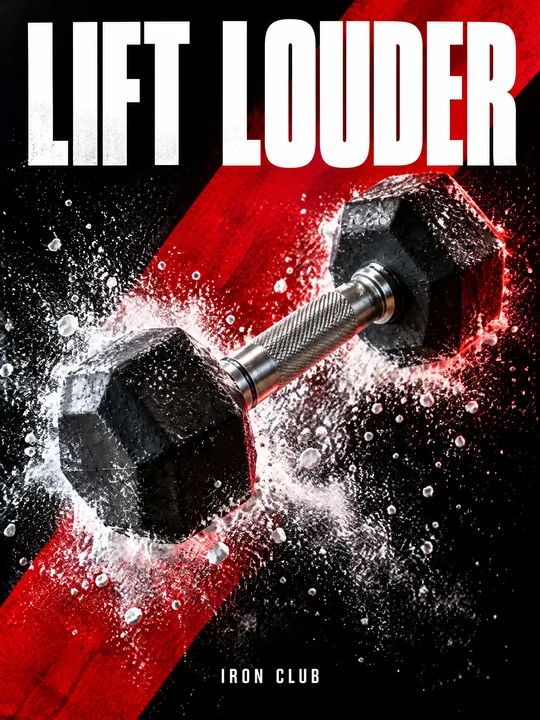 Sports posterGPT Image 2.5 Flare, 3:4from 2 tokens
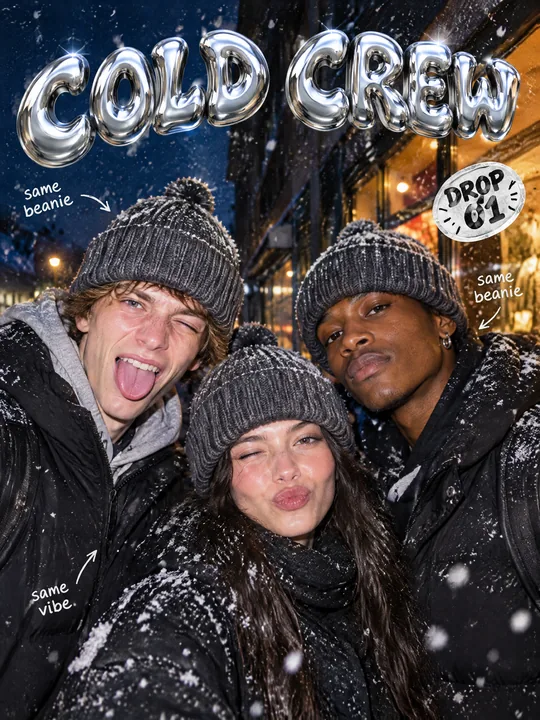 Streetwear drop posterGPT Image 2.5 Flare, 3:4from 2 tokens
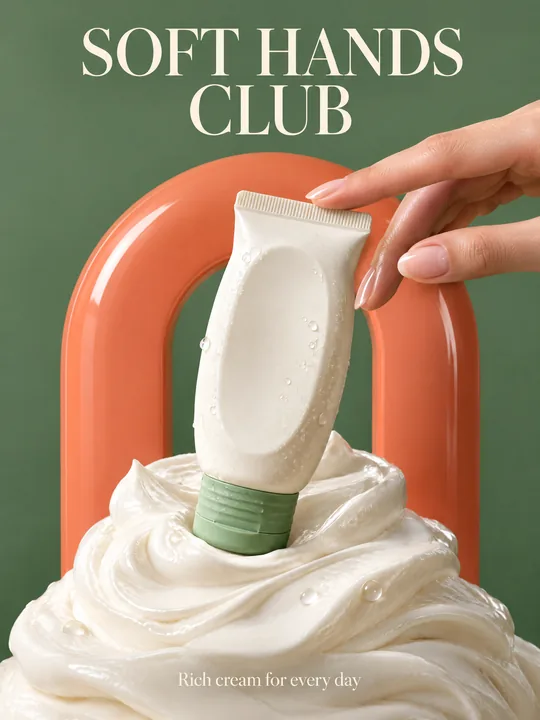 Skincare campaignGPT Image 2.5 Flare, 3:4from 2 tokens
The model and related tools
GPT Image
images up to 4K
up to 16 references
from 2 tokens
Ad posters and banners
17 models
Kling, Nano Banana, GPT Image, Seedream, FLUX, WAN, Z-Image
from 2 tokens
AI image generator
18 models
Kling, Nano Banana, GPT Image, Seedream, FLUX, WAN, Z-Image
from 2 tokens
Marketplace product photos
17 models
Kling, Nano Banana, GPT Image, Seedream, FLUX, WAN
from 2 tokens
Creatives for affiliate marketing
30 models
Kling, Seedance, Veo, Nano Banana, GPT Image, Seedream, FLUX, WAN, MiniMax H3, Z-Image
from 2 tokens
Frequently asked questions
The laptop in the source photo is closed. Where did the keyboard come from?
The model drew it: the prompt asks for an open laptop, and the photo showed only the lid. Compare the keyboard and ports with the real ones. For accuracy add a second photo of the open laptop to the references.
Will the prompt work for headphones, a watch or a speaker?
Yes. Replace laptop with your product and delete the screen sentence if there is no screen. Point the callouts at what is visible from outside: ear cushions, the strap, buttons, the speaker grille.
Can I show my own app on the screen?
Yes. Remove and no interface from the prompt, upload a screenshot to the references and say the screen shows that screenshot. Small interface text can drift, so check it.
Which resolution should I pick?
Try it opens at 2K and medium quality. For a large screen or print raise it to 4K, and for a specific placement set a custom size in pixels. There are five quality levels, and the price on the button changes with them.
How do I make a set of images for a carousel?
Run the prompt several times and keep one callout and its own headline in each run. Every slide then covers one feature, and since the light and background are described the same way, the set comes out in one style.