
Pop art poster from an everyday product photo
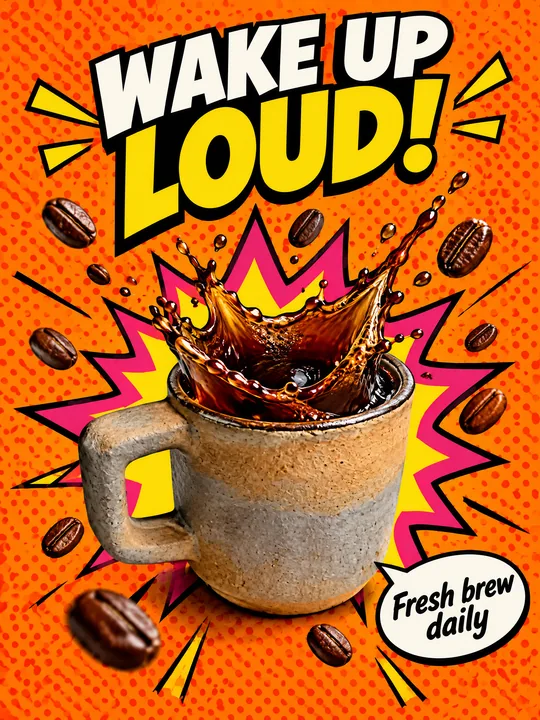
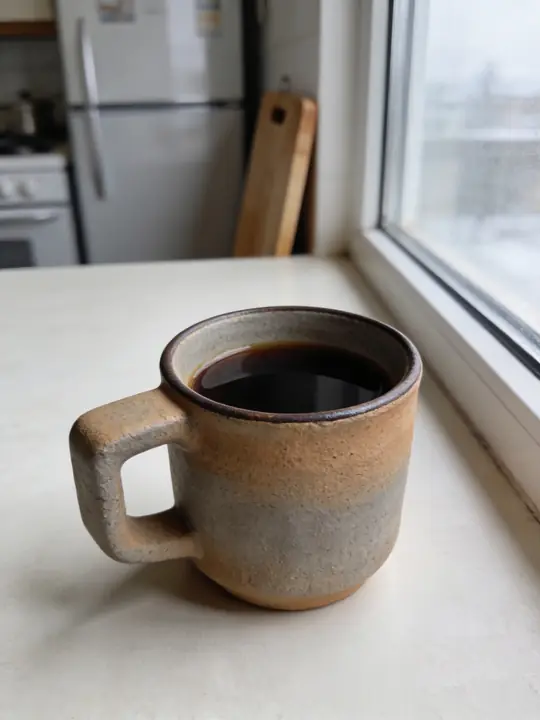
This prompt turns an everyday product photo into a pop art poster: the product stays a photograph, while halftone dots, a comic burst, thick black outlines and a loud headline appear around it. In the example a stoneware mug shot by a kitchen window became a cafe ad with splashing coffee and flying beans. Model GPT Image 2.5 Flare, aspect ratio 3:4. Press Try it in ClickBait and add a photo of your product to the references.
Updated:
The prompt, the source photo and the result
- Model
- GPT Image 2.5 Flare
- Aspect ratio
- 3:4
Use the product from the reference photo exactly as it is: same shape, proportions, colour and material. Do not redesign it and do not print any logo or text on the product itself. Pop-art cafe advertising poster, vertical 3:4. The stoneware cup from the reference is the hero in the centre, a crown of coffee splashing up out of it frozen mid-air, roasted coffee beans flying around. Flat vivid orange background with large halftone dots, a comic-book burst shape behind the cup in hot pink and yellow, thick black outlines. Bold comic headline at the top: "WAKE UP LOUD!" and a small speech bubble: "Fresh brew daily". Bright punchy studio light, glossy liquid detail, a photoreal cup mixed with graphic pop-art elements. All text must be spelled exactly as given, crisp and legible. No other text, no real brand logos.The prompt is in English, the language models follow best. Swap the product, colors and headlines right in the text.
The button opens Photo with this prompt, model and aspect ratio. Add a photo of your product to the references: the prompt is written for it. No account yet? Sign up first, the prompt waits for a day.
How to repeat the poster with your product
Shoot the whole product
A phone shot in daylight is enough: the whole product in frame, no hands, no harsh glare. The background does not matter, the fridge and the cutting board from the example never made it onto the poster.
Open the prompt in Photo
Try it in ClickBait sets GPT Image 2.5 Flare, 3:4, 2K resolution and medium quality, and you can change any of them before the run. Upload your product photo to the references, otherwise the model draws a mug of its own.
Put in your words and run
Replace WAKE UP LOUD! and Fresh brew daily with your own lines and keep the quotes. One run gives 1 to 4 variants, the token price is on the button in advance, and a failed generation returns the tokens on its own.
Which prompt lines to change
- The product: in The stoneware cup from the reference is the hero, swap stoneware cup for yours, such as glass juice bottle or lip balm tube. Change cafe in Pop-art cafe advertising poster to your category.
- The motion: a crown of coffee splashing up and roasted coffee beans flying around describe the splash around the mug. A juice wants orange slices and drops, a snack wants flying chips, a cream wants one thick drop.
- The colors: Flat vivid orange background and the burst in hot pink and yellow set the palette. Use your brand colors but keep large halftone dots and thick black outlines: they are what makes the image pop art.
- The text: the headline sits in quotes after Bold comic headline at the top, the second line lives in the speech bubble. Three or four words read from across the street and are easy to check letter by letter.
- The line to leave alone: a photoreal cup mixed with graphic pop-art elements. It asks for the product to stay a photo among drawn graphics, so buyers recognize it on the shelf. Only swap cup for your product.
Where a poster like this works
Pop art is loud on purpose: the orange field, the burst and the black outlines get noticed in a feed, in a shop window and on a menu board. Use it for a cafe opening, a new flavor, a morning offer or a weekend deal.
The product itself stays real: buyers see the same mug, the same glaze and the same handle as on the shelf. Small label text can come out distorted, so if your packaging carries ingredients or fine print, compare it with the original before you publish.
Where to find it in ClickBait
GPT Image 2.5 Flare lives in ClickBait under the Photo section. Sign up, pick a version from the model list and describe what you want to get.
The token price is shown on the run button before you start. If a generation fails, the tokens go back to your balance automatically.
New accounts created with Google or email get a welcome bonus of 10 tokens. These are promo tokens and expire after 14 days.
More prompts
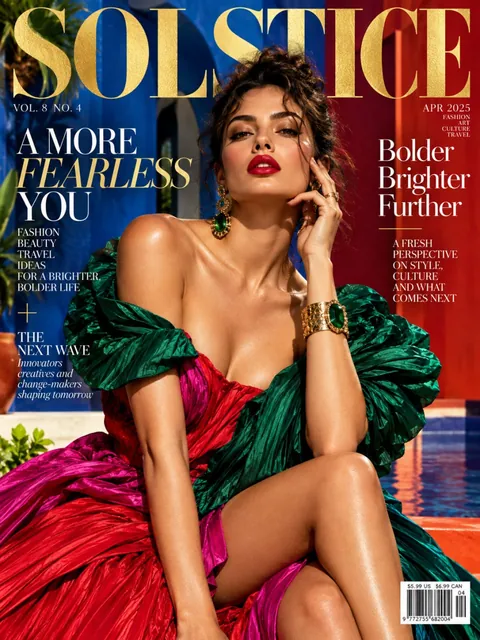 Fashion magazine coverGPT Image 2.5 Sunburst, 3:4from 2 tokens
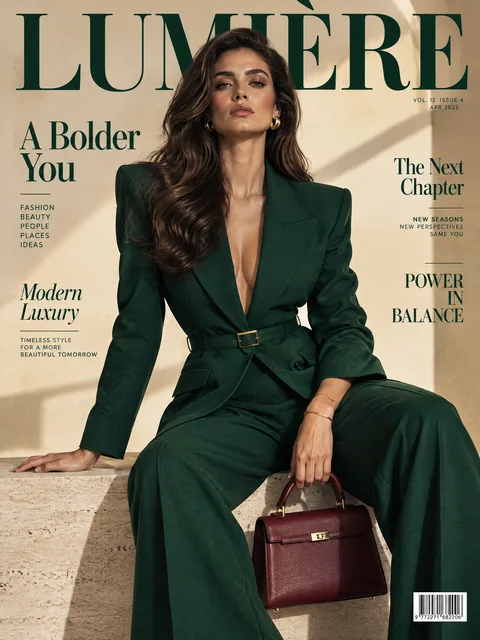 Luxury magazine coverGPT Image 2.5 Flare, 3:4from 2 tokens
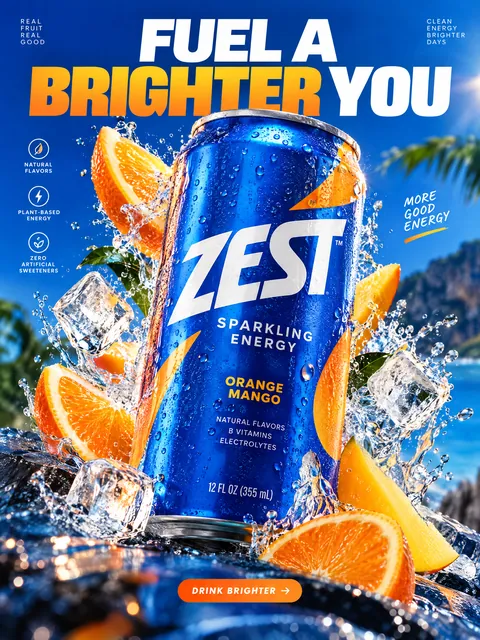 Product ad posterGPT Image 2.5 Sunburst, 3:4from 2 tokens
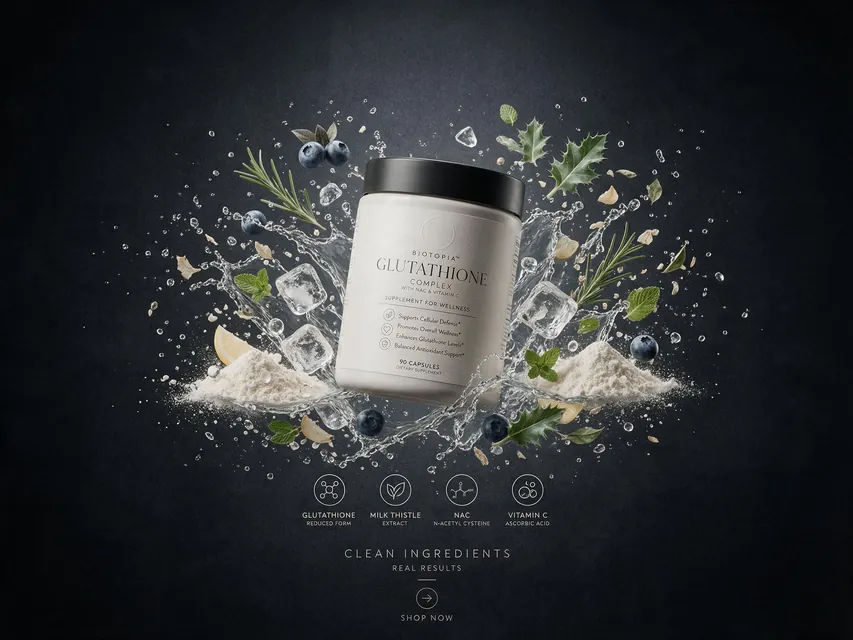 Supplement adSeedream 5.0 Pro, 4:3from 8 tokens
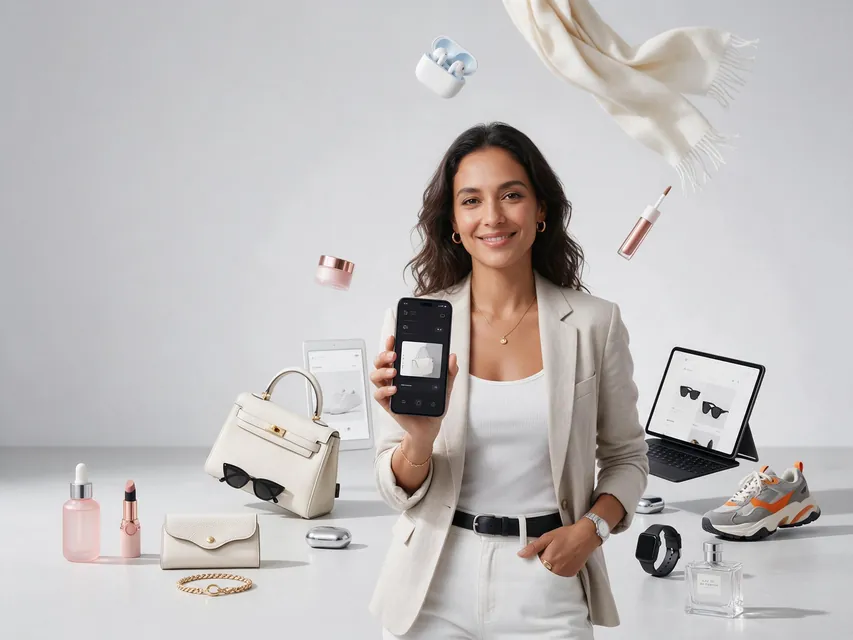 E-commerce adSeedream 5.0 Pro, 4:3from 8 tokens
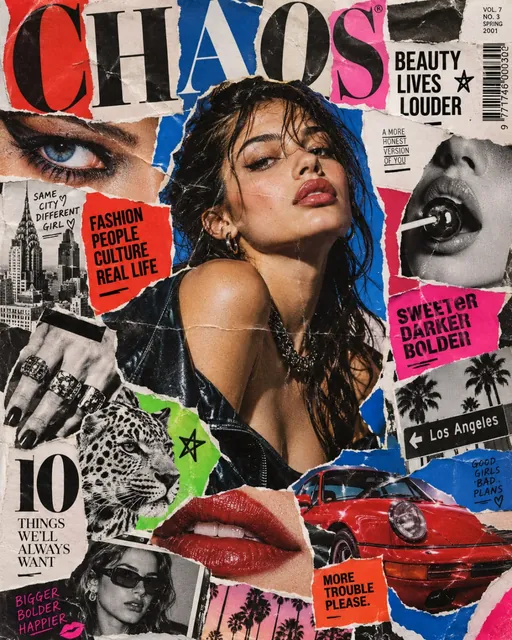 Magazine cutout collageGPT Image 2.5 Sunburst, 4:5from 2 tokens
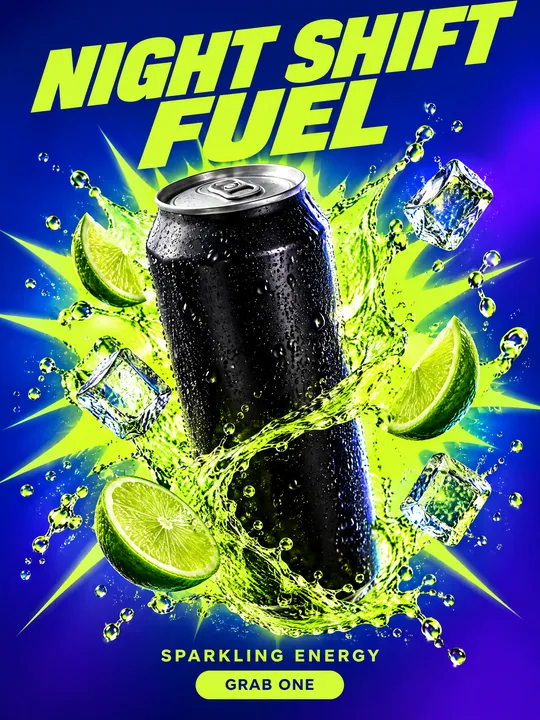 Energy drink posterGPT Image 2.5 Flare, 3:4from 2 tokens
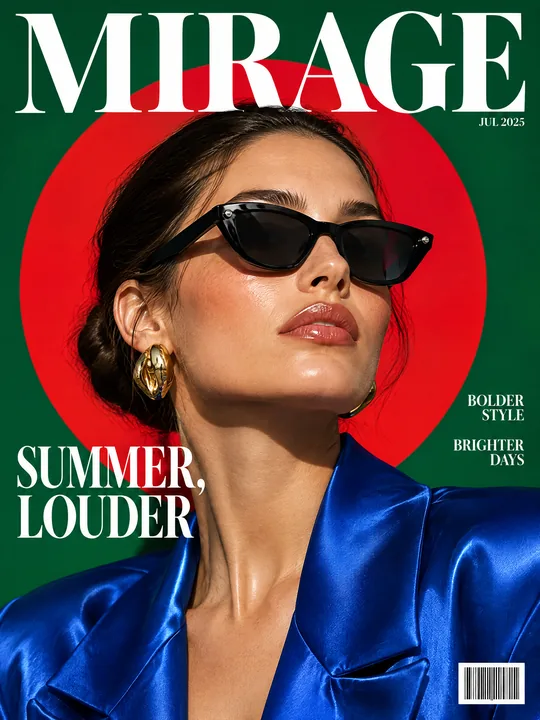 Sunglasses magazine coverGPT Image 2.5 Flare, 3:4from 2 tokens
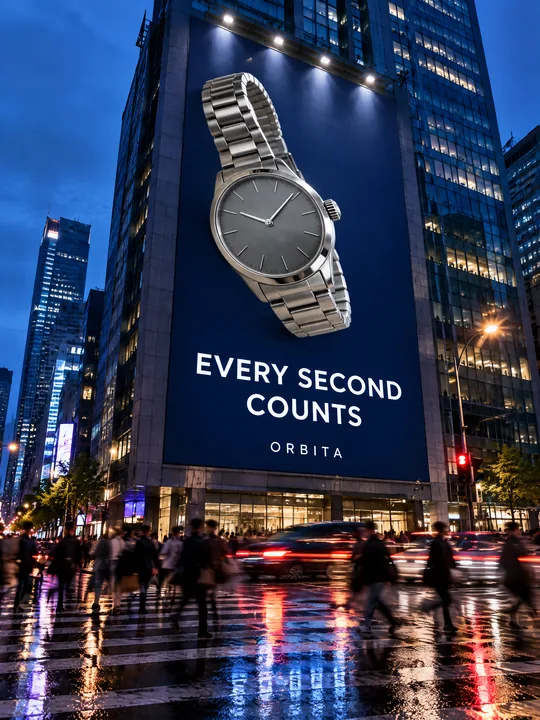 Building billboardGPT Image 2.5 Flare, 3:4from 2 tokens
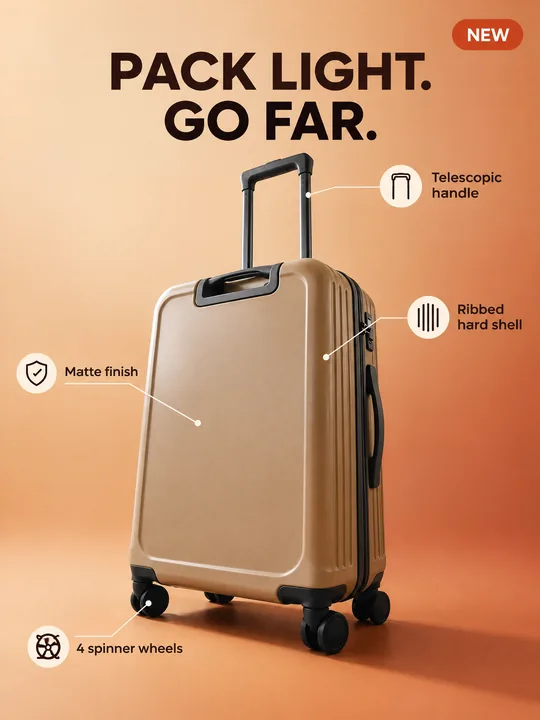 Marketplace infographicGPT Image 2.5 Flare, 3:4from 2 tokens
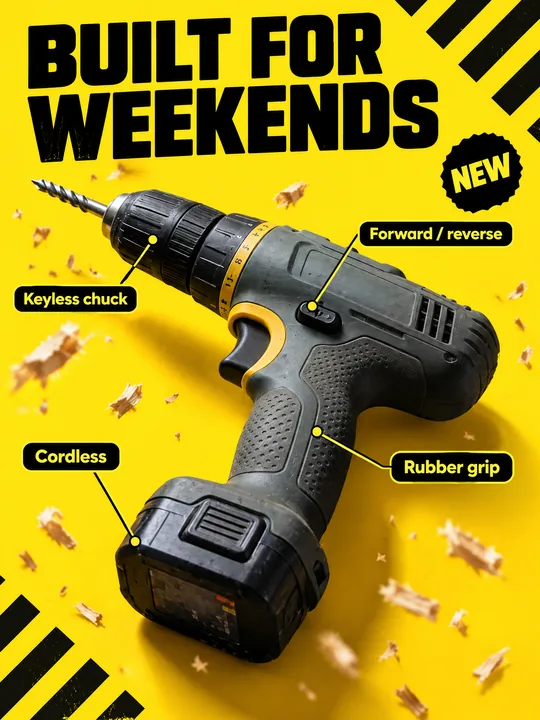 Tool product cardGPT Image 2.5 Flare, 3:4from 2 tokens
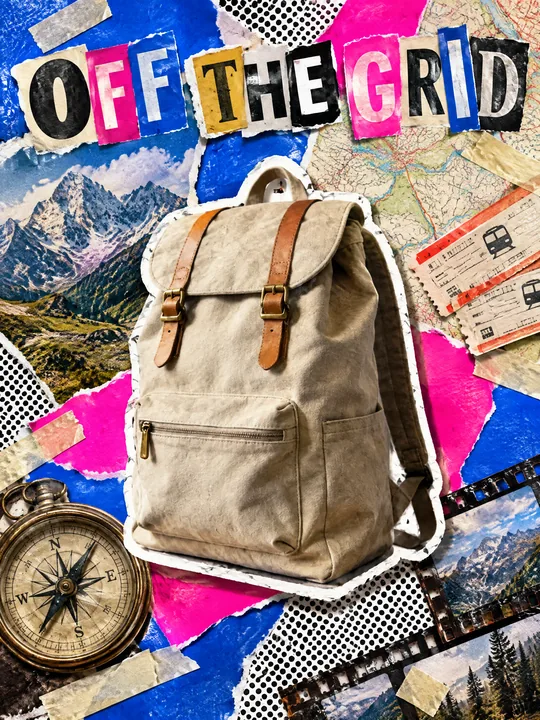 Ransom note collageGPT Image 2.5 Flare, 3:4from 2 tokens
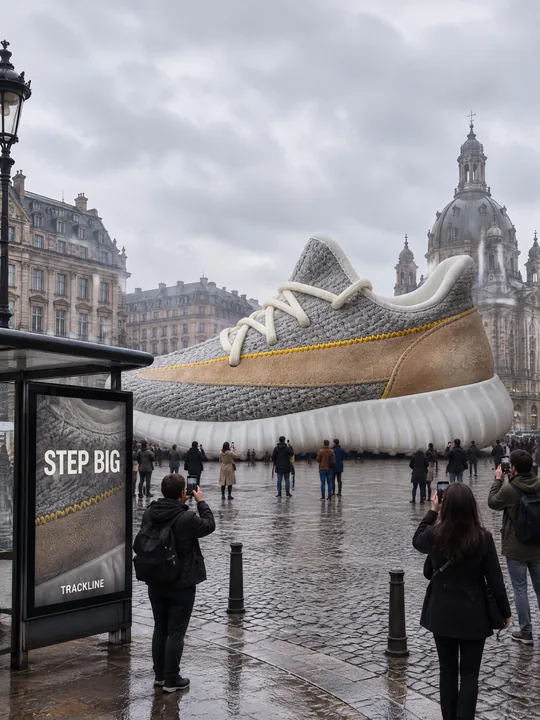 Giant product in the cityGPT Image 2.5 Flare, 3:4from 2 tokens
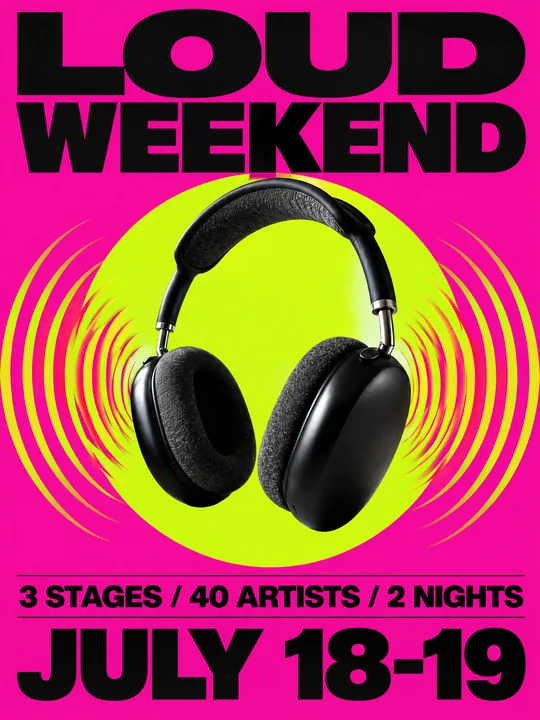 Festival gig posterGPT Image 2.5 Flare, 3:4from 2 tokens
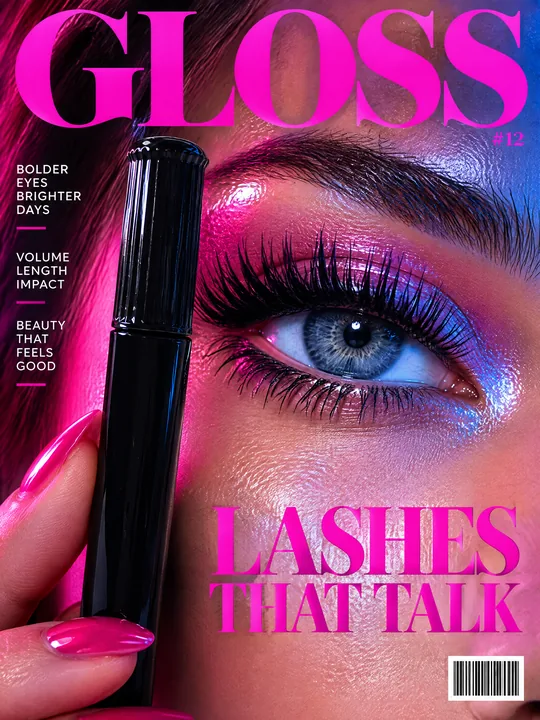 Beauty magazine coverGPT Image 2.5 Flare, 3:4from 2 tokens
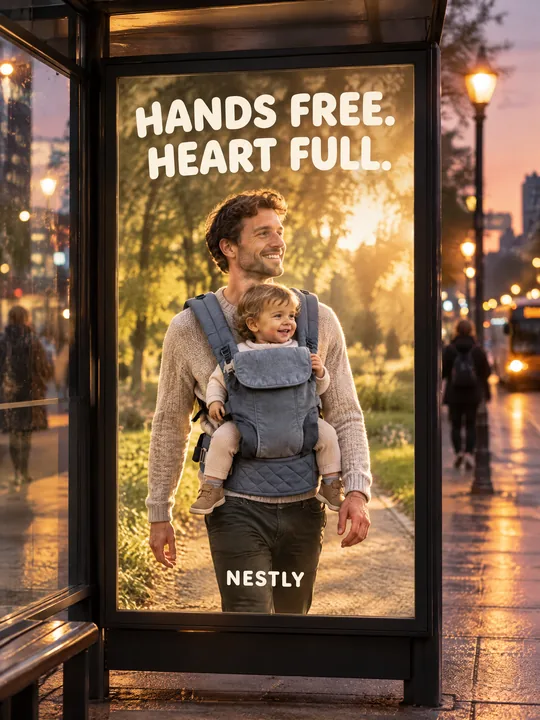 Bus stop posterGPT Image 2.5 Flare, 3:4from 2 tokens
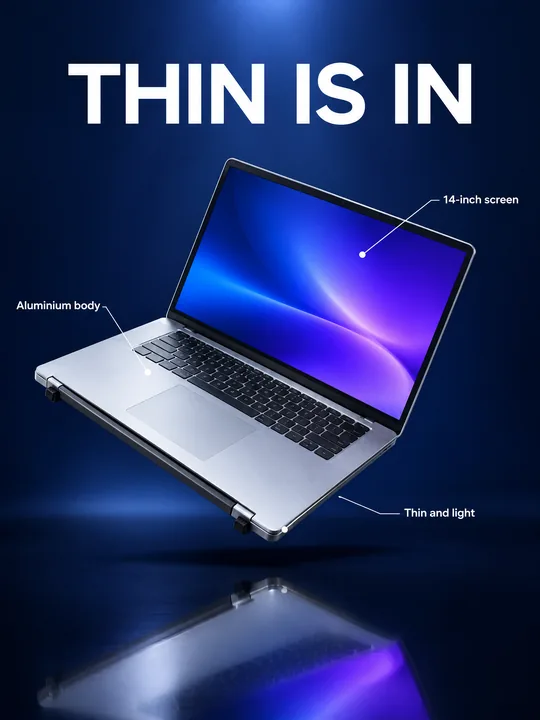 Gadget launch visualGPT Image 2.5 Flare, 3:4from 2 tokens
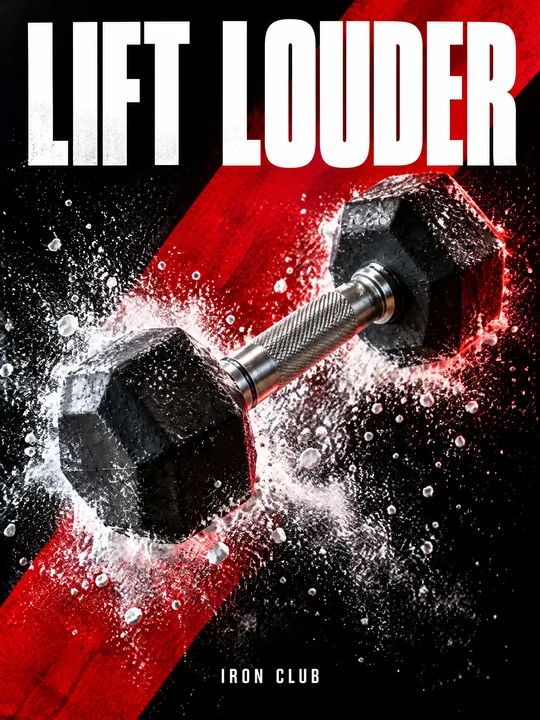 Sports posterGPT Image 2.5 Flare, 3:4from 2 tokens
 Streetwear drop posterGPT Image 2.5 Flare, 3:4from 2 tokens
 Skincare campaignGPT Image 2.5 Flare, 3:4from 2 tokens
The model and related tools
GPT Image
images up to 4K
up to 16 references
from 2 tokens
Ad posters and banners
17 models
Kling, Nano Banana, GPT Image, Seedream, FLUX, WAN, Z-Image
from 2 tokens
AI image generator
18 models
Kling, Nano Banana, GPT Image, Seedream, FLUX, WAN, Z-Image
from 2 tokens
Marketplace product photos
17 models
Kling, Nano Banana, GPT Image, Seedream, FLUX, WAN
from 2 tokens
Creatives for affiliate marketing
30 models
Kling, Seedance, Veo, Nano Banana, GPT Image, Seedream, FLUX, WAN, MiniMax H3, Z-Image
from 2 tokens
Frequently asked questions
Will the mug on the poster be mine or a lookalike?
Yours. The first lines of the prompt ask for the product from the photo as it is: same shape, proportions, colour and material. The model keeps shape, color and large lettering, and in the example both glaze bands and the square handle matched. Small label text can drift, so check it.
My product has a logo. What happens to it?
The prompt was written for a product without lettering: the line do not print any logo or text on the product itself asks the model not to print anything on it. If the logo from your photo has to stay, replace that line with keep the original logo exactly as in the photo and check the result. Use logos of other brands only with permission from the rights holder.
Does the prompt work for products other than coffee?
Yes. Pop art does not care what sits in the center: a soda can, a snack pack, a lipstick or a sneaker. Change the product, the splash around it and the word cafe in the text, and keep the halftone, the burst and the outlines.
Why was the example made with GPT Image 2.5 Flare?
Photo labels this model as fast generation. It takes up to 16 references, outputs 1K, 2K or 4K, supports a custom size in pixels and has 5 quality levels. Try it opens it at 2K and medium quality, and you can raise both before the run.
How many variants do I get and what does it cost?
One run gives 1 to 4 images. The token price is on the run button before you start, so the total is never a surprise. If a generation fails, the tokens come back to your balance on their own.