
Marketplace infographic from an amateur product photo
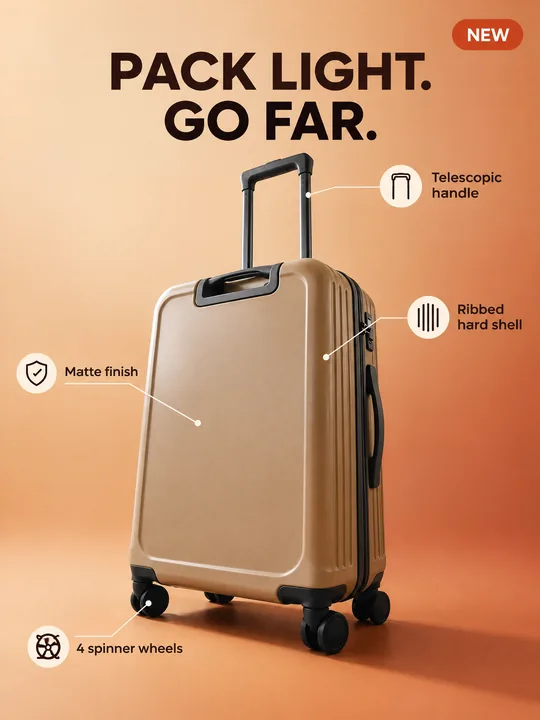
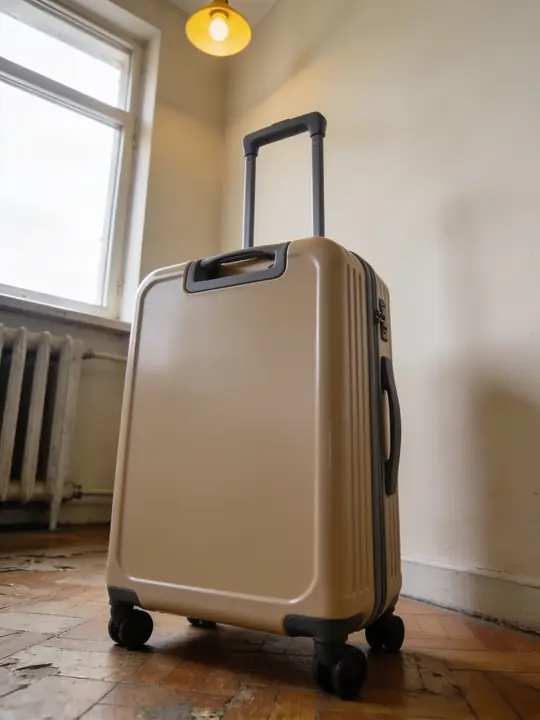
This prompt turns an amateur product photo into a listing card with an infographic: the product at a three-quarter angle on a warm gradient, four labels with thin lines to its real parts, a big headline and a NEW badge. The example started as a suitcase shot from below on an old parquet floor. Made with GPT Image 2.5 Flare at 3:4. Press Try it in ClickBait, add your product photo and rewrite the labels for its parts.
Updated:
The prompt, the source and the listing card
- Model
- GPT Image 2.5 Flare
- Aspect ratio
- 3:4
Use the product from the reference photo exactly as it is: same shape, proportions, colour and material. Do not redesign it and do not print any logo or text on the product itself. Marketplace product listing card, vertical 3:4, clean high-converting e-commerce infographic. The suitcase from the reference stands at a slight three-quarter angle in the centre on a warm sand-to-terracotta gradient with a long soft shadow. Four neat callout labels with thin leader lines point to its real parts: "Telescopic handle", "Ribbed hard shell", "4 spinner wheels", "Matte finish". Big bold headline at the top: "PACK LIGHT. GO FAR." A small rounded badge in the top corner: "NEW". Modern sans-serif typography, simple line icons, soft studio light, premium marketplace look. All text must be spelled exactly as given, crisp and legible. No other text, no real brand logos.The prompt is in English, the language models follow best. Swap the product, colors and headlines right in the text.
The button opens Photo with this prompt, model and aspect ratio. Add a photo of your product to the references: the prompt is written for it. No account yet? Sign up first, the prompt waits for a day.
What to change for your product
- The labels. The line Four neat callout labels with thin leader lines point to its real parts asks for the lines to lead to actual parts. Label what the photo shows: for a backpack that could be "Padded straps" and "Front pocket", for a kettle "Glass body" and "Steel lid".
- The number of callouts. Four can become three or five, but then the number of quoted labels should match. The model spells short labels of two or three words more cleanly.
- The icons. The words simple line icons add an icon next to each label, as in the example. For plain text without icons, remove them from the prompt.
- The background. warm sand-to-terracotta gradient was picked for a beige suitcase. Choose a gradient a shade darker than your product or one that contrasts with it, and keep long soft shadow: the shadow sets the product on a surface.
- Headline and badge. Replace PACK LIGHT. GO FAR. with a short, true promise about your product. Keep the NEW badge only if the product really is new.
How to make a card for your product
Shoot the whole product
A phone photo works, even one taken from below under a yellow lamp, as in the example. What matters is that the whole product is in frame and the parts the lines will point to are clear. If a key part is on the back, add a second shot.
Rewrite the labels
Try it in ClickBait opens Photo with GPT Image 2.5 Flare, 3:4, 2K and medium quality. Add the photo to the references and replace the four quoted labels with the parts of your product.
Set the size and check the letters
If a marketplace asks for an exact size, GPT Image 2.5 Flare accepts a custom size in pixels. After the run, check every label letter by letter: one run gives 1 to 4 variants.
Where a card like this comes in handy
It is a slide for a marketplace listing: one of the images where a buyer sees what the product is made of. Check the marketplace rules before uploading, since each one sets its own requirements for images and text.
For a product line, keep one prompt and change only the product, the labels and the headline: that makes it easier to keep one background, font and icon style across the series. The same image works for feed ads and an online store page.
Where to find it in ClickBait
GPT Image 2.5 Flare lives in ClickBait under the Photo section. Sign up, pick a version from the model list and describe what you want to get.
The token price is shown on the run button before you start. If a generation fails, the tokens go back to your balance automatically.
New accounts created with Google or email get a welcome bonus of 10 tokens. These are promo tokens and expire after 14 days.
More prompts
 Fashion magazine coverGPT Image 2.5 Sunburst, 3:4from 2 tokens
 Luxury magazine coverGPT Image 2.5 Flare, 3:4from 2 tokens
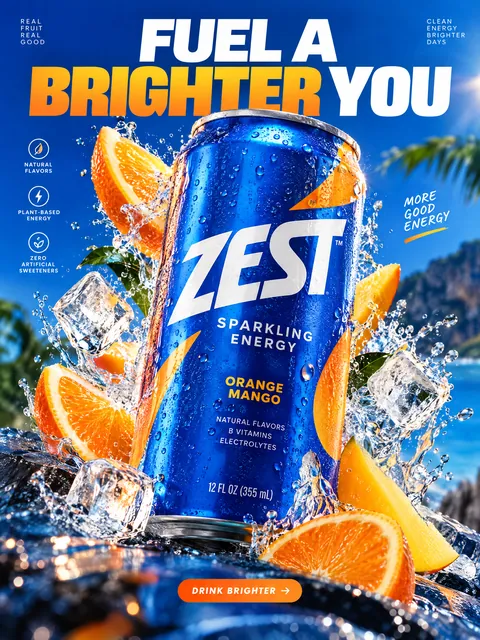 Product ad posterGPT Image 2.5 Sunburst, 3:4from 2 tokens
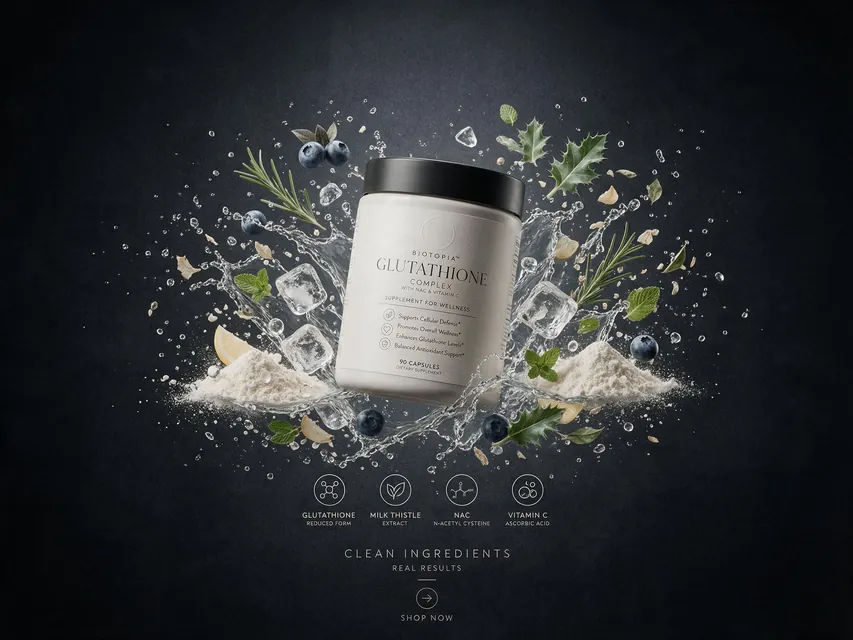 Supplement adSeedream 5.0 Pro, 4:3from 8 tokens
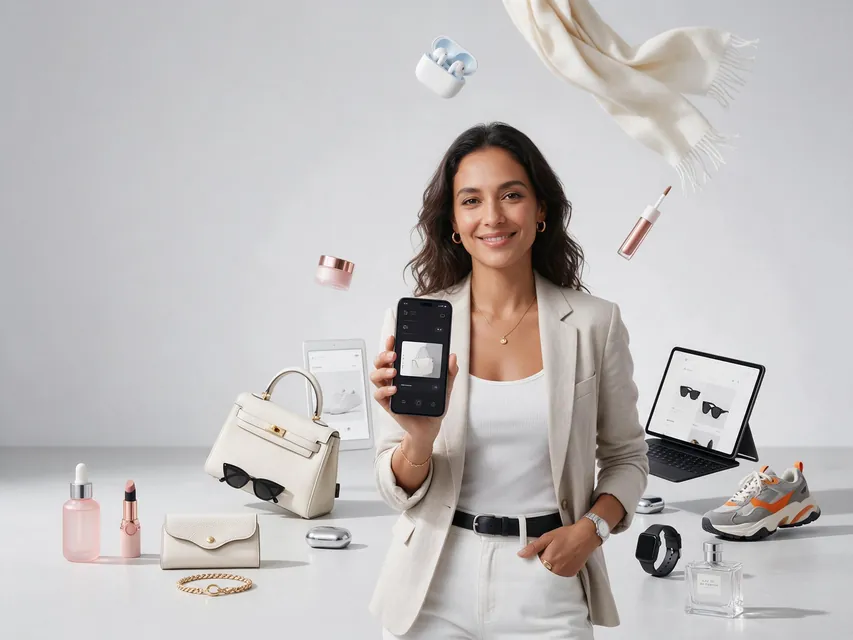 E-commerce adSeedream 5.0 Pro, 4:3from 8 tokens
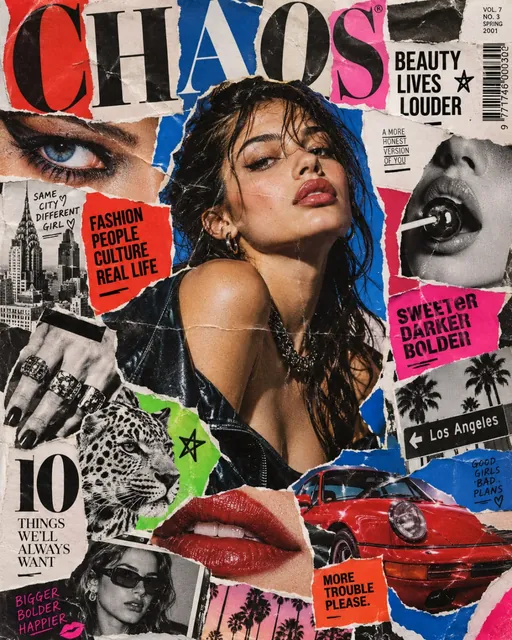 Magazine cutout collageGPT Image 2.5 Sunburst, 4:5from 2 tokens
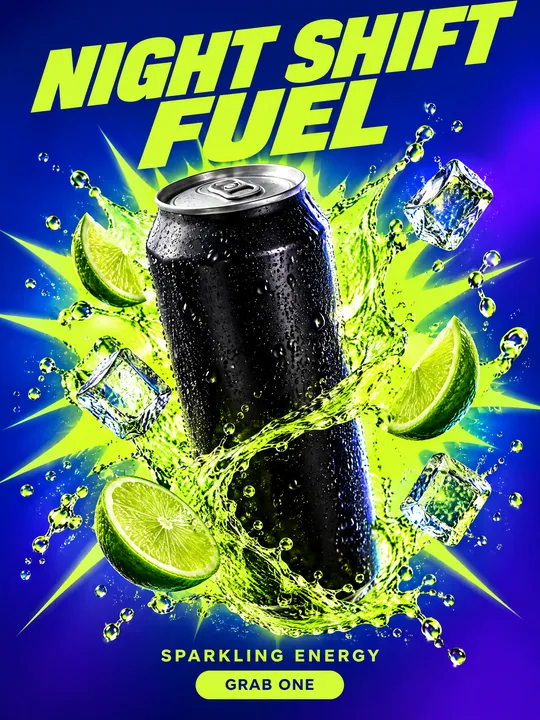 Energy drink posterGPT Image 2.5 Flare, 3:4from 2 tokens
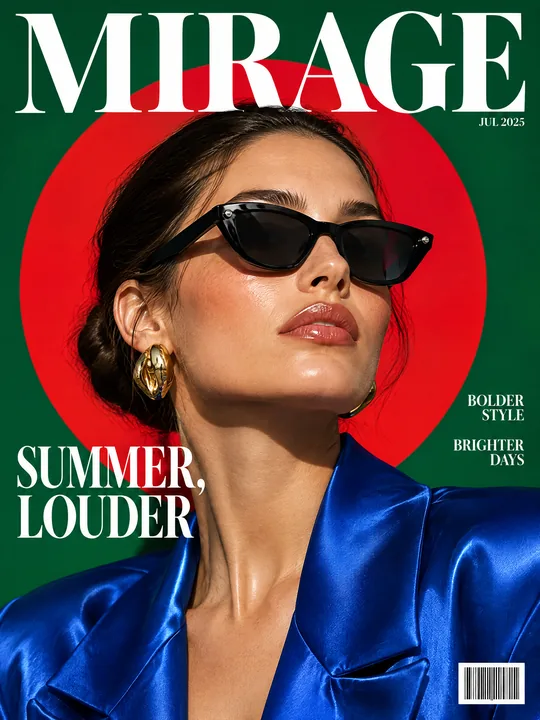 Sunglasses magazine coverGPT Image 2.5 Flare, 3:4from 2 tokens
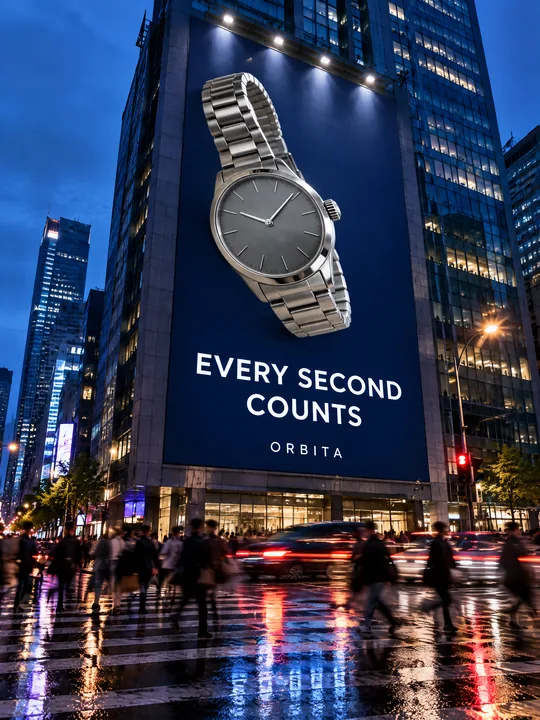 Building billboardGPT Image 2.5 Flare, 3:4from 2 tokens
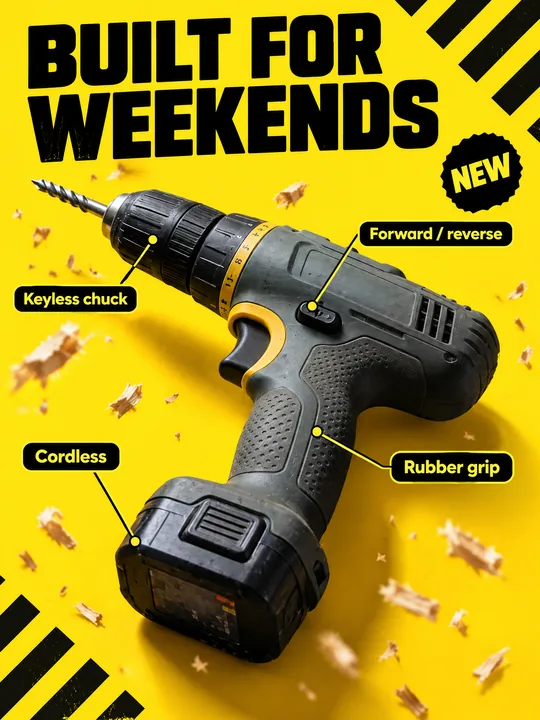 Tool product cardGPT Image 2.5 Flare, 3:4from 2 tokens
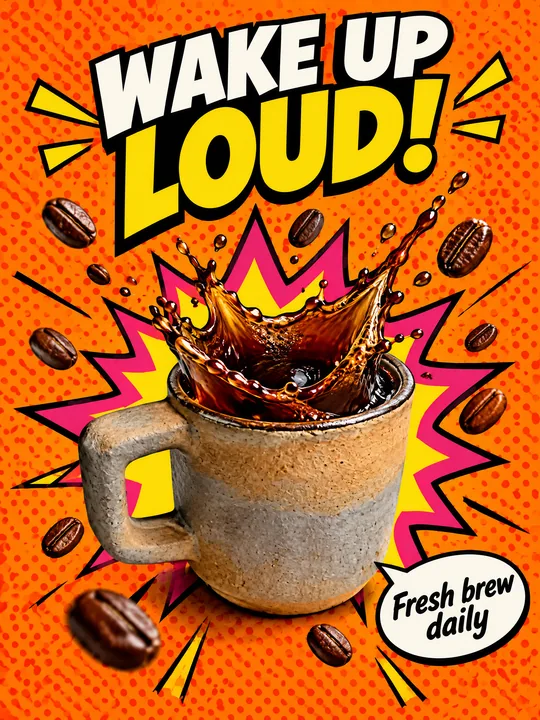 Pop art posterGPT Image 2.5 Flare, 3:4from 2 tokens
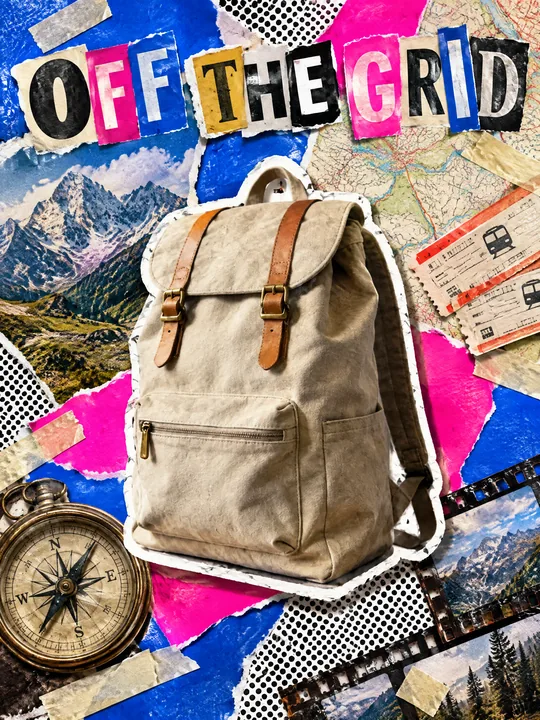 Ransom note collageGPT Image 2.5 Flare, 3:4from 2 tokens
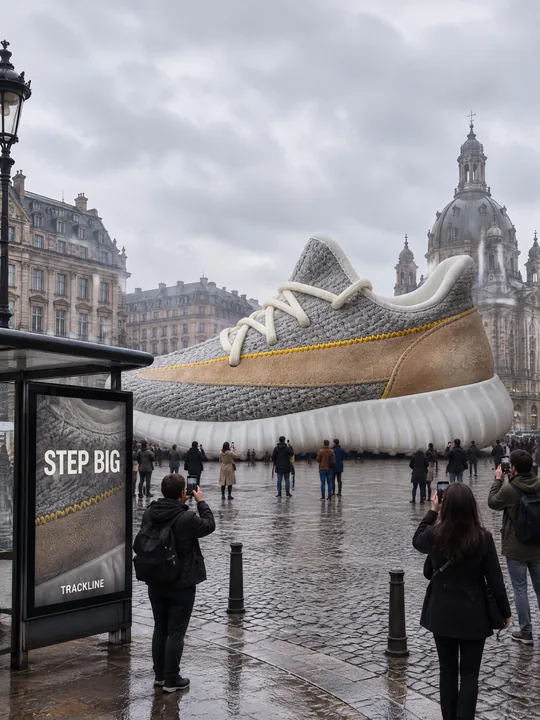 Giant product in the cityGPT Image 2.5 Flare, 3:4from 2 tokens
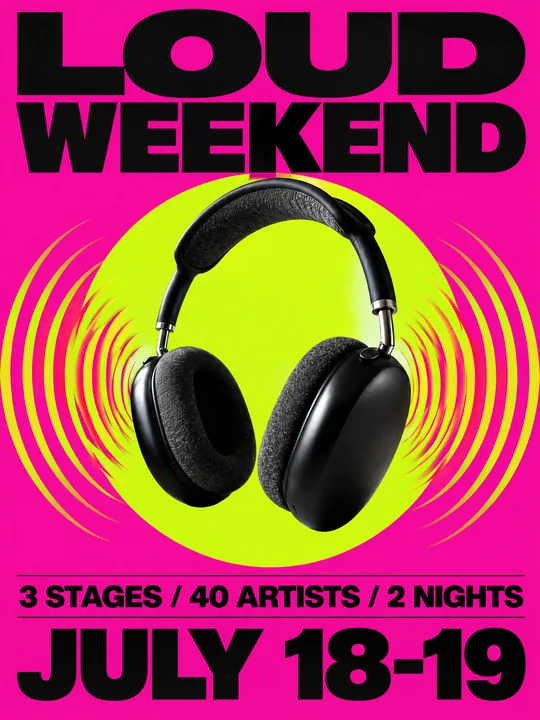 Festival gig posterGPT Image 2.5 Flare, 3:4from 2 tokens
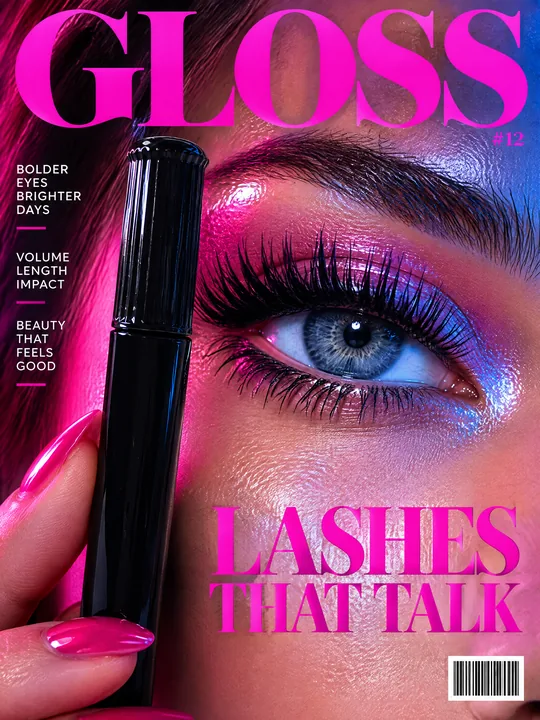 Beauty magazine coverGPT Image 2.5 Flare, 3:4from 2 tokens
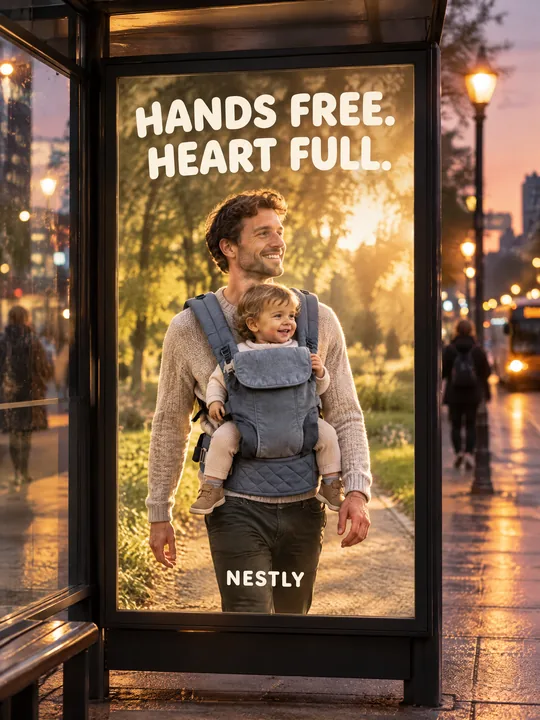 Bus stop posterGPT Image 2.5 Flare, 3:4from 2 tokens
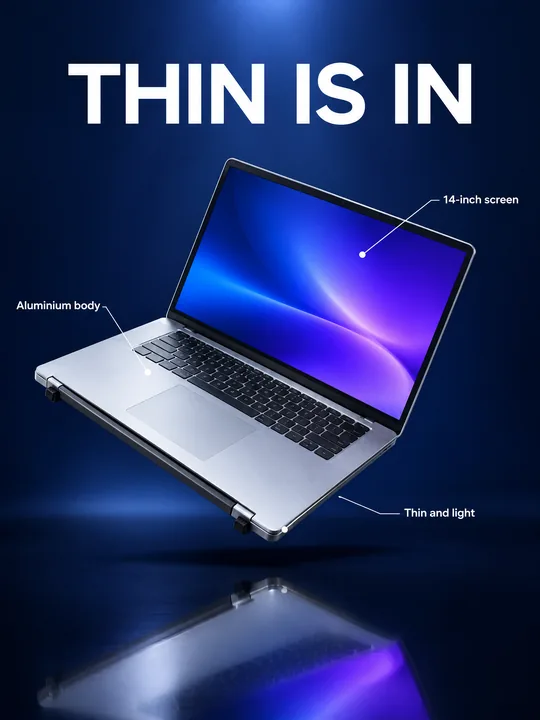 Gadget launch visualGPT Image 2.5 Flare, 3:4from 2 tokens
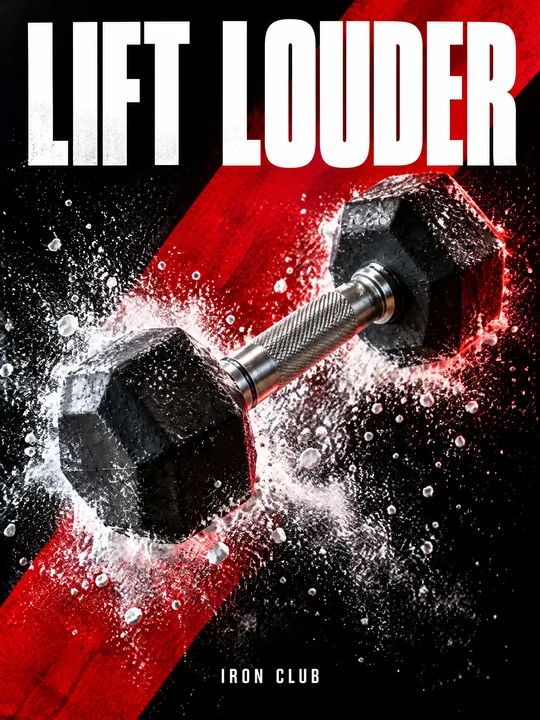 Sports posterGPT Image 2.5 Flare, 3:4from 2 tokens
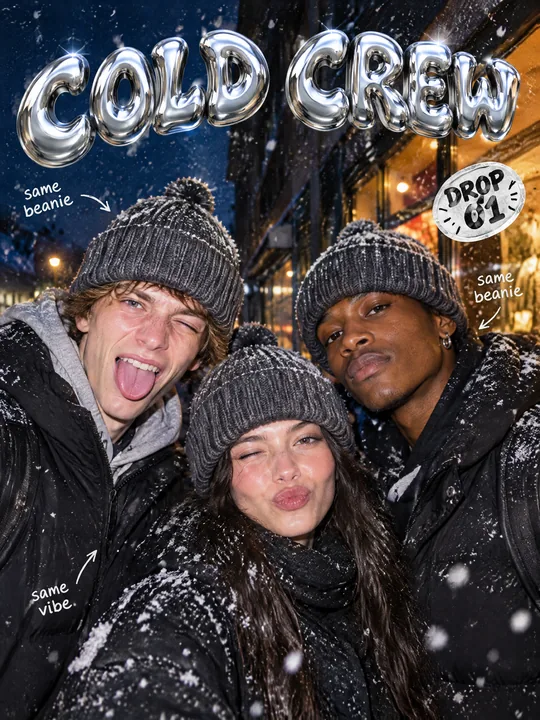 Streetwear drop posterGPT Image 2.5 Flare, 3:4from 2 tokens
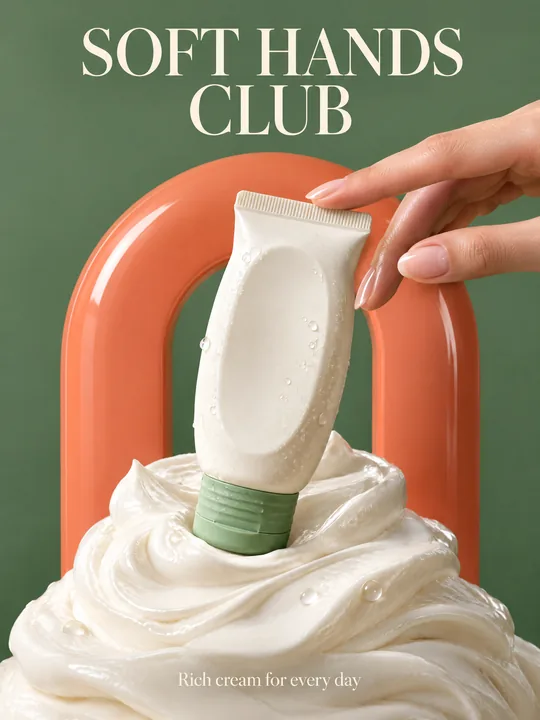 Skincare campaignGPT Image 2.5 Flare, 3:4from 2 tokens
The model and related tools
GPT Image
images up to 4K
up to 16 references
from 2 tokens
Ad posters and banners
17 models
Kling, Nano Banana, GPT Image, Seedream, FLUX, WAN, Z-Image
from 2 tokens
AI image generator
18 models
Kling, Nano Banana, GPT Image, Seedream, FLUX, WAN, Z-Image
from 2 tokens
Marketplace product photos
17 models
Kling, Nano Banana, GPT Image, Seedream, FLUX, WAN
from 2 tokens
Creatives for affiliate marketing
30 models
Kling, Seedance, Veo, Nano Banana, GPT Image, Seedream, FLUX, WAN, MiniMax H3, Z-Image
from 2 tokens
Frequently asked questions
Can the labels be in another language?
Yes, replace the English labels in quotes with your own. Keep them short, two or three words, and check every letter on the result. If a word breaks, run it again or add the text on top of the finished image.
Why do the lines point to real parts?
The prompt asks for the callouts to lead to actual parts of the product in the photo. So label what the photo shows: the handle, the wheels, the ribs of the shell. Parts that are not in the photo would have to be invented.
Does the prompt work for other products?
Yes, for any product with clear parts: a backpack, a kettle, a chair, a toy. Change the word suitcase, the labels and the gradient color, and the rest of the text can stay.
Which image size should I use for a marketplace?
The example is 3:4. If your marketplace asks for an exact size, set it in pixels: GPT Image 2.5 Flare supports that on top of the ready 1K, 2K and 4K. Check the image requirements in your marketplace rules.
How many card variants do I get per run?
1 to 4 per run. The token price is on the button before you start, and a failed generation returns the tokens on its own.