
Magazine cutout collage prompt
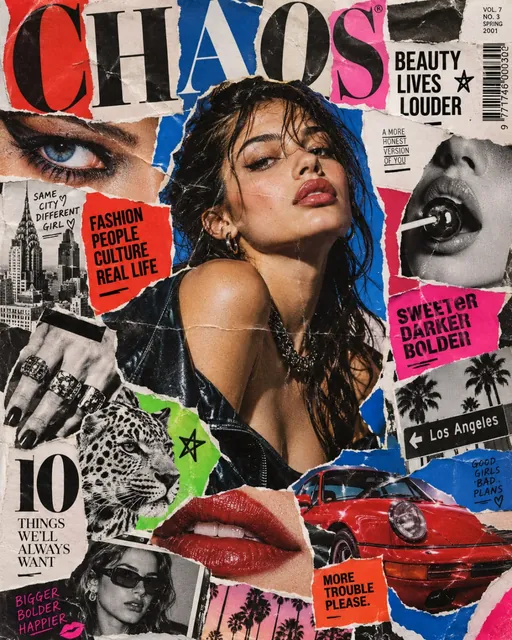
This prompt makes an ad poster that looks like a handmade collage from magazine cutouts, in the spirit of nineties zines: photo fragments with torn and clean edges, halftone print, curled corners and big letters cut from different magazines. The hero sits in the center among eyes, lips, a city and a car. The example came from GPT Image 2.5 Sunburst at 4:5.
Updated:
The prompt and an example
- Model
- GPT Image 2.5 Sunburst
- Aspect ratio
- 4:5
Create a bold high-end advertising poster in the style of a handmade magazine cutout collage, vertical 4:5.

The composition should look physically assembled from real glossy fashion magazines, printed advertisements, editorial photographs and colored paper.

MAIN VISUAL:

A striking hero subject / product placed prominently near the center.

Build the composition from multiple overlapping magazine cutouts:

fashion photography,
product close-ups,
cropped hands,
eyes,
faces,
fabric textures,
objects,
architecture,
bold color fields,
small fragments of printed editorial imagery.

Every element should have clearly visible physical paper edges.

Use a mixture of:

clean scissor-cut edges,
slightly irregular hand-cut contours,
occasional torn-paper edges,
visible white paper borders,
overlapping layers,
folds,
tiny wrinkles,
subtle paper shadows.

The collage must feel tactile and physically constructed on a flat surface.

STYLE:

1990s-2000s fashion editorial collage,
independent magazine art direction,
luxury editorial meets DIY scrapbook,
punk fashion zine influence,
modern advertising campaign,
graphic design poster.

COLOR:

very bold saturated palette,
cobalt blue,
hot red,
acid green,
magenta,
orange,
black,
white.

Strong contrasting color blocking.

Do not use muted beige tones.

PRINT TEXTURE:

visible CMYK printing,
fine halftone dots,
slight ink misregistration,
subtle photocopy texture,
offset printing imperfections,
paper grain,
glossy magazine reflections,
soft scanner noise,
slight edge discoloration.

Some cutouts can have different print quality:
high-gloss fashion magazine,
matte newspaper,
photocopied black-and-white image,
vintage color print.

TYPOGRAPHY:

large fragmented editorial typography integrated into the collage.

Use oversized serif letters,
bold condensed sans-serif,
cropped headlines,
partial words,
page numbers,
small captions,
barcode fragments,
editorial symbols,
arrows,
numbers.

Typography may overlap subjects and extend outside the frame.

Some letters should look physically cut from different magazines rather than digitally typeset.

Keep the composition sophisticated and intentionally art-directed, not chaotic.

LAYOUT:

strong visual hierarchy,
large hero subject,
secondary cutout elements framing it,
asymmetrical editorial composition,
intentional negative space,
layered depth created by real paper overlap and shadows.

Use diagonal elements and cropped shapes to create movement.

LIGHTING:

the final collage is photographed or scanned as a real physical artwork.

Soft directional studio light,
small realistic shadows underneath each paper layer,
visible thickness of paper,
subtle curled corners,
glossy highlights on coated magazine paper.

CAMERA:

top-down flat-lay or slightly angled editorial photography,
sharp macro paper detail,
high-resolution scan quality,
controlled depth of field.

The result should feel like a real handmade fashion magazine collage photographed for a premium advertising campaign.

MOOD:

bold,
fashion-forward,
graphic,
youthful,
rebellious,
art-directed,
colorful,
premium,
slightly raw.

Avoid:
clean digital vector collage,
perfect digital masking,
AI melting,
3D floating objects,
smooth synthetic edges,
minimal beige aesthetic,
random scrapbook clutter,
cute craft aesthetic,
wedding scrapbook style,
plastic CGI materials,
generic social media template.
The prompt is in English, the language models follow best. Swap the product, colors and headlines right in the text.
The button opens the Photo section with this prompt, model and aspect ratio. No account yet? Sign up first, the prompt waits for a day.
How the prompt gets a paper texture
By default a model glues images together too cleanly and the collage looks digital. The prompt breaks this three ways: it asks for visible paper edges and a shadow under every layer, describes print flaws such as halftone dots and ink misregistration, and asks for the finished collage to be shot from above like a real piece on a table.
The Avoid block closes the usual failures: perfect masks, smooth edges, floating 3D objects and beige minimalism. So even with a new hero and palette the collage still looks handmade.
How to build a collage with your product
Set the hero
In the MAIN VISUAL block replace hero subject / product with your product or person. With a photo in the references the model takes it from there, GPT Image 2.5 takes up to 16.
Choose the words
The model invents the large letters on its own. For your own words quote them in the TYPOGRAPHY block, for example "SUMMER DROP".
Run it in Photo
Try it in ClickBait opens the prompt with GPT Image 2.5 Sunburst and a 4:5 aspect ratio. One run gives 1 to 4 variants.
Where a collage like this works
- A collection or drop announcement in the feed and stories.
- A podcast, playlist or brand magazine cover.
- An ad creative that has to stand out among polished ad images.
- An event poster with the date and venue in large cut out letters.
Where to find it in ClickBait
GPT Image 2.5 Sunburst lives in ClickBait under the Photo section. Sign up, pick a version from the model list and describe what you want to get.
The token price is shown on the run button before you start. If a generation fails, the tokens go back to your balance automatically.
New accounts created with Google or email get a welcome bonus of 10 tokens. These are promo tokens and expire after 14 days.
More prompts
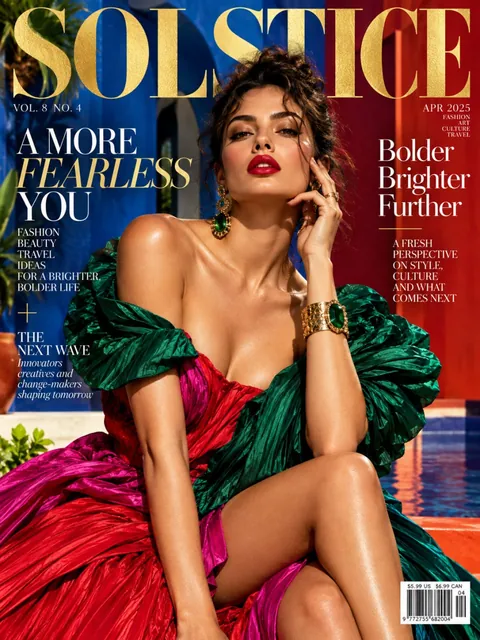 Fashion magazine coverGPT Image 2.5 Sunburst, 3:4from 2 tokens
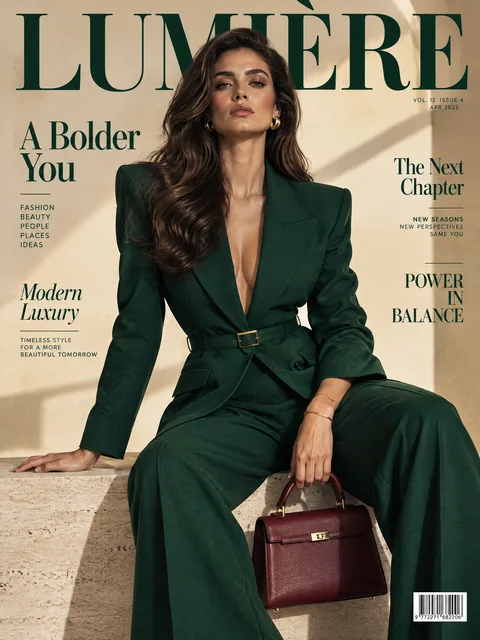 Luxury magazine coverGPT Image 2.5 Flare, 3:4from 2 tokens
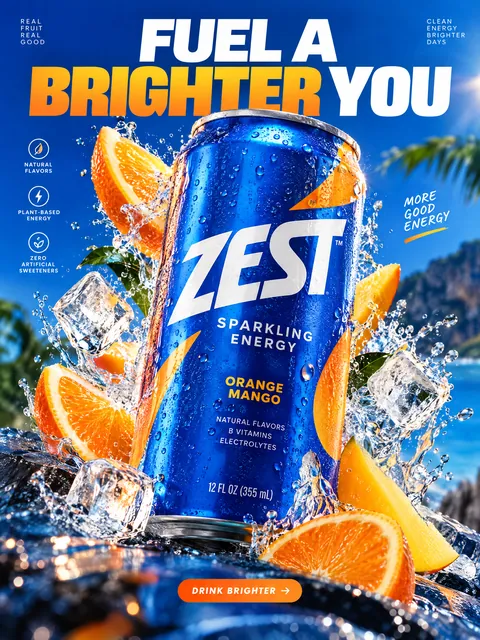 Product ad posterGPT Image 2.5 Sunburst, 3:4from 2 tokens
 Supplement adSeedream 5.0 Pro, 4:3from 8 tokens
 E-commerce adSeedream 5.0 Pro, 4:3from 8 tokens
 Energy drink posterGPT Image 2.5 Flare, 3:4from 2 tokens
 Sunglasses magazine coverGPT Image 2.5 Flare, 3:4from 2 tokens
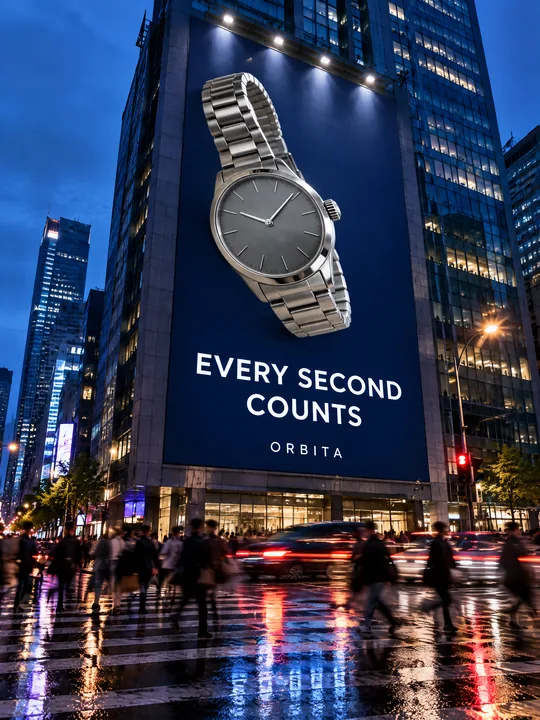 Building billboardGPT Image 2.5 Flare, 3:4from 2 tokens
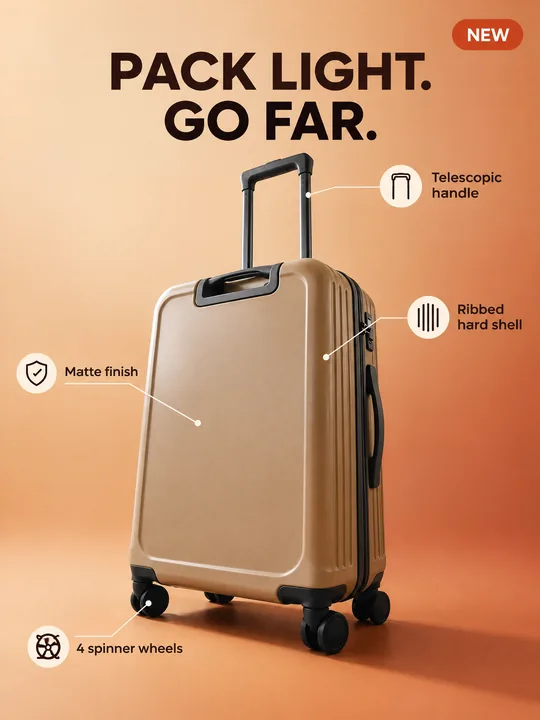 Marketplace infographicGPT Image 2.5 Flare, 3:4from 2 tokens
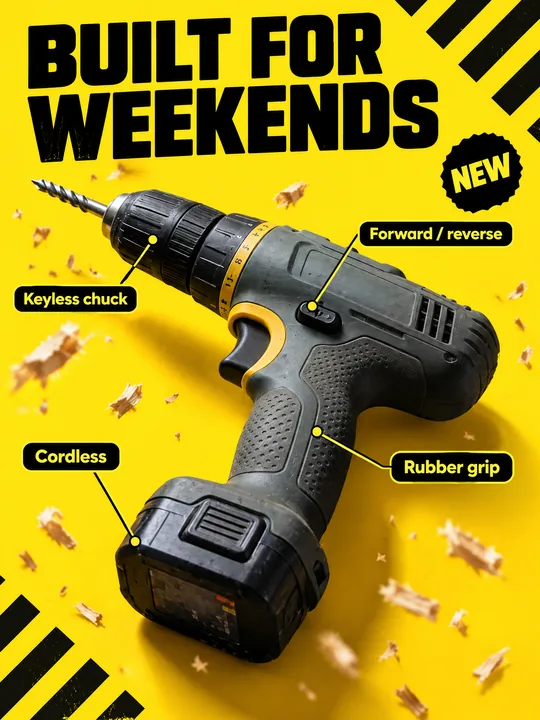 Tool product cardGPT Image 2.5 Flare, 3:4from 2 tokens
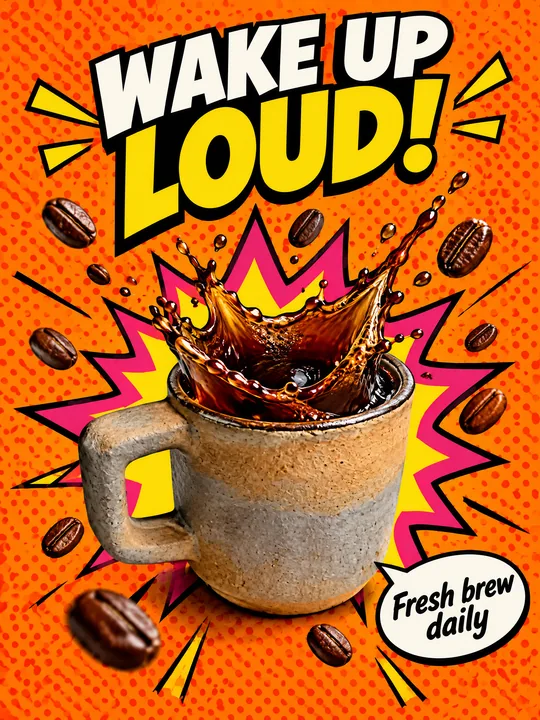 Pop art posterGPT Image 2.5 Flare, 3:4from 2 tokens
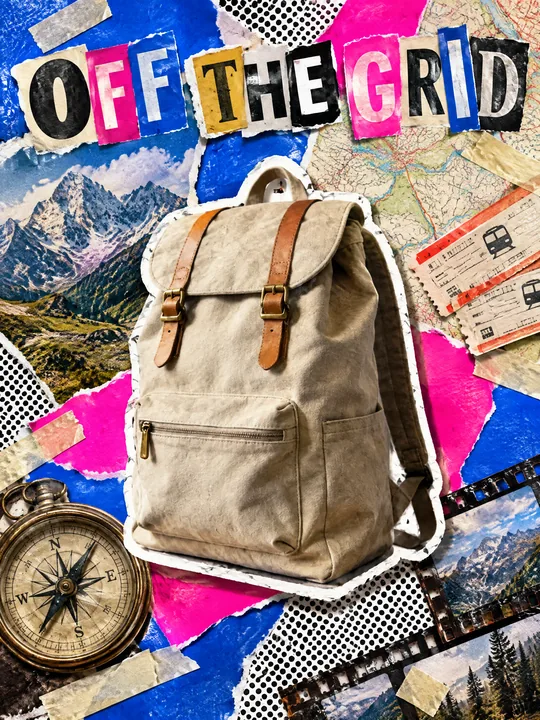 Ransom note collageGPT Image 2.5 Flare, 3:4from 2 tokens
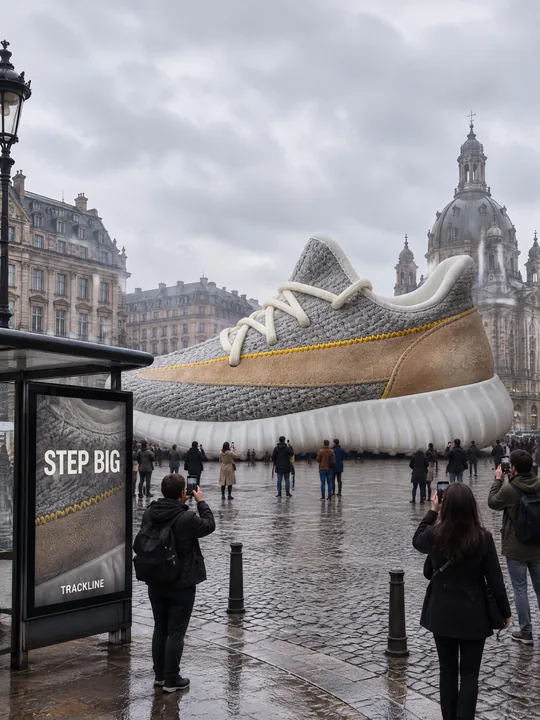 Giant product in the cityGPT Image 2.5 Flare, 3:4from 2 tokens
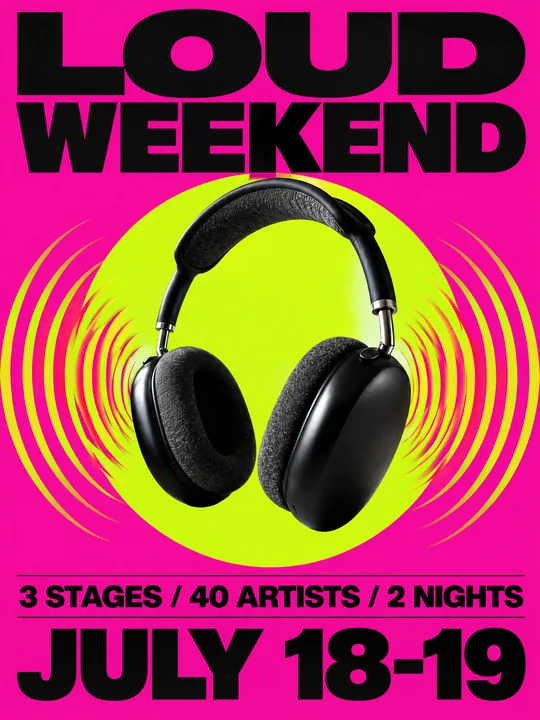 Festival gig posterGPT Image 2.5 Flare, 3:4from 2 tokens
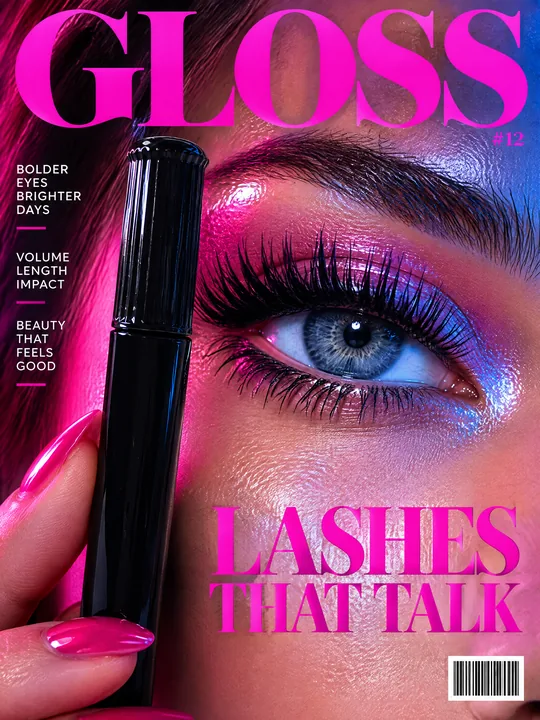 Beauty magazine coverGPT Image 2.5 Flare, 3:4from 2 tokens
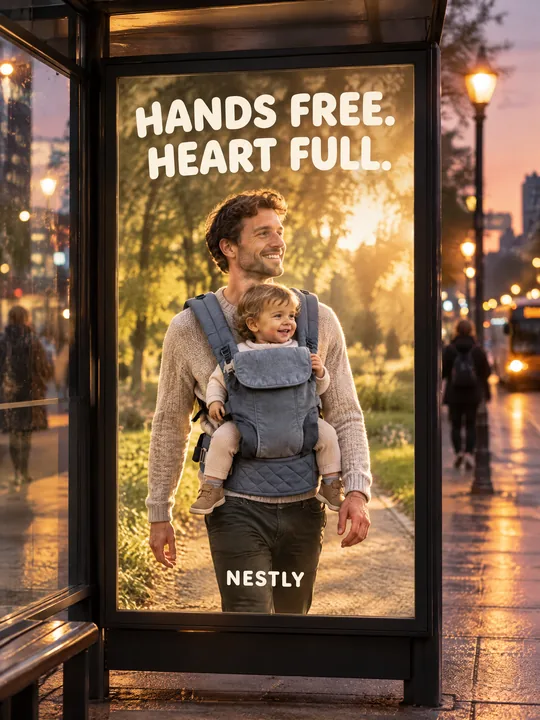 Bus stop posterGPT Image 2.5 Flare, 3:4from 2 tokens
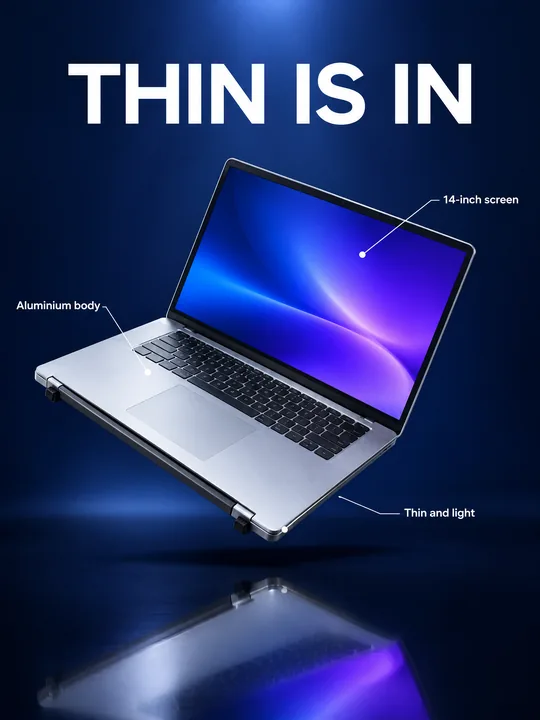 Gadget launch visualGPT Image 2.5 Flare, 3:4from 2 tokens
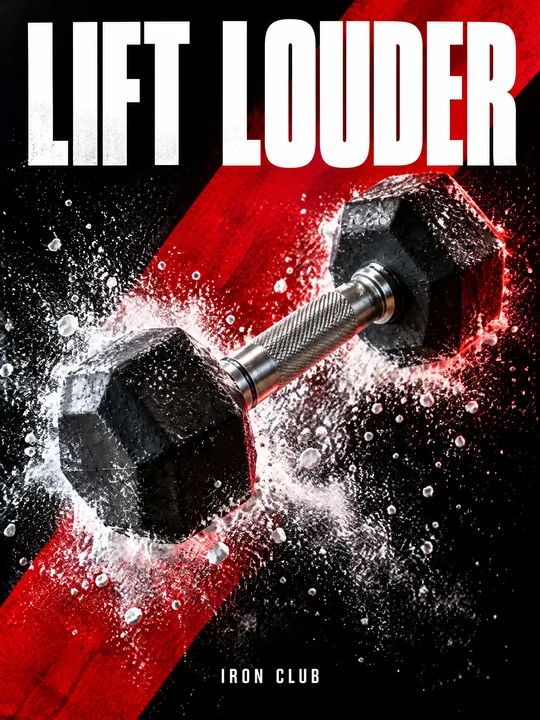 Sports posterGPT Image 2.5 Flare, 3:4from 2 tokens
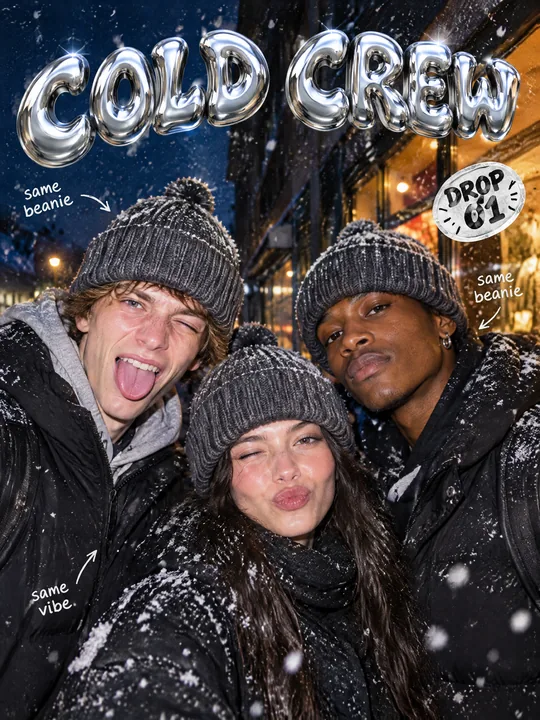 Streetwear drop posterGPT Image 2.5 Flare, 3:4from 2 tokens
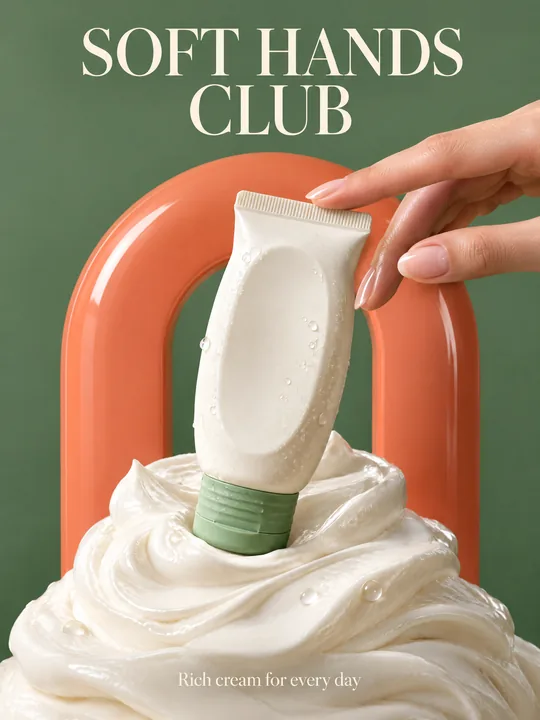 Skincare campaignGPT Image 2.5 Flare, 3:4from 2 tokens
The model and related tools
GPT Image
images up to 4K
up to 16 references
from 2 tokens
Ad posters and banners
17 models
Kling, Nano Banana, GPT Image, Seedream, FLUX, WAN, Z-Image
from 2 tokens
AI image generator
18 models
Kling, Nano Banana, GPT Image, Seedream, FLUX, WAN, Z-Image
from 2 tokens
Marketplace product photos
17 models
Kling, Nano Banana, GPT Image, Seedream, FLUX, WAN
from 2 tokens
Creatives for affiliate marketing
30 models
Kling, Seedance, Veo, Nano Banana, GPT Image, Seedream, FLUX, WAN, MiniMax H3, Z-Image
from 2 tokens
Frequently asked questions
Can I make a collage with my product?
Yes. Upload the product photo to the references and say in MAIN VISUAL that it is the center piece. The model picks the other cutouts to match the style.
Why does the example say CHAOS when the prompt does not?
The prompt asks for large editorial typography but sets no words, so the model invents them. To get your own title, quote it in the TYPOGRAPHY block.
The collage comes out too busy, what can I do?
The prompt already asks for sophisticated and not chaotic. If there are still too many cutouts, cut the MAIN VISUAL list to three or four themes and drop small TYPOGRAPHY items such as arrows and page numbers.
Can I make the collage in other colors?
Yes, the COLOR block lists the colors. Replace them with your brand palette, but keep the line about contrasting color blocking, it carries the energy of the collage.
Which aspect ratio works best for a collage?
The example is 4:5, the feed format. Pick 9:16 for stories and 3:4 for a poster. The token price is on the run button before you start.