
Streetwear drop poster prompt from a photo of your piece
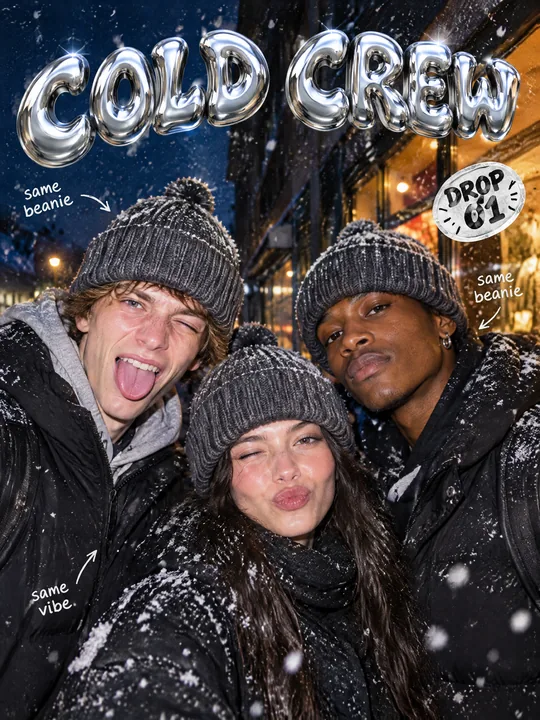
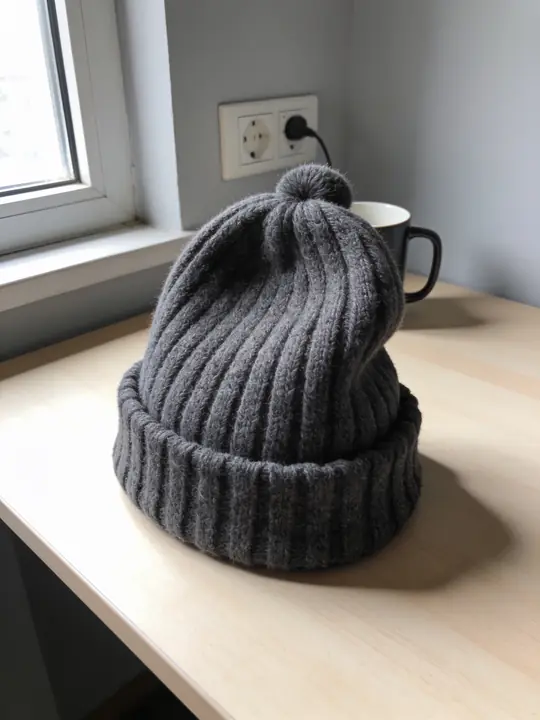
This prompt makes a poster for a streetwear drop: three friends wearing the same piece goof around under a direct flash on a snowy night street, with chrome bubble letters in Y2K style on top and a sticker with the drop number on the side. The source was a grey knit beanie on a table, and GPT Image 2.5 Flare built the poster at 3:4. Add a photo of your piece to the references and change the name and the drop number.
Updated:
The prompt and an example: a beanie from a table on three friends
- Model
- GPT Image 2.5 Flare
- Aspect ratio
- 3:4
Use the product from the reference photo exactly as it is: same shape, proportions, colour and material. Do not redesign it and do not print any logo or text on the product itself. Streetwear brand drop poster, vertical 3:4. Three friends of different looks stand close together on a snowy street at night, all wearing exactly the beanie from the reference (same charcoal ribbed knit and deep folded cuff). Direct on-camera flash, snowflakes frozen in the light, deep blue night behind, a warm shop window glowing. Big chrome bubble lettering in Y2K style across the top: "COLD CREW". A sticker-style badge "DROP 01" and a few small handwritten notes with arrows. Film grain, candid energy, like a streetwear drop announcement. All text must be spelled exactly as given, crisp and legible. No other text, no real brand logos.The prompt is in English, the language models follow best. Swap the product, colors and headlines right in the text.
The button opens Photo with this prompt, model and aspect ratio. Add a photo of your product to the references: the prompt is written for it. No account yet? Sign up first, the prompt waits for a day.
Why it reads as a drop announcement
A drop announcement looks more like a party snapshot than a catalog page. The prompt builds exactly that: a flash straight in the face (Direct on-camera flash), snowflakes frozen in its light, film grain and friends goofing around for the camera. On top go chrome bubble letters, on the side a DROP 01 sticker, around them handwritten notes with arrows.
The piece shows up three times, since all three friends wear the beanie. In the example the color, the knit and the cuff from the bracketed description matched on everyone, and the model took the pompom from the photo on its own: the text never mentions it. That is why the photo of the piece matters as much as the text.
What to change for your piece
- The piece and its features: the beanie from the reference (same charcoal ribbed knit and deep folded cuff). Name your item and two or three traits the photo shows: color, texture, cut.
- The crew: Three friends of different looks. Two or five work too, or a single skater. The fewer people, the larger the piece in frame.
- The season: on a snowy street at night and snowflakes frozen in the light. For a summer collection move the scene to a rooftop at sunset and keep the flash and the grain.
- The text: "COLD CREW" and "DROP 01". The collection name and the drop number, short and in quotes.
- The notes: a few small handwritten notes with arrows. The prompt gives them no words, so the model wrote its own: same beanie and same vibe. For yours, add them in quotes, such as "friday 7 pm".
How to prepare the photo of the piece
Show the whole piece
A beanie can stand on a table, a hoodie can lie on the floor or hang on a hanger. The cut, the fabric texture and details like patches and drawstrings should be visible.
Shoot by a window
The model takes the color from the photo, and under a yellow lamp a grey piece can come out beige and end up beige on the poster. Daylight, as in the example, is safer.
Add a second angle
Shoot a back print or a side patch separately and upload it as a second reference: GPT Image 2.5 Flare takes up to 16. Check small text on a patch in the result, it can drift.
Where to find it in ClickBait
GPT Image 2.5 Flare lives in ClickBait under the Photo section. Sign up, pick a version from the model list and describe what you want to get.
The token price is shown on the run button before you start. If a generation fails, the tokens go back to your balance automatically.
New accounts created with Google or email get a welcome bonus of 10 tokens. These are promo tokens and expire after 14 days.
More prompts
 Fashion magazine coverGPT Image 2.5 Sunburst, 3:4from 2 tokens
 Luxury magazine coverGPT Image 2.5 Flare, 3:4from 2 tokens
 Product ad posterGPT Image 2.5 Sunburst, 3:4from 2 tokens
 Supplement adSeedream 5.0 Pro, 4:3from 8 tokens
 E-commerce adSeedream 5.0 Pro, 4:3from 8 tokens
 Magazine cutout collageGPT Image 2.5 Sunburst, 4:5from 2 tokens
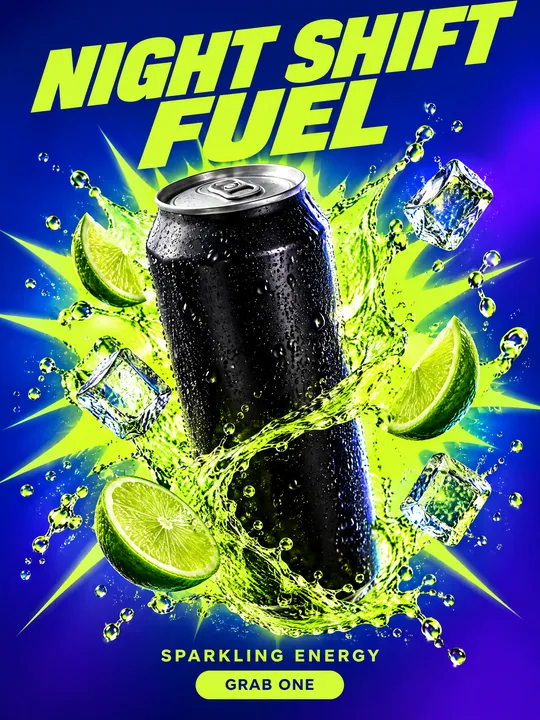 Energy drink posterGPT Image 2.5 Flare, 3:4from 2 tokens
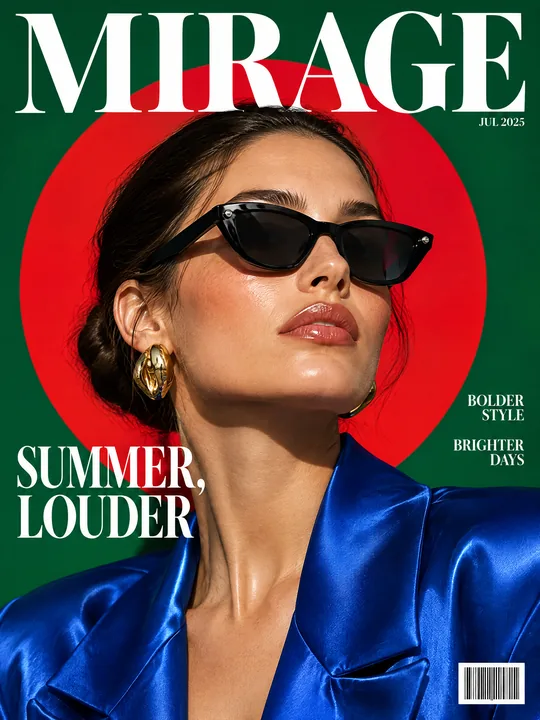 Sunglasses magazine coverGPT Image 2.5 Flare, 3:4from 2 tokens
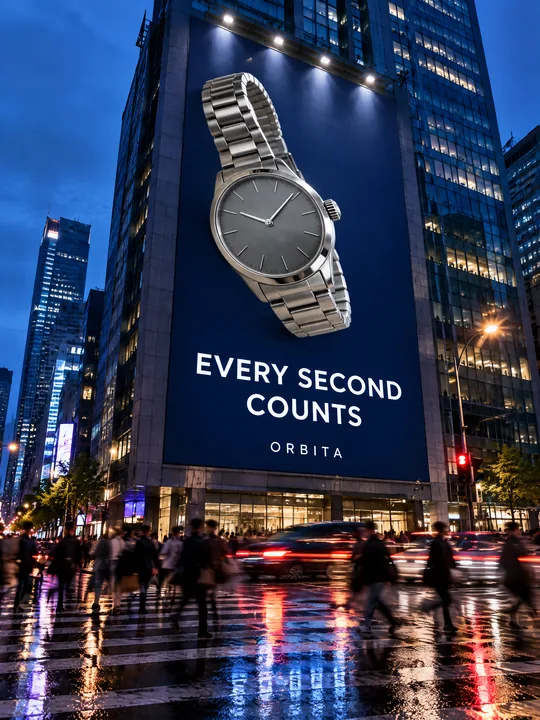 Building billboardGPT Image 2.5 Flare, 3:4from 2 tokens
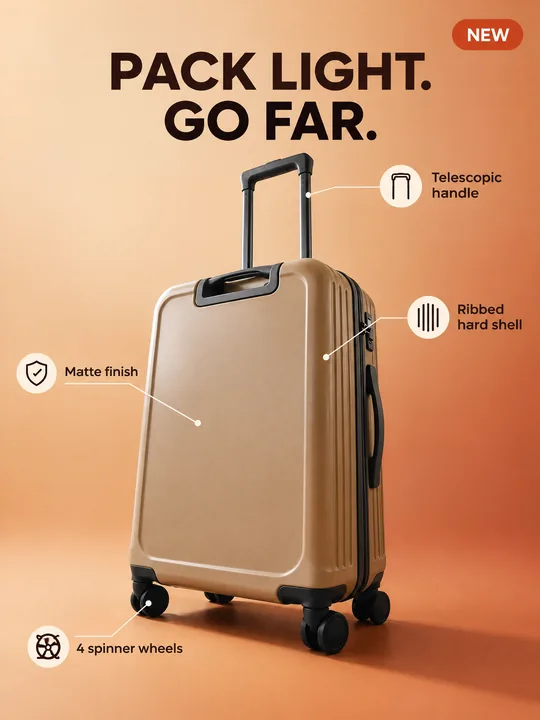 Marketplace infographicGPT Image 2.5 Flare, 3:4from 2 tokens
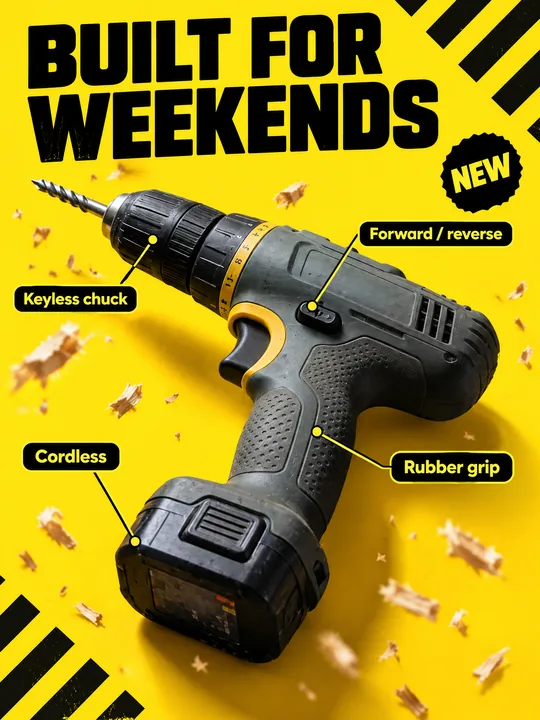 Tool product cardGPT Image 2.5 Flare, 3:4from 2 tokens
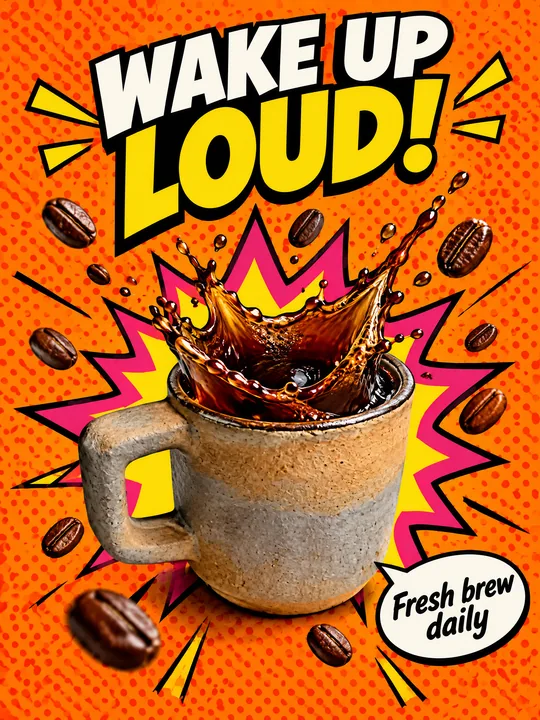 Pop art posterGPT Image 2.5 Flare, 3:4from 2 tokens
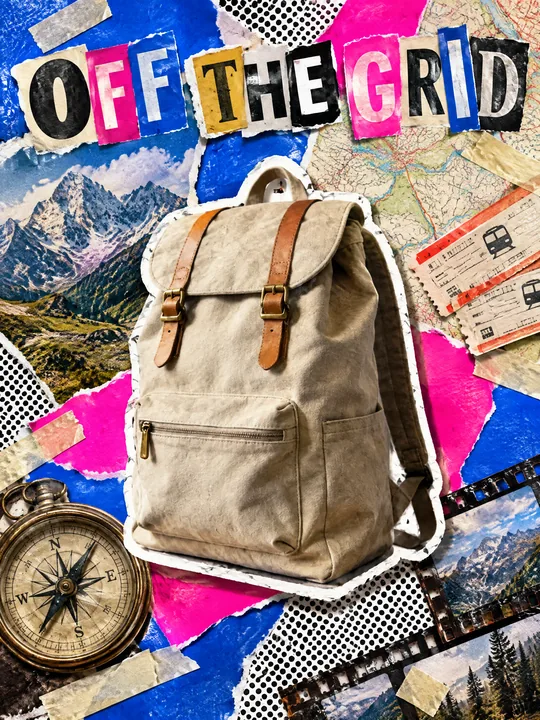 Ransom note collageGPT Image 2.5 Flare, 3:4from 2 tokens
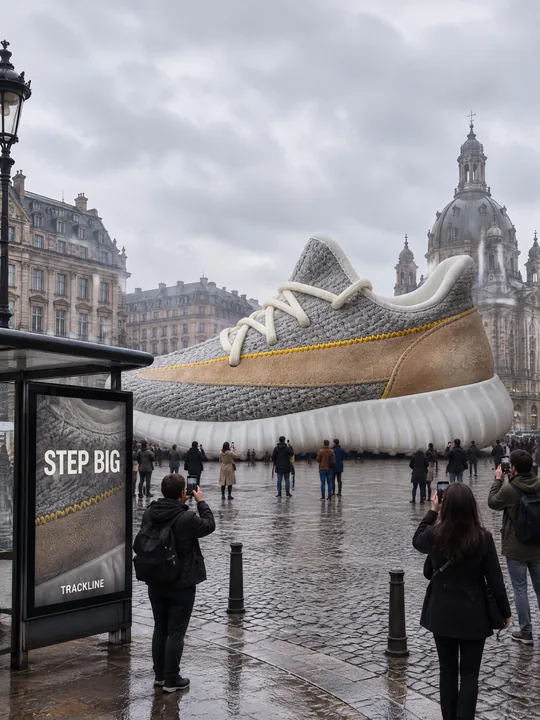 Giant product in the cityGPT Image 2.5 Flare, 3:4from 2 tokens
 Festival gig posterGPT Image 2.5 Flare, 3:4from 2 tokens
 Beauty magazine coverGPT Image 2.5 Flare, 3:4from 2 tokens
 Bus stop posterGPT Image 2.5 Flare, 3:4from 2 tokens
 Gadget launch visualGPT Image 2.5 Flare, 3:4from 2 tokens
 Sports posterGPT Image 2.5 Flare, 3:4from 2 tokens
 Skincare campaignGPT Image 2.5 Flare, 3:4from 2 tokens
The model and related tools
GPT Image
images up to 4K
up to 16 references
from 2 tokens
Ad posters and banners
17 models
Kling, Nano Banana, GPT Image, Seedream, FLUX, WAN, Z-Image
from 2 tokens
AI image generator
18 models
Kling, Nano Banana, GPT Image, Seedream, FLUX, WAN, Z-Image
from 2 tokens
Marketplace product photos
17 models
Kling, Nano Banana, GPT Image, Seedream, FLUX, WAN
from 2 tokens
Creatives for affiliate marketing
30 models
Kling, Seedance, Veo, Nano Banana, GPT Image, Seedream, FLUX, WAN, MiniMax H3, Z-Image
from 2 tokens
Frequently asked questions
Who are the people on the poster?
The model drew them from the line Three friends of different looks: the only reference was the beanie. To put your team or an ambassador in the shot, add their photos to the references and say the poster shows the people from the references. Only use photos of people who agreed to it.
My beanie has a logo patch. Will it stay?
The second sentence of the prompt forbids the model from printing logos or text on the piece, and the beanie in the example has no patches. If your patch must stay, replace do not print any logo or text on the product itself with keep the original patch from the reference. The model keeps large lettering, but check small text.
Will the prompt work for a hoodie, a cap or sneakers?
Yes. Replace beanie with your item and rewrite the features in brackets. For shoes add full-length shot: the example is framed close, and feet do not make it into the shot.
Will the chrome letters be spelled right?
The model handles two short words more reliably than a long phrase: in the example COLD CREW and DROP 01 came out clean. Still check every letter before you post, and run a weak variant again.
Where can I use a poster like this?
In a post or stories before the collection goes live, as the cover of the drop page on your site, on a pop-up store flyer. For stories pick 9:16 in Photo and fix vertical 3:4 in the prompt text so the two agree.