
Sports gear poster prompt for gyms and stores
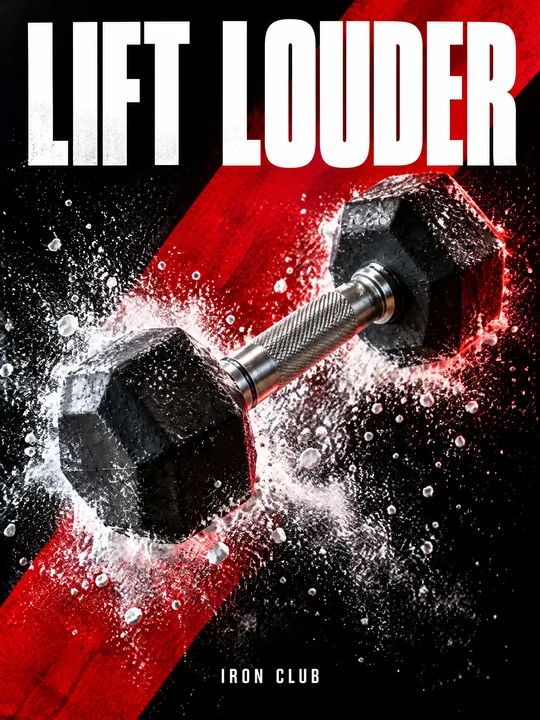
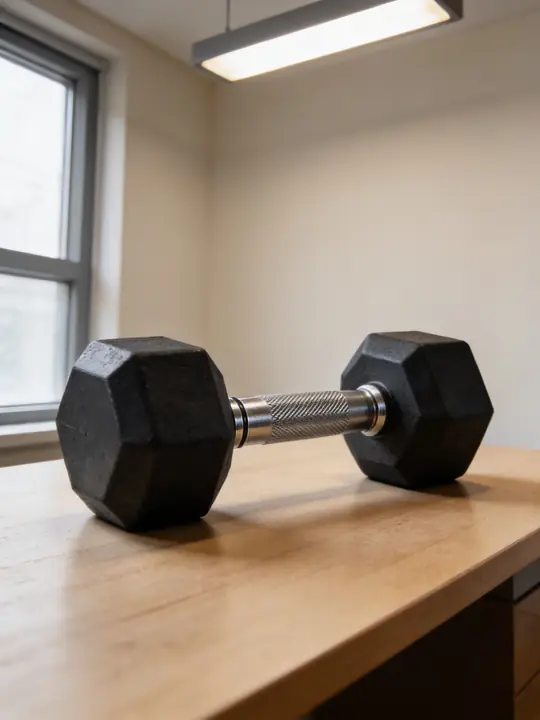
This prompt turns a piece of sports gear into the hero of a hard-hitting ad poster: the product sits on a diagonal, a cloud of chalk bursts off it, and behind it are a black background, a red stripe and a rim light. GPT Image 2.5 Flare made the example at 3:4 from a photo of a plain dumbbell on a desk. Press Try it in ClickBait, add a photo of your product to the references and replace dumbbell with its name.
Updated:
The prompt and an example: a dumbbell from a desk to a poster
- Model
- GPT Image 2.5 Flare
- Aspect ratio
- 3:4
Use the product from the reference photo exactly as it is: same shape, proportions, colour and material. Do not redesign it and do not print any logo or text on the product itself. Bold sportswear advertising poster, vertical 3:4. The dumbbell is the hero, large in the centre at a dynamic diagonal, an explosion of white gym chalk powder bursting off it and frozen mid-air. Hard red rim light from behind, cool white key from the left, deep black background cut by one massive red diagonal stripe. Huge condensed white headline across the top: "LIFT LOUDER". Small line at the bottom: "IRON CLUB". Gritty high-contrast commercial photography, crisp chalk particles, realistic rubber and knurled steel, 50mm, f/8. All text must be spelled exactly as given, crisp and legible. No other text, no real brand logos.The prompt is in English, the language models follow best. Swap the product, colors and headlines right in the text.
The button opens Photo with this prompt, model and aspect ratio. Add a photo of your product to the references: the prompt is written for it. No account yet? Sign up first, the prompt waits for a day.
What to change in the prompt for your product
- The hero: The dumbbell is the hero. Write your item instead: a kettlebell, a jump rope, a boxing glove, a shaker, a ball, sneakers.
- The material: realistic rubber and knurled steel. This line sets the surface, so describe yours: leather and stitching for a glove, mesh and foam for sneakers.
- The effect around it: an explosion of white gym chalk powder. Chalk suits a gym and weightlifting; for swimming use water splash, for running dust cloud, for skiing snow spray.
- The accent color: red appears twice, in Hard red rim light and in massive red diagonal stripe. Change both at once, or the light and the stripe will not match.
- The text: "LIFT LOUDER" on top and "IRON CLUB" at the bottom. Put the name of your gym or store, or a start date, in the second line.
Where the motion comes from
The poster is still, yet the dumbbell seems to fly. The motion comes from a diagonal instead of a horizontal, a cloud of chalk frozen in the air and light from two sides: a red rim light from behind and a cool key from the left. In the example the dumbbell sits right on the red stripe, so the frame reads as one movement.
The line 50mm, f/8 keeps the whole object sharp from end to end, while Gritty high-contrast commercial photography and crisp chalk particles give a hard, contrasty image where every grain of chalk shows. Keep these lines for any product: they carry the character of the poster.
How to make a poster for your gym or store
Photograph the whole product
As in the example: a dumbbell on a table with both heads and the handle in frame. The background does not matter, the prompt replaces it with black and a red stripe anyway.
Open the prompt with the photo
Try it in ClickBait opens Photo with GPT Image 2.5 Flare and a 3:4 aspect ratio. Add the shot to the references: the model takes the shape, color and large lettering of the product from it.
Write your words and run it
Replace the headline and the IRON CLUB line, then press Generate. The token price is on the button before you start.
Where to find it in ClickBait
GPT Image 2.5 Flare lives in ClickBait under the Photo section. Sign up, pick a version from the model list and describe what you want to get.
The token price is shown on the run button before you start. If a generation fails, the tokens go back to your balance automatically.
New accounts created with Google or email get a welcome bonus of 10 tokens. These are promo tokens and expire after 14 days.
More prompts
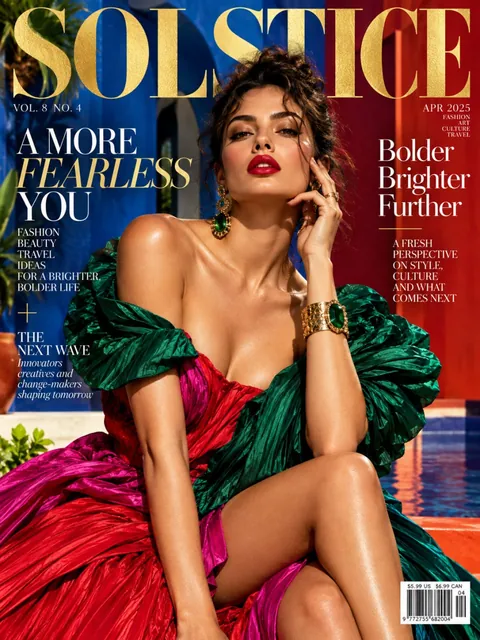 Fashion magazine coverGPT Image 2.5 Sunburst, 3:4from 2 tokens
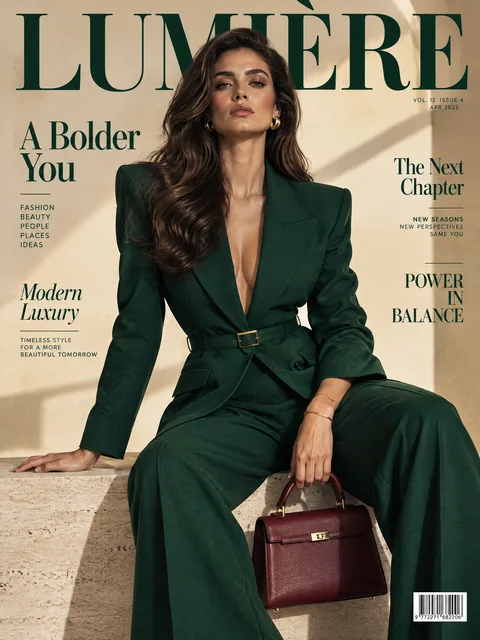 Luxury magazine coverGPT Image 2.5 Flare, 3:4from 2 tokens
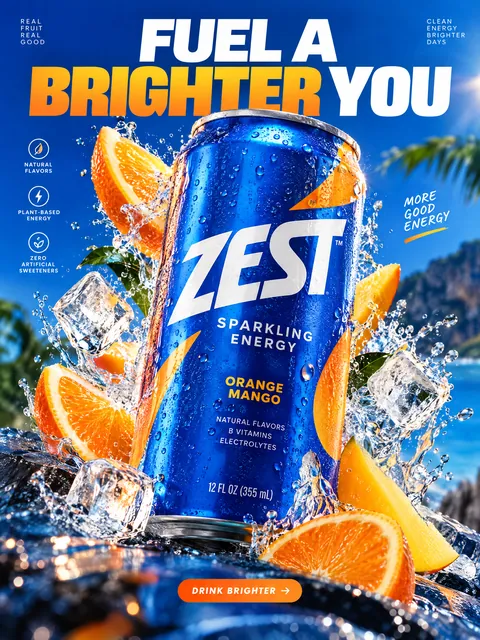 Product ad posterGPT Image 2.5 Sunburst, 3:4from 2 tokens
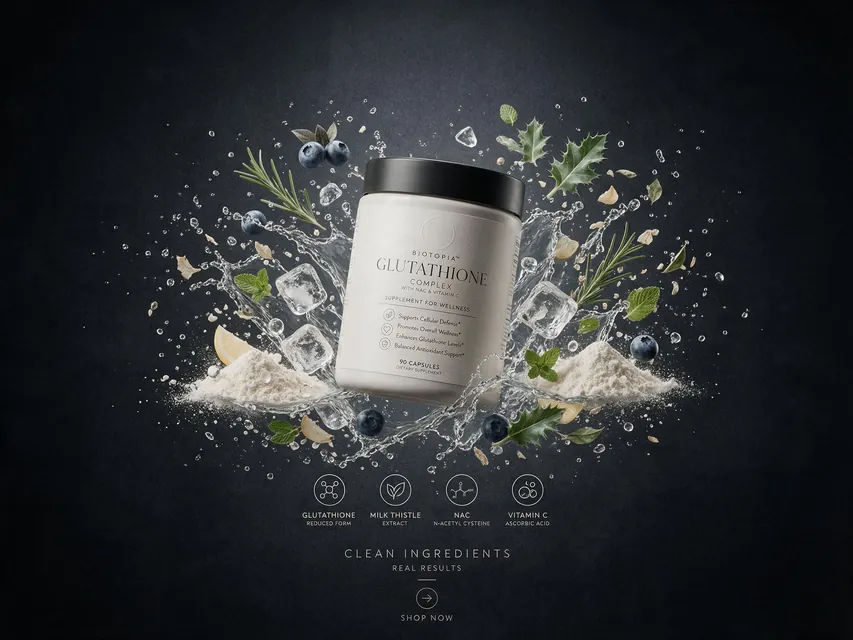 Supplement adSeedream 5.0 Pro, 4:3from 8 tokens
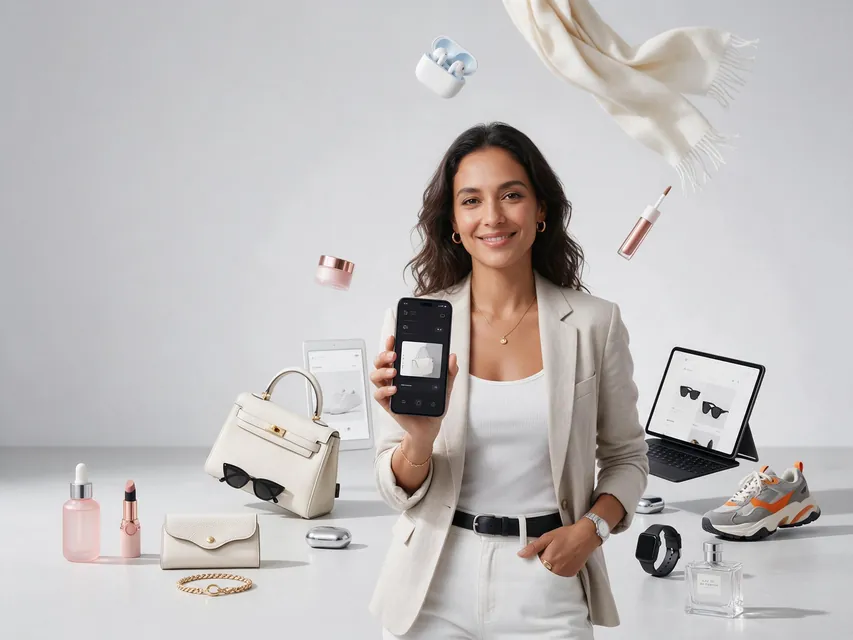 E-commerce adSeedream 5.0 Pro, 4:3from 8 tokens
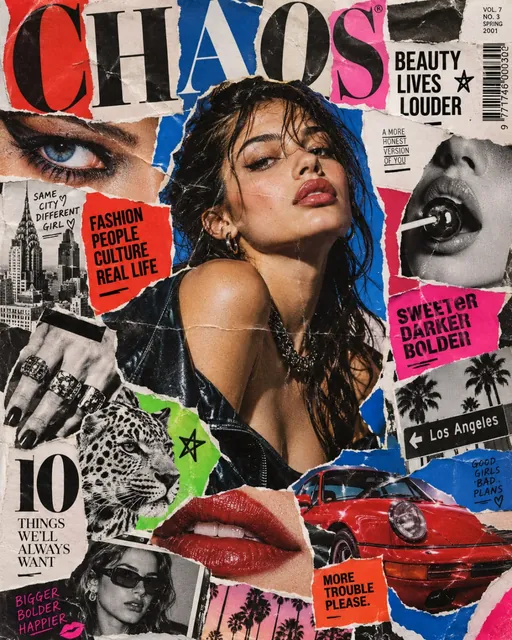 Magazine cutout collageGPT Image 2.5 Sunburst, 4:5from 2 tokens
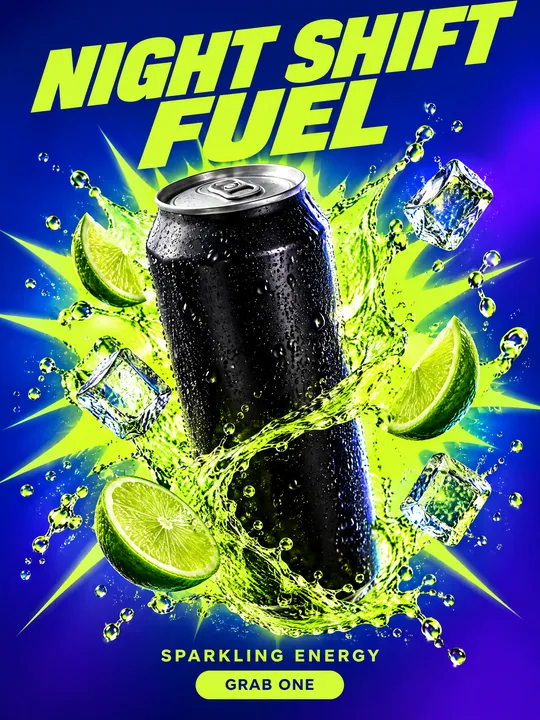 Energy drink posterGPT Image 2.5 Flare, 3:4from 2 tokens
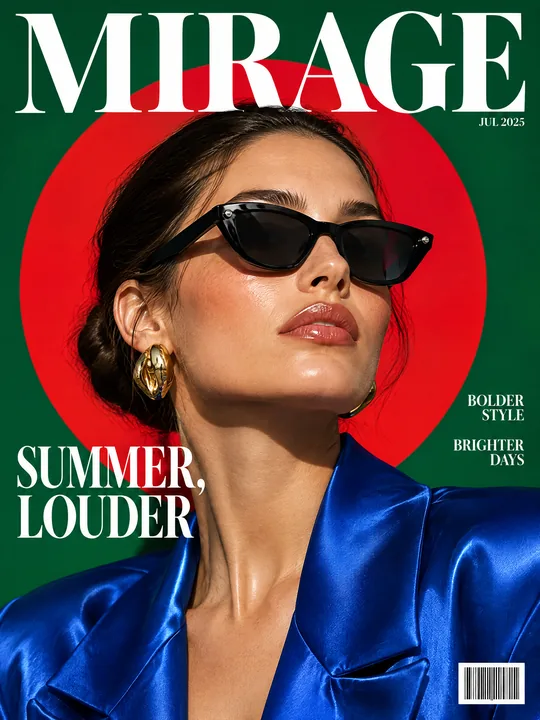 Sunglasses magazine coverGPT Image 2.5 Flare, 3:4from 2 tokens
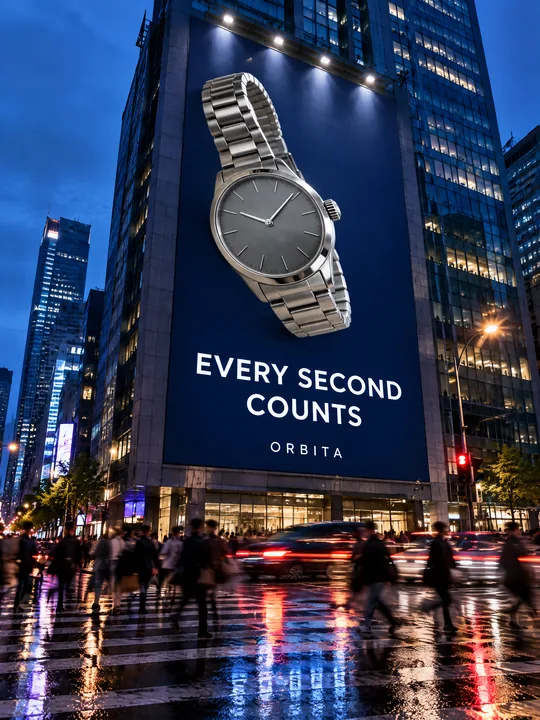 Building billboardGPT Image 2.5 Flare, 3:4from 2 tokens
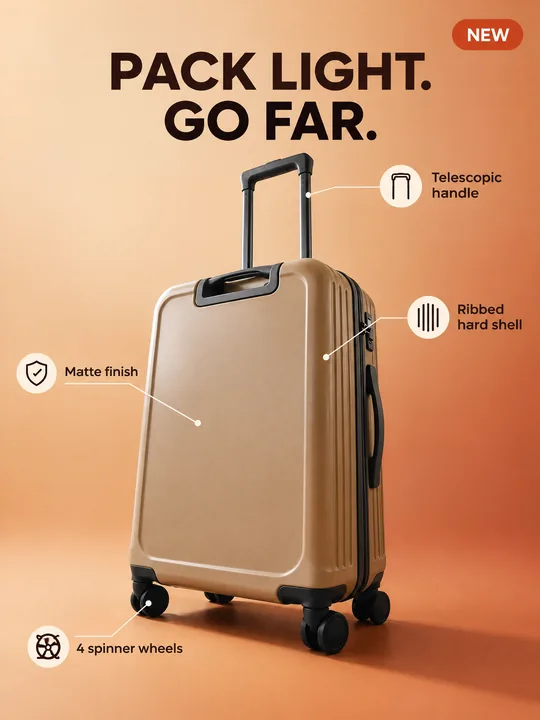 Marketplace infographicGPT Image 2.5 Flare, 3:4from 2 tokens
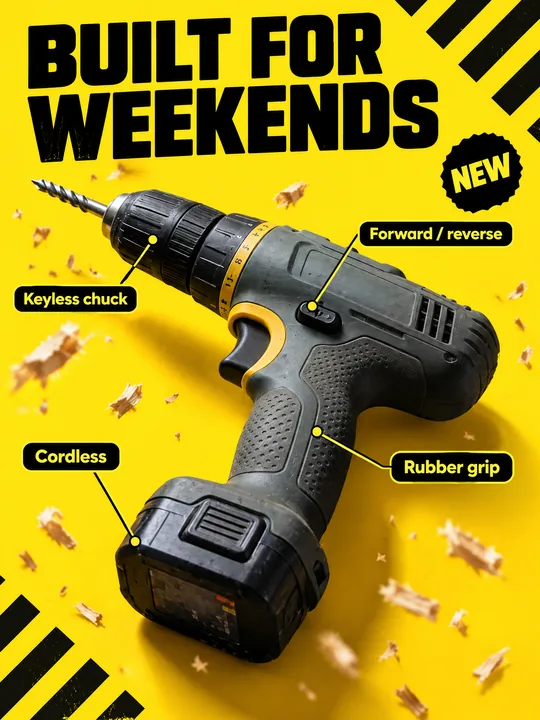 Tool product cardGPT Image 2.5 Flare, 3:4from 2 tokens
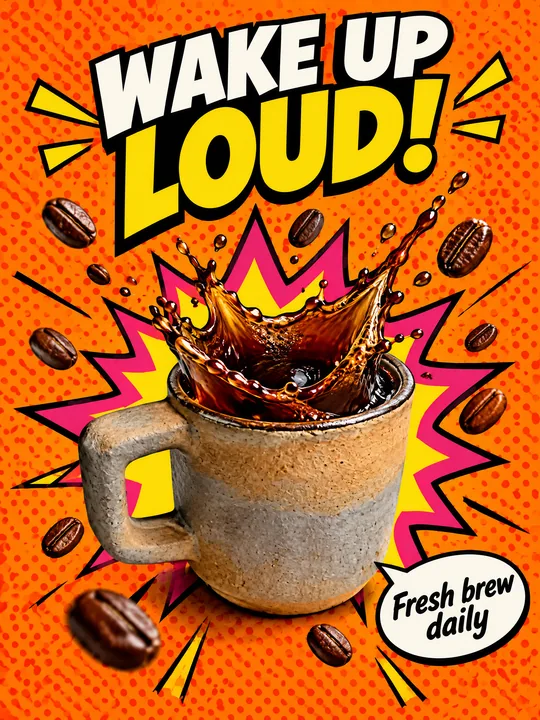 Pop art posterGPT Image 2.5 Flare, 3:4from 2 tokens
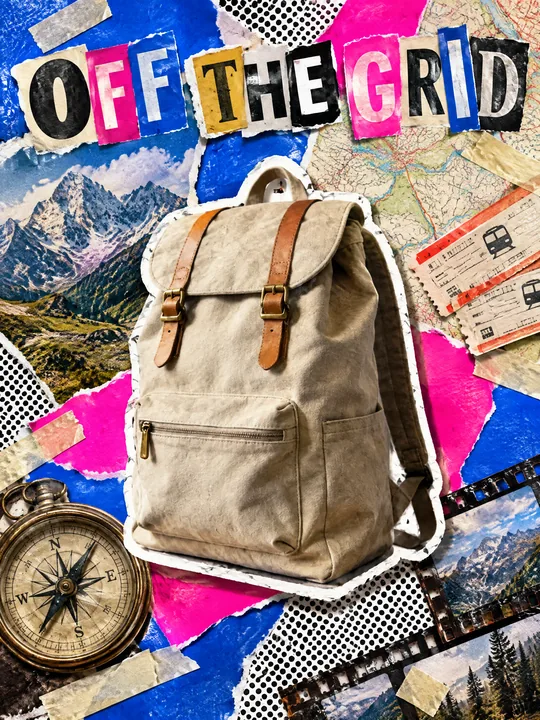 Ransom note collageGPT Image 2.5 Flare, 3:4from 2 tokens
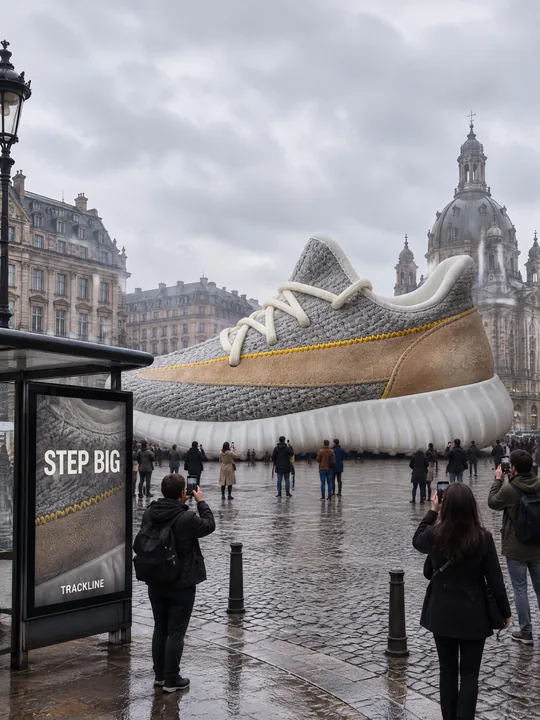 Giant product in the cityGPT Image 2.5 Flare, 3:4from 2 tokens
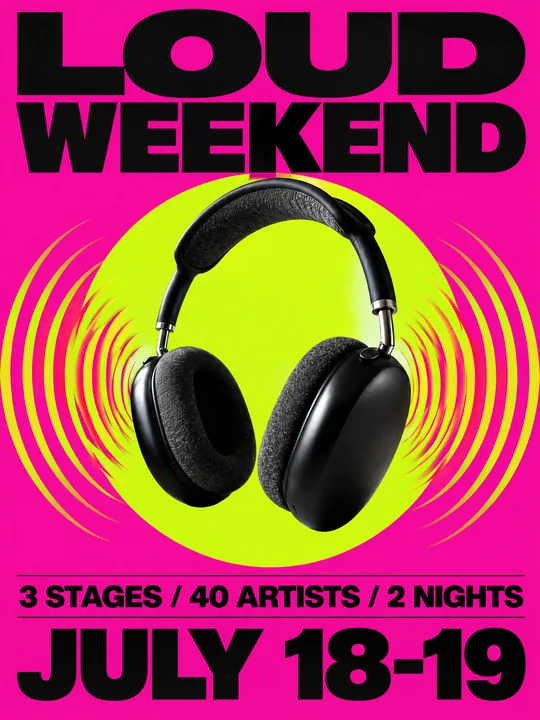 Festival gig posterGPT Image 2.5 Flare, 3:4from 2 tokens
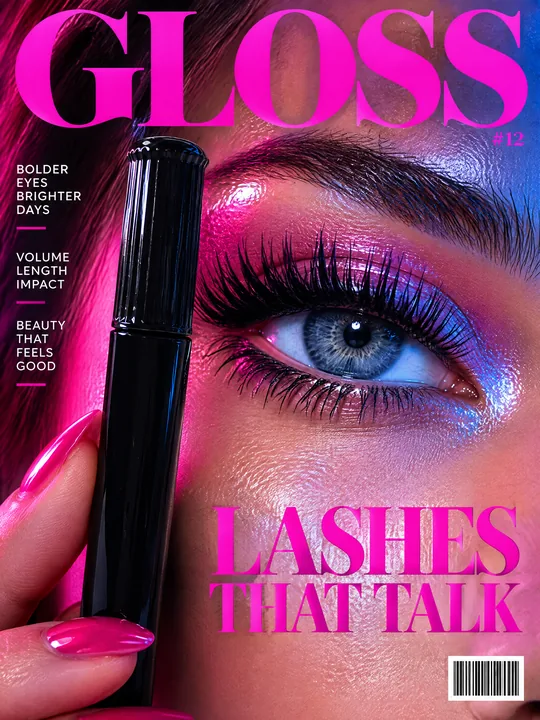 Beauty magazine coverGPT Image 2.5 Flare, 3:4from 2 tokens
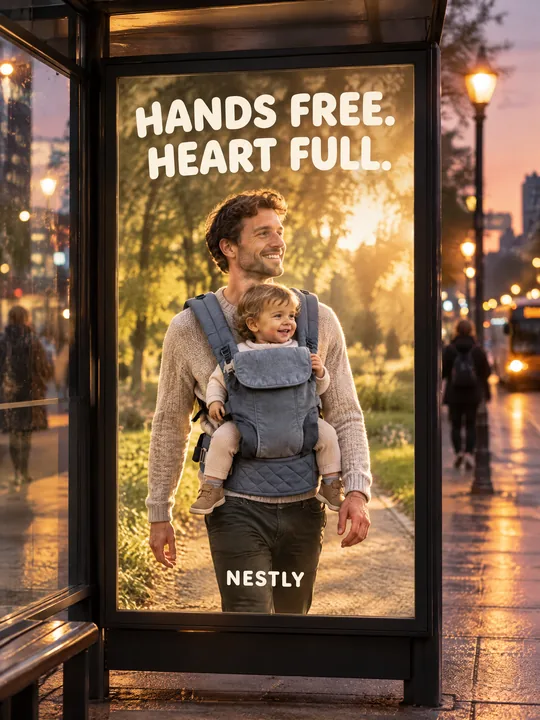 Bus stop posterGPT Image 2.5 Flare, 3:4from 2 tokens
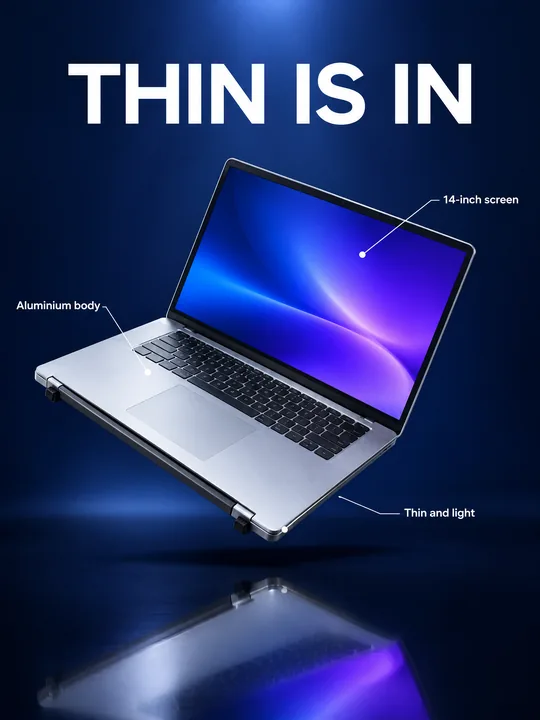 Gadget launch visualGPT Image 2.5 Flare, 3:4from 2 tokens
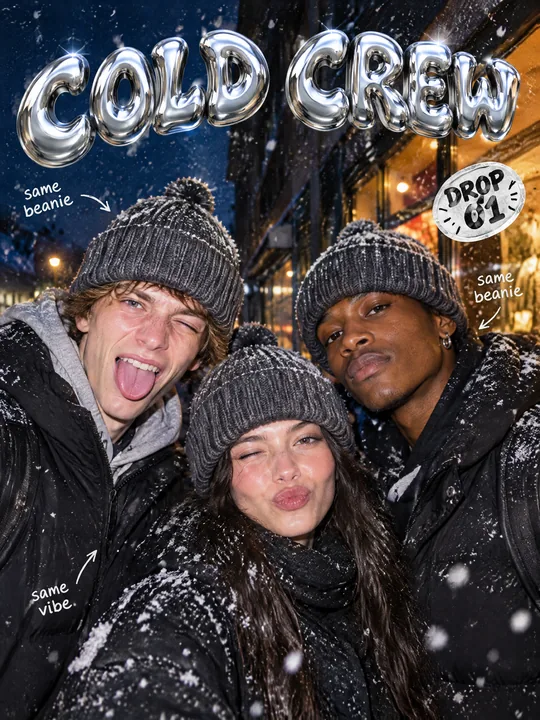 Streetwear drop posterGPT Image 2.5 Flare, 3:4from 2 tokens
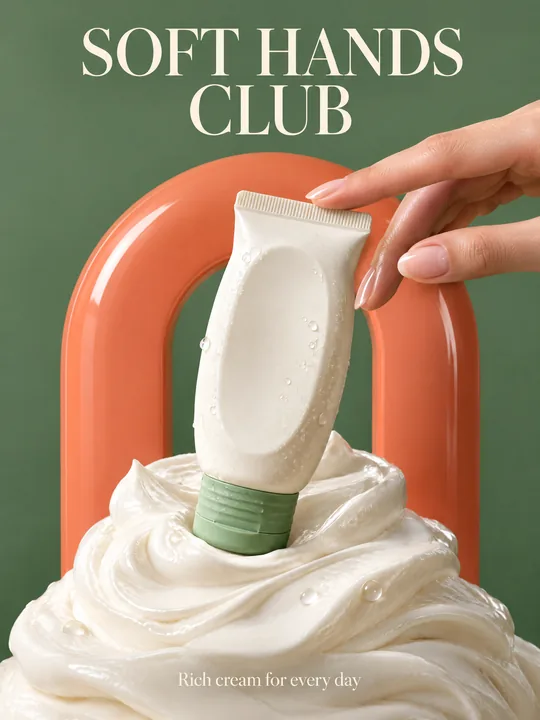 Skincare campaignGPT Image 2.5 Flare, 3:4from 2 tokens
The model and related tools
GPT Image
images up to 4K
up to 16 references
from 2 tokens
Ad posters and banners
17 models
Kling, Nano Banana, GPT Image, Seedream, FLUX, WAN, Z-Image
from 2 tokens
AI image generator
18 models
Kling, Nano Banana, GPT Image, Seedream, FLUX, WAN, Z-Image
from 2 tokens
Marketplace product photos
17 models
Kling, Nano Banana, GPT Image, Seedream, FLUX, WAN
from 2 tokens
Creatives for affiliate marketing
30 models
Kling, Seedance, Veo, Nano Banana, GPT Image, Seedream, FLUX, WAN, MiniMax H3, Z-Image
from 2 tokens
Frequently asked questions
Does the prompt work for sports nutrition or clothing?
Yes. For a protein tub or a shaker replace the hero and the material line, and keep the chalk: it says gym at once. Clothing works better on an athlete, so add who wears it.
Can I make a light version of the poster?
You can, but white chalk gets lost on a light background. If you change deep black background to a light one, swap the chalk for something dark or colored too, such as a splash of red paint.
Can I add an athlete to the shot?
Yes, say who holds the product and where they stand. Keep in mind the product itself gets smaller then. For a specific person add their photo to the references, and only with their consent.
Will the model keep the shape of my product?
With a photo in the references the model keeps the shape, color and large lettering: in the example the hexagonal heads and the knurling on the handle stayed. Check small markings such as the weight on the head, they can drift.
How much does a poster like this cost?
The token price depends on the resolution and the quality level, and the Generate button shows it before you start. One run gives 1 to 4 variants, and a failed generation returns the tokens automatically.