
Skincare campaign key visual prompt
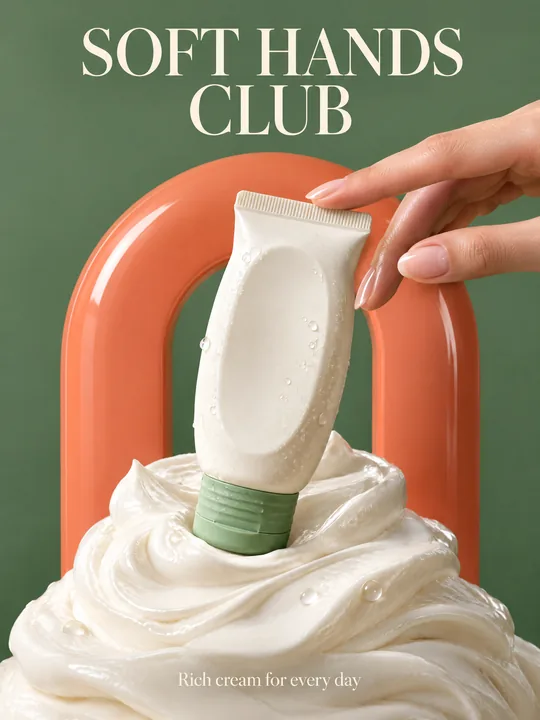
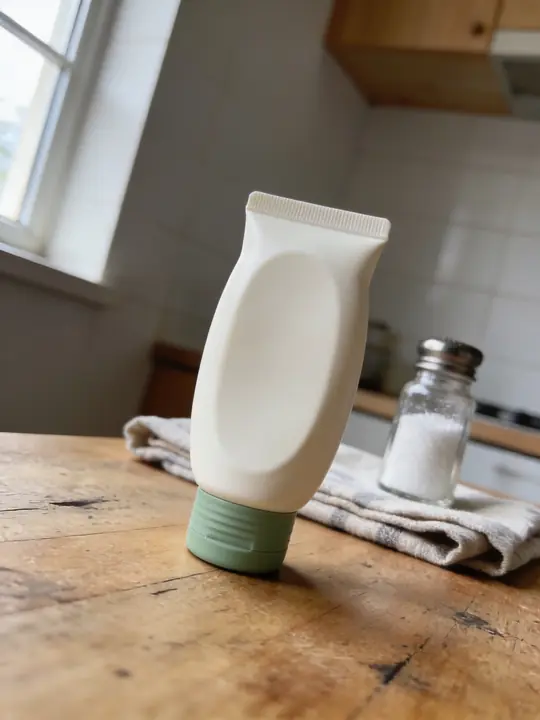
This prompt builds a skincare ad shot: the tube stands on a pedestal of thick cream swirls, a glossy coral arch rises behind it on a sage green backdrop, a woman's hand reaches in from the right, and a serif headline runs across the top. GPT Image 2.5 Flare made the example at 3:4 from a photo of the tube on a kitchen table. Add a photo of your packaging to the references and write your own text.
Updated:
The prompt and an example: a cream tube before and after
- Model
- GPT Image 2.5 Flare
- Aspect ratio
- 3:4
Use the product from the reference photo exactly as it is: same shape, proportions, colour and material. Do not redesign it and do not print any logo or text on the product itself. Premium skincare advertising key visual, vertical 3:4. The hand cream tube from the reference stands in the centre on a sculpted pedestal of thick whipped cream swirls. Bold colour blocking: saturated sage green backdrop with a big glossy coral arch behind the tube. A woman's hand reaches in from the right, fingertips lightly touching the cap. Soft diffused beauty lighting with crisp highlights, creamy macro texture, a few water droplets. Elegant modern serif headline at the top: "SOFT HANDS CLUB". Small line at the bottom: "Rich cream for every day". Clean, luxurious commercial beauty photography. All text must be spelled exactly as given, crisp and legible. No other text, no real brand logos.The prompt is in English, the language models follow best. Swap the product, colors and headlines right in the text.
The button opens Photo with this prompt, model and aspect ratio. Add a photo of your product to the references: the prompt is written for it. No account yet? Sign up first, the prompt waits for a day.
What the shot is made of
The pedestal of whipped cream shows what is inside the pack without a single word. The color blocks work as a pair: the sage backdrop echoes the cap, and the coral arch contrasts with it and frames the tube. The hand gives scale and brings the product shot to life, while soft diffused light, highlights and water droplets add texture.
One detail of the example is worth a look. In the source photo the tube stands cap down, and it stands the same way in the result. The prompt asked the hand to touch the cap, but the cap ended up at the bottom, in the cream, so the fingers landed on the sealed end. Place the product in the photo the way it should stand in the shot, or say so in the prompt.
What to change for your product
- The packaging: The hand cream tube from the reference. Write what you have: a cream jar, a serum bottle, a lip balm tube.
- The pedestal: thick whipped cream swirls. Match the texture of your product: clear gel for a serum, golden oil drops for an oil, soft foam for a cleanser.
- The colors: sage green backdrop and glossy coral arch. Take the backdrop from your packaging color and the arch from a contrasting one: a peach arch for a light blue cap, a sand arch for a black one.
- The hand: A woman's hand reaches in from the right. Remove it for a clean product shot or refine it: nail color, a male hand.
- The text: "SOFT HANDS CLUB" and "Rich cream for every day". Keep the headline short and use the second line for the product name or its scent.
How to make the shot with your packaging
Shoot the pack in daylight
A kitchen table is enough, as in the example. The label should face the camera, and the pack should stand the way it will stand on the pedestal.
Open the prompt and add the photo
Try it in ClickBait opens Photo with GPT Image 2.5 Flare, a 3:4 aspect ratio, 2K resolution and medium quality, all of which you can change before the run. Upload the shot to the references.
Check the label on the result
The model keeps the shape, color and large lettering, but small label text can drift. Ingredients and volume are safer to add on top of the finished image.
Where to find it in ClickBait
GPT Image 2.5 Flare lives in ClickBait under the Photo section. Sign up, pick a version from the model list and describe what you want to get.
The token price is shown on the run button before you start. If a generation fails, the tokens go back to your balance automatically.
New accounts created with Google or email get a welcome bonus of 10 tokens. These are promo tokens and expire after 14 days.
More prompts
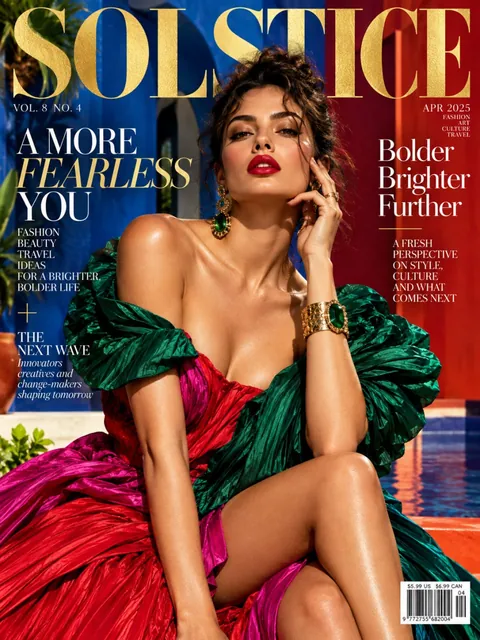 Fashion magazine coverGPT Image 2.5 Sunburst, 3:4from 2 tokens
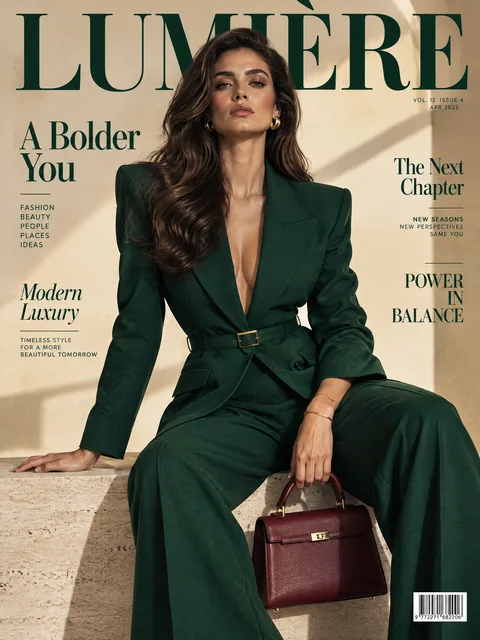 Luxury magazine coverGPT Image 2.5 Flare, 3:4from 2 tokens
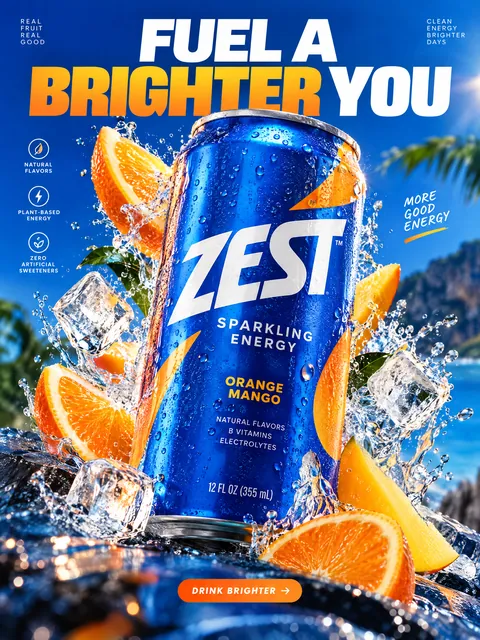 Product ad posterGPT Image 2.5 Sunburst, 3:4from 2 tokens
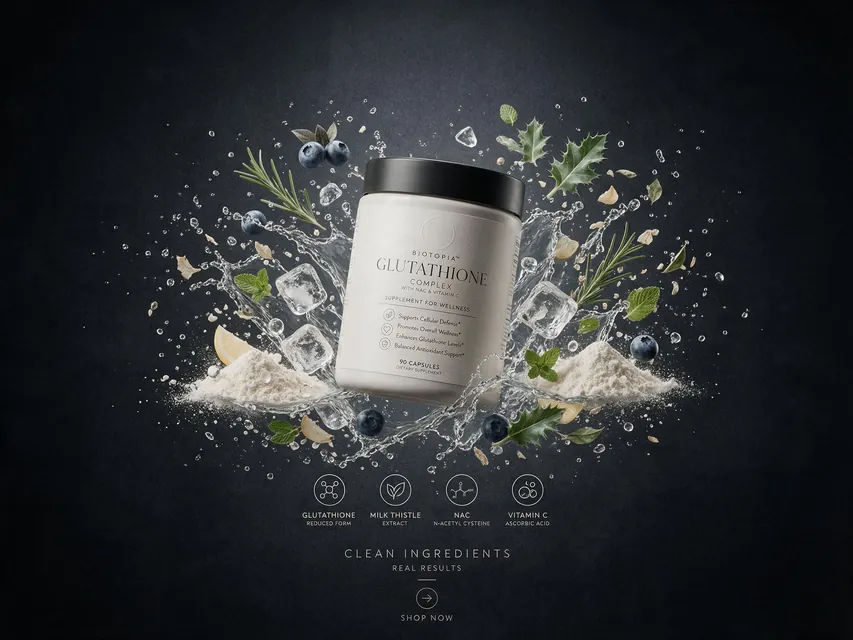 Supplement adSeedream 5.0 Pro, 4:3from 8 tokens
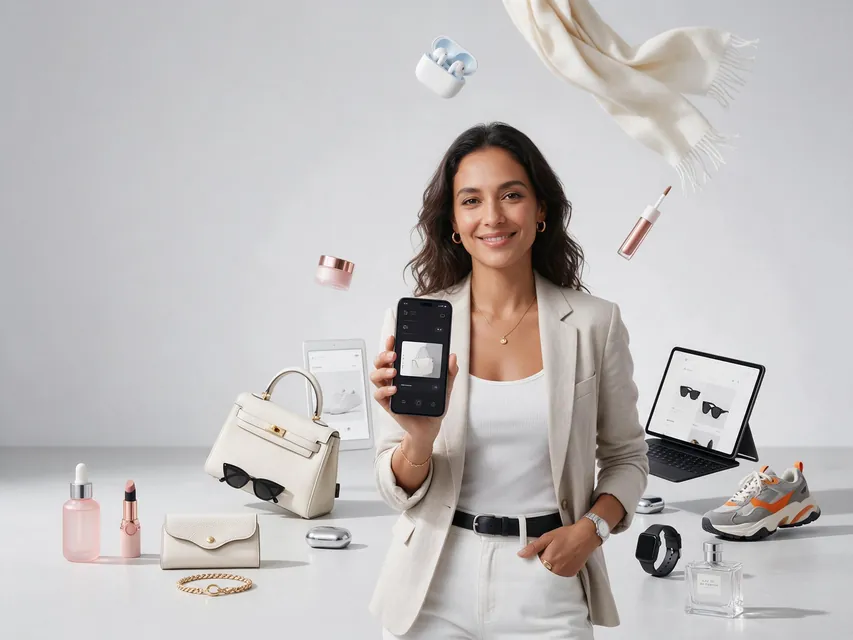 E-commerce adSeedream 5.0 Pro, 4:3from 8 tokens
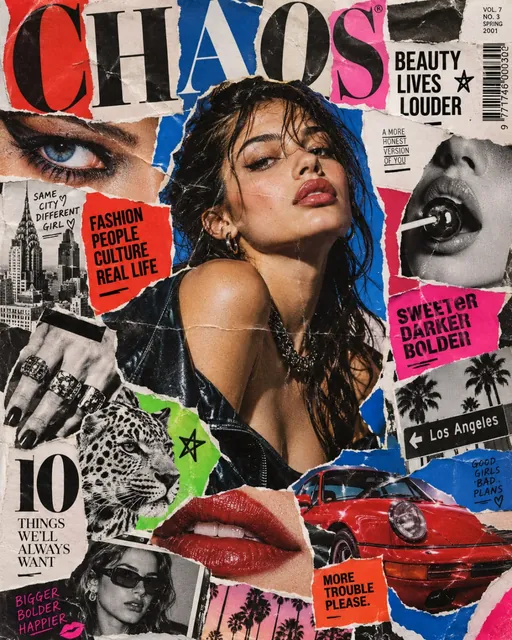 Magazine cutout collageGPT Image 2.5 Sunburst, 4:5from 2 tokens
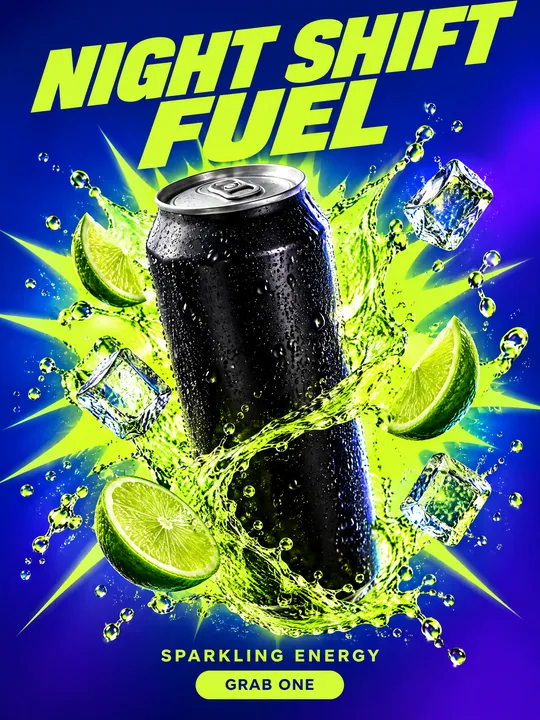 Energy drink posterGPT Image 2.5 Flare, 3:4from 2 tokens
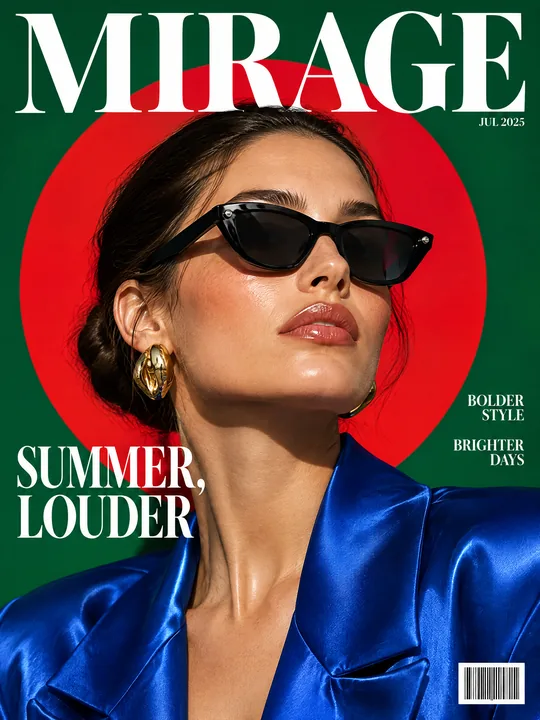 Sunglasses magazine coverGPT Image 2.5 Flare, 3:4from 2 tokens
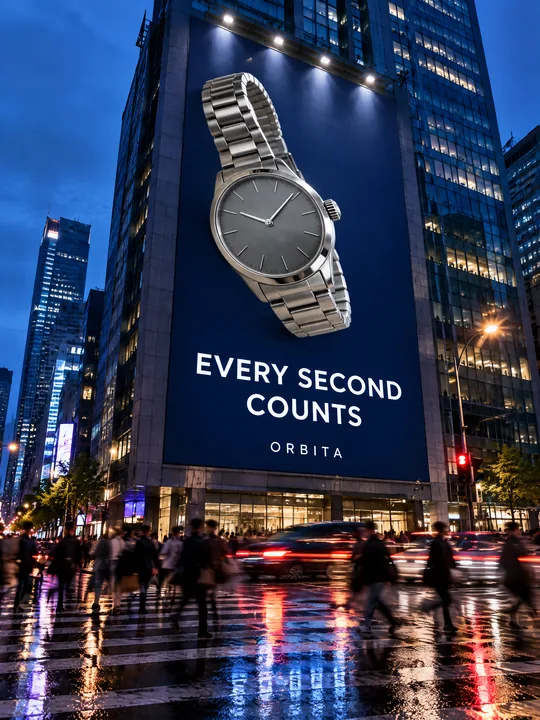 Building billboardGPT Image 2.5 Flare, 3:4from 2 tokens
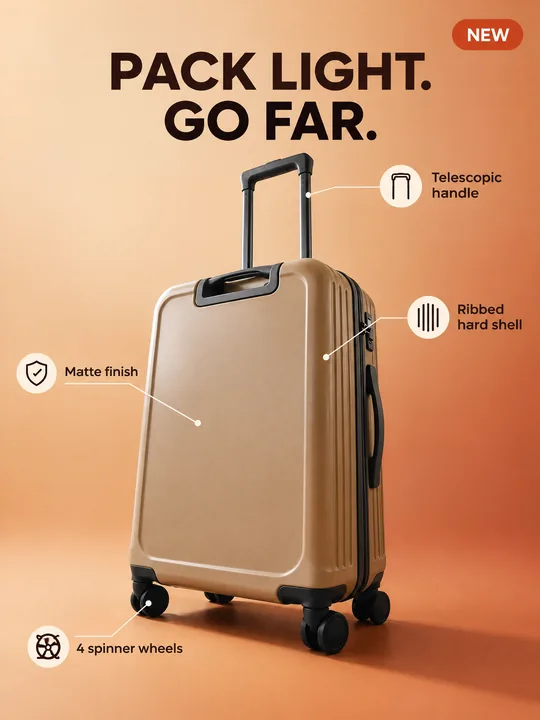 Marketplace infographicGPT Image 2.5 Flare, 3:4from 2 tokens
 Tool product cardGPT Image 2.5 Flare, 3:4from 2 tokens
 Pop art posterGPT Image 2.5 Flare, 3:4from 2 tokens
 Ransom note collageGPT Image 2.5 Flare, 3:4from 2 tokens
 Giant product in the cityGPT Image 2.5 Flare, 3:4from 2 tokens
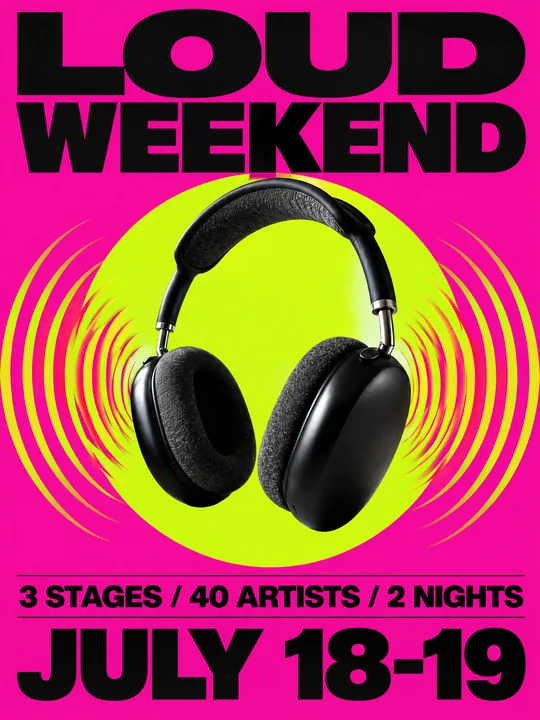 Festival gig posterGPT Image 2.5 Flare, 3:4from 2 tokens
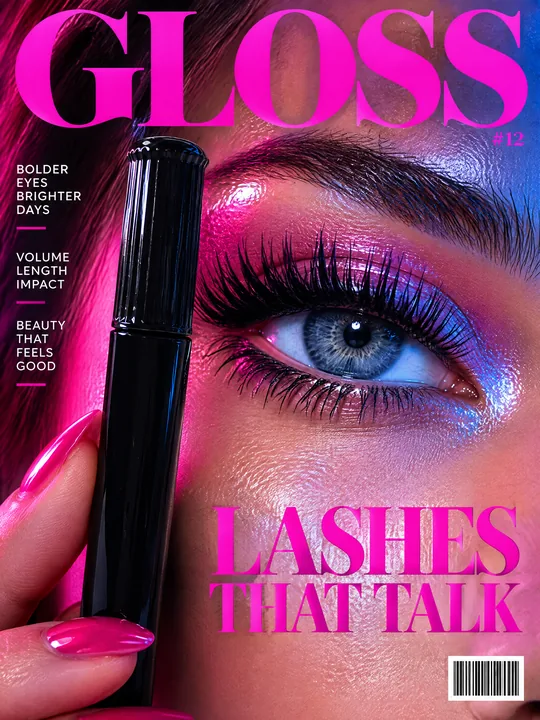 Beauty magazine coverGPT Image 2.5 Flare, 3:4from 2 tokens
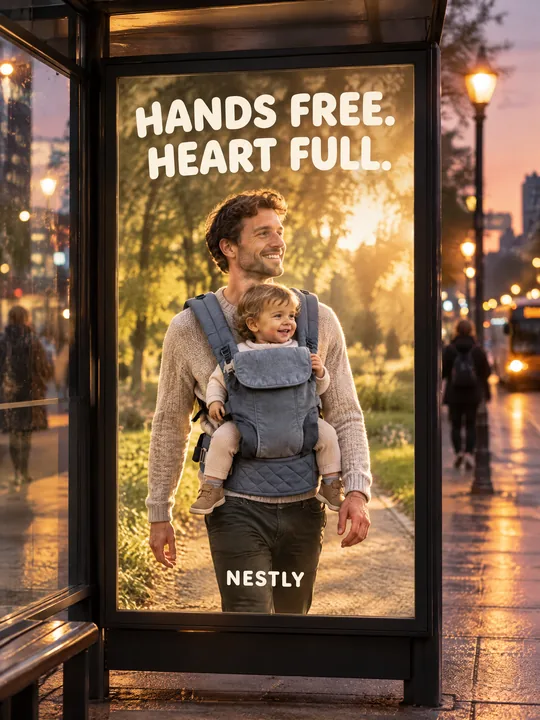 Bus stop posterGPT Image 2.5 Flare, 3:4from 2 tokens
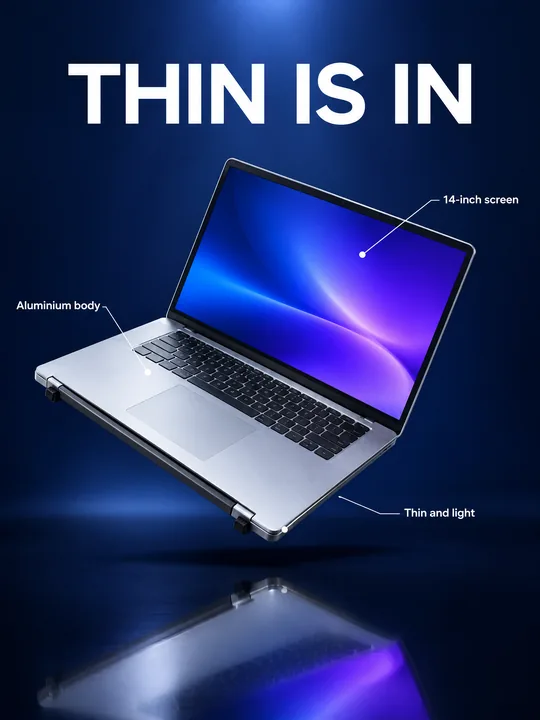 Gadget launch visualGPT Image 2.5 Flare, 3:4from 2 tokens
 Sports posterGPT Image 2.5 Flare, 3:4from 2 tokens
 Streetwear drop posterGPT Image 2.5 Flare, 3:4from 2 tokens
The model and related tools
GPT Image
images up to 4K
up to 16 references
from 2 tokens
Ad posters and banners
17 models
Kling, Nano Banana, GPT Image, Seedream, FLUX, WAN, Z-Image
from 2 tokens
AI image generator
18 models
Kling, Nano Banana, GPT Image, Seedream, FLUX, WAN, Z-Image
from 2 tokens
Marketplace product photos
17 models
Kling, Nano Banana, GPT Image, Seedream, FLUX, WAN
from 2 tokens
Creatives for affiliate marketing
30 models
Kling, Seedance, Veo, Nano Banana, GPT Image, Seedream, FLUX, WAN, MiniMax H3, Z-Image
from 2 tokens
Frequently asked questions
Will the label on my cream stay?
The tube in the example is blank, and the second sentence of the prompt forbids the model from printing any logo or text on the product. If your pack has a label, replace do not print any logo or text on the product itself with keep the original label from the reference. The model keeps a large product name, but check small text on the result.
Does the prompt work for a jar, a bottle or a lipstick?
Yes. Replace hand cream tube with your packaging and the whipped cream with the texture of your product. For a cream in a jar the pedestal can stay as it is.
Whose hand is in the shot?
The model drew it from the line A woman's hand reaches in from the right. For the hand of a specific person add their photo to the references, and only with that person's consent. No hand needed? Delete that sentence.
Can I make a series for a whole product line?
Yes. Run the prompt for each product, changing the pack in the references and the backdrop color to match it. The pedestal, the light and the headline font are described the same way, so the shots come out in one style.
How many variants do I get and what does it cost?
From 1 to 4 per run. The Generate button shows the token price before you start, and if a generation fails, the tokens come back on their own.