
E-commerce advertising prompt
This prompt builds an ad shot for an online store or a marketplace: a woman in the center of a light studio shows a phone with a shopping app, while a bag, sneakers, headphones, sunglasses and cosmetics hang in the air around her. The upper left stays free for a headline and the bottom for a button and a logo. The example came from Seedream 5.0 Pro at 4:3, and it has no text on purpose.
Updated:
The prompt and an example
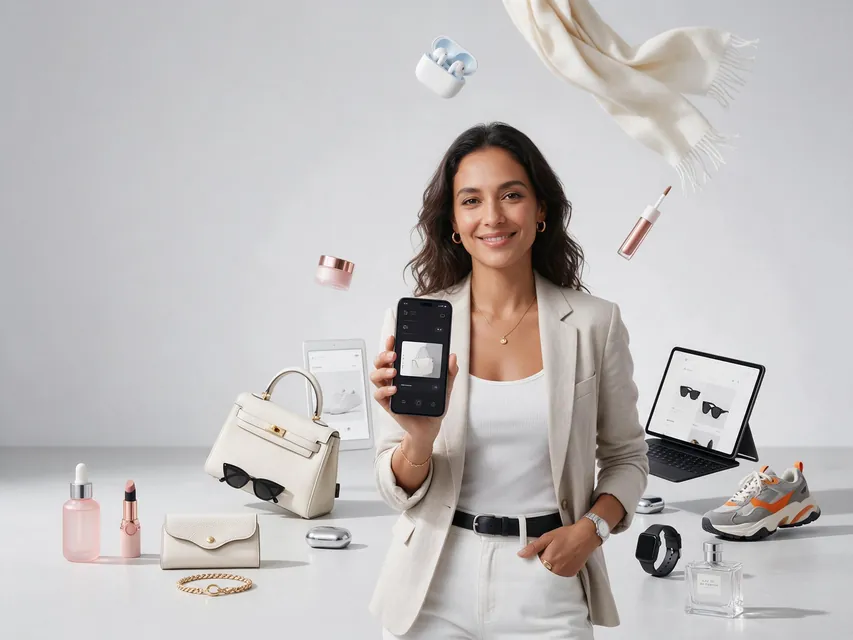
- Model
- Seedream 5.0 Pro
- Aspect ratio
- 4:3
Premium high-converting e-commerce advertising campaign, vertical 4:5 commercial poster.

A stylish adult woman in contemporary fashion stands confidently in the center of a clean light-gray studio, surrounded by a carefully art-directed selection of desirable online-shopping products: premium handbag, sneakers, wireless headphones, sunglasses, beauty products, compact electronics and fashion accessories.

The products are arranged dynamically around her at different depths as if caught in a controlled commercial freeze-frame, but remain physically believable, clean and clearly recognizable.

The woman holds a smartphone toward the camera, displaying a minimal modern shopping interface.

Strong visual hierarchy:
HERO MODEL → SMARTPHONE → PRODUCTS.

Composition designed specifically for paid social advertising.

Large clean negative space in the upper-left area for a short headline.
Clean lower area reserved for CTA button and brand logo.

Bright premium commercial lighting, soft studio shadows, subtle glossy reflections, sophisticated white and silver palette with small colorful product accents.

Shot on high-end full-frame commercial camera, 35mm lens, crisp advertising photography, realistic skin pores, realistic fabric, leather, glass and metal materials, controlled depth of field.

Modern global e-commerce campaign, polished but energetic, premium marketplace aesthetic, conversion-focused visual communication.

No generated text, no random typography, no SALE stickers, no clutter, no warped products, no duplicated objects, no cheap dropshipping aesthetic, no stock-photo smile.
The prompt is in English, the language models follow best. Swap the product, colors and headlines right in the text.
The button opens the Photo section with this prompt, model and aspect ratio. No account yet? Sign up first, the prompt waits for a day.
Why the shot has no text
The last line of the prompt forbids the model from writing anything, no headlines and no SALE stickers. That is deliberate. Paid social usually needs many versions of one shot with different headlines and prices, and laying them over one clean image is easier than generating each again.
So the composition keeps empty areas in advance: the upper left corner for a headline, the bottom for a button and a logo. The hierarchy is written into the text: the model first, then the phone, then the products.
How to make the shot for your store
List your products
Replace premium handbag, sneakers, wireless headphones with what your store sells. Five to seven items read better than twenty.
Show your screen
If you want your app interface on the phone, upload its screenshot to the references and say the phone shows that screen.
Run it and add text
Try it in ClickBait opens the prompt with Seedream 5.0 Pro and a 4:3 aspect ratio. Add the headline and the price on top of the finished image.
Versions for different placements
- Social feed: 4:5, the model a little larger, fewer products.
- Stories and short videos: 9:16, move the headline space to the upper third.
- Website or in-app banner: 4:3 or 16:9 as in the example, with spare background at the edges.
- Your own brand model: add their photo to the references and say the person in frame is the one from the reference.
Where to find it in ClickBait
Seedream 5.0 Pro lives in ClickBait under the Photo section. Sign up, pick a version from the model list and describe what you want to get.
The token price is shown on the run button before you start. If a generation fails, the tokens go back to your balance automatically.
New accounts created with Google or email get a welcome bonus of 10 tokens. These are promo tokens and expire after 14 days.
More prompts
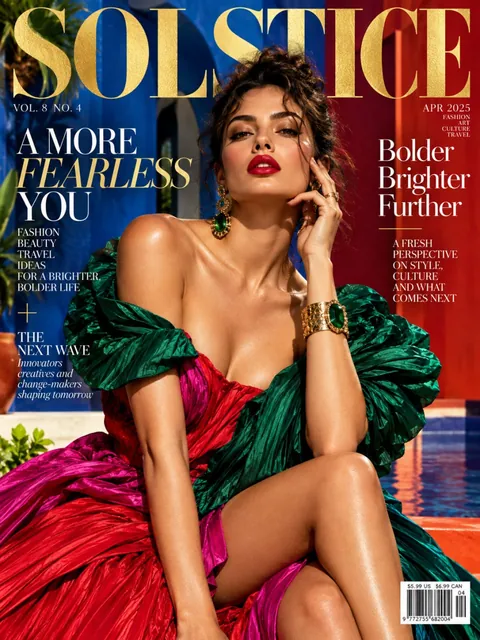 Fashion magazine coverGPT Image 2.5 Sunburst, 3:4from 2 tokens
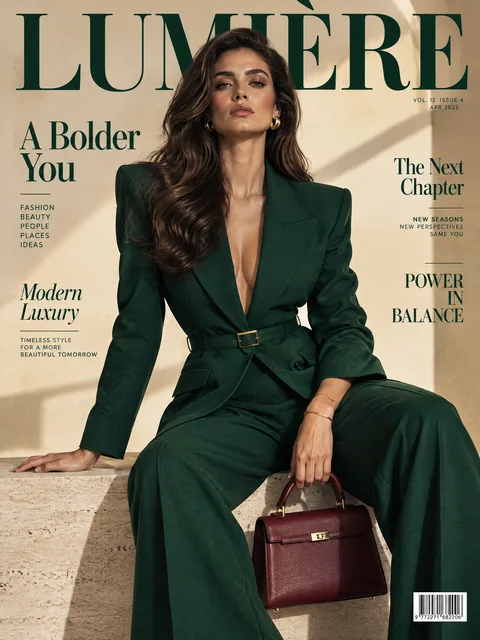 Luxury magazine coverGPT Image 2.5 Flare, 3:4from 2 tokens
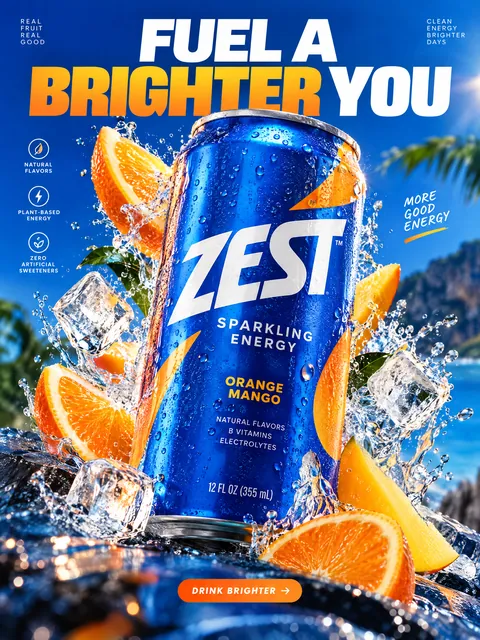 Product ad posterGPT Image 2.5 Sunburst, 3:4from 2 tokens
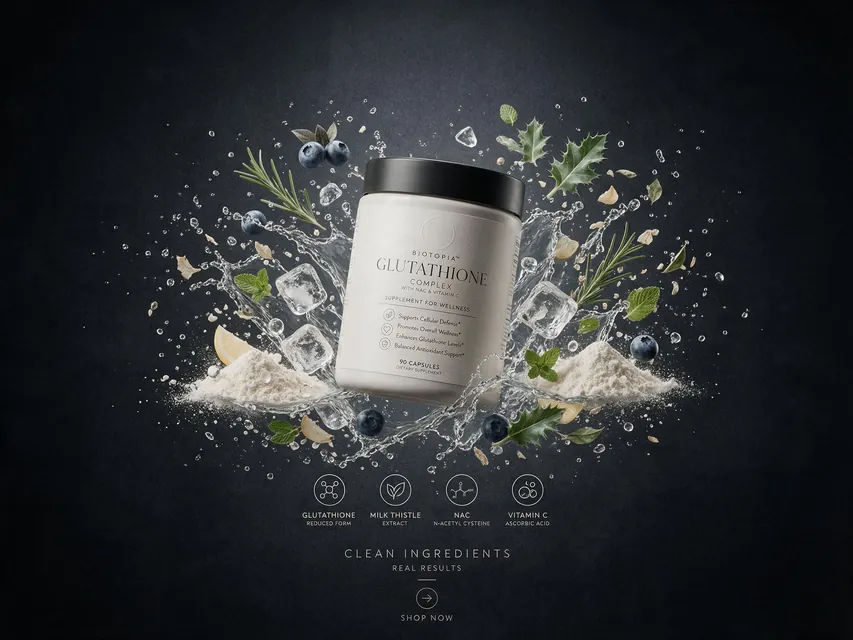 Supplement adSeedream 5.0 Pro, 4:3from 8 tokens
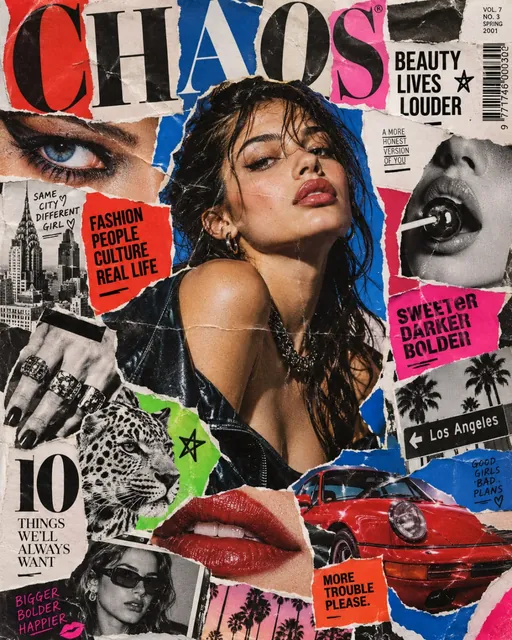 Magazine cutout collageGPT Image 2.5 Sunburst, 4:5from 2 tokens
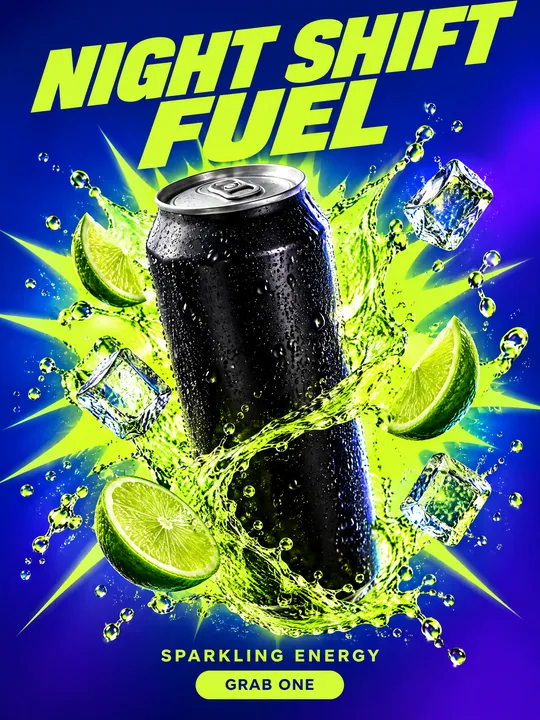 Energy drink posterGPT Image 2.5 Flare, 3:4from 2 tokens
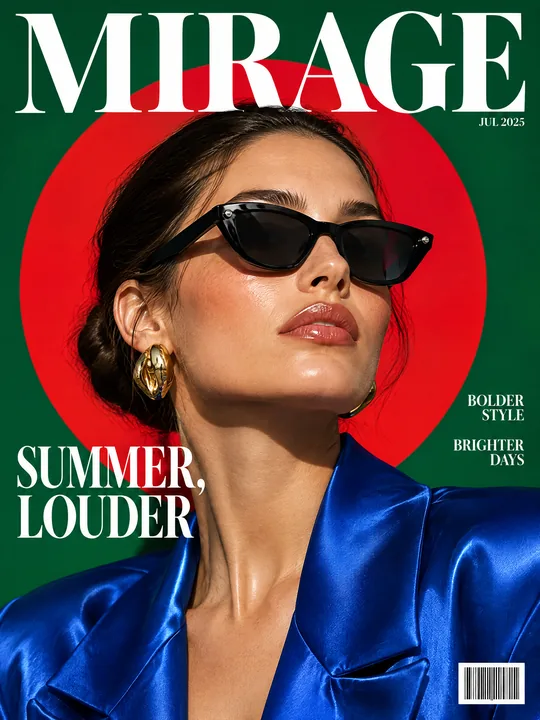 Sunglasses magazine coverGPT Image 2.5 Flare, 3:4from 2 tokens
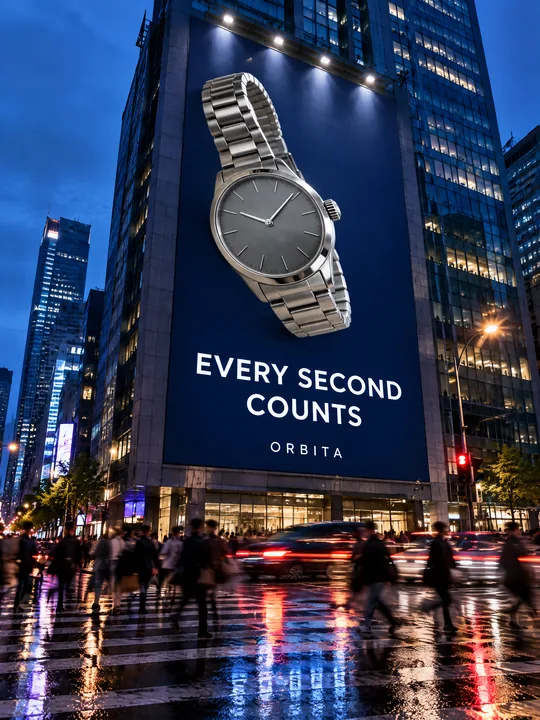 Building billboardGPT Image 2.5 Flare, 3:4from 2 tokens
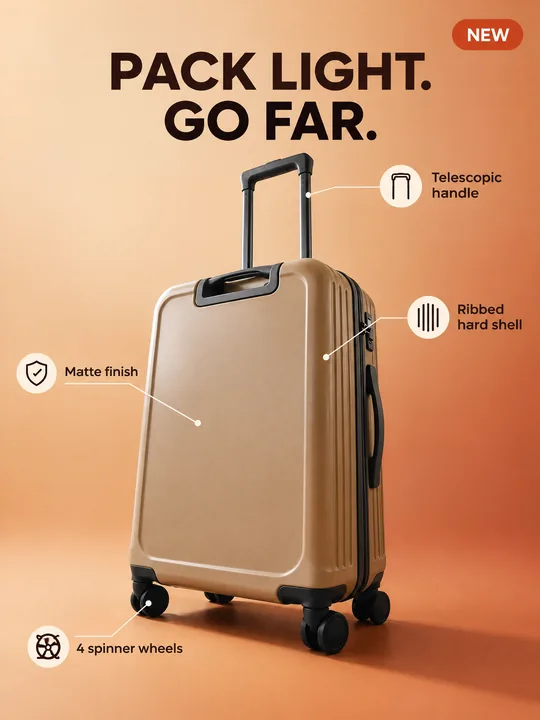 Marketplace infographicGPT Image 2.5 Flare, 3:4from 2 tokens
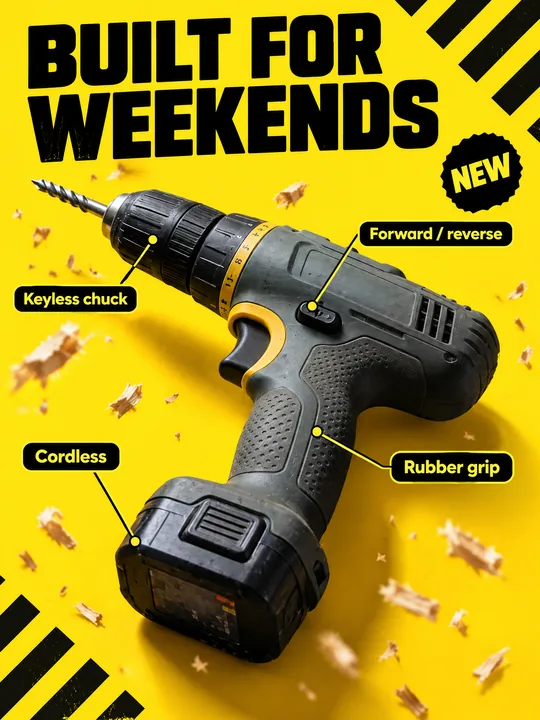 Tool product cardGPT Image 2.5 Flare, 3:4from 2 tokens
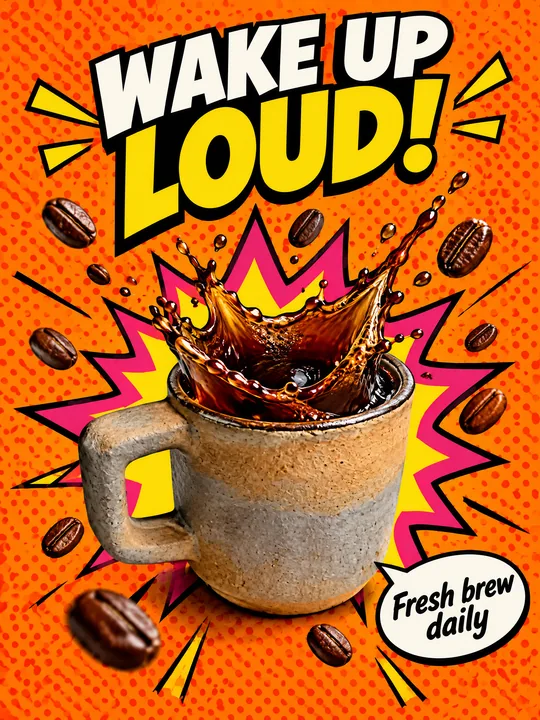 Pop art posterGPT Image 2.5 Flare, 3:4from 2 tokens
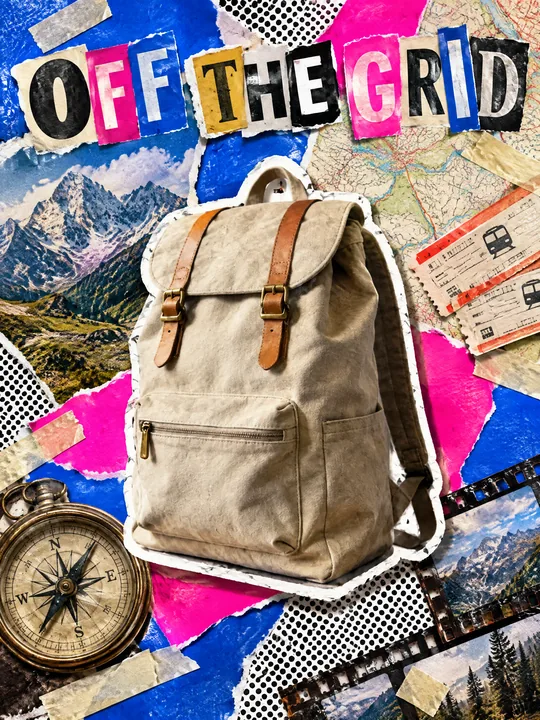 Ransom note collageGPT Image 2.5 Flare, 3:4from 2 tokens
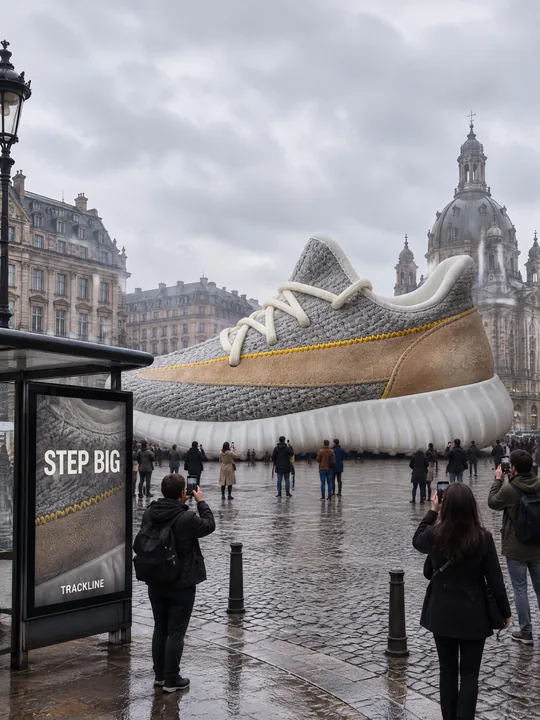 Giant product in the cityGPT Image 2.5 Flare, 3:4from 2 tokens
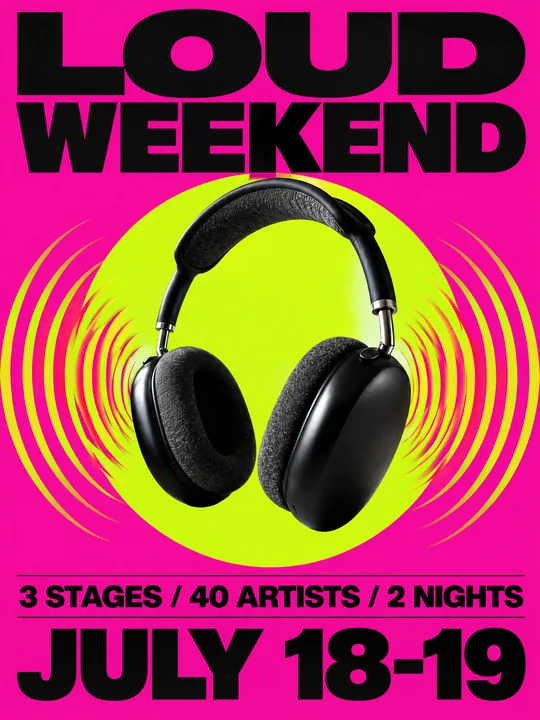 Festival gig posterGPT Image 2.5 Flare, 3:4from 2 tokens
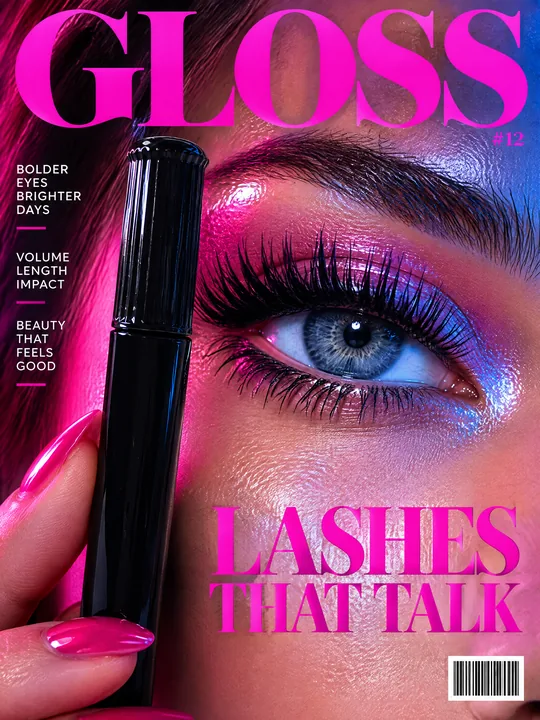 Beauty magazine coverGPT Image 2.5 Flare, 3:4from 2 tokens
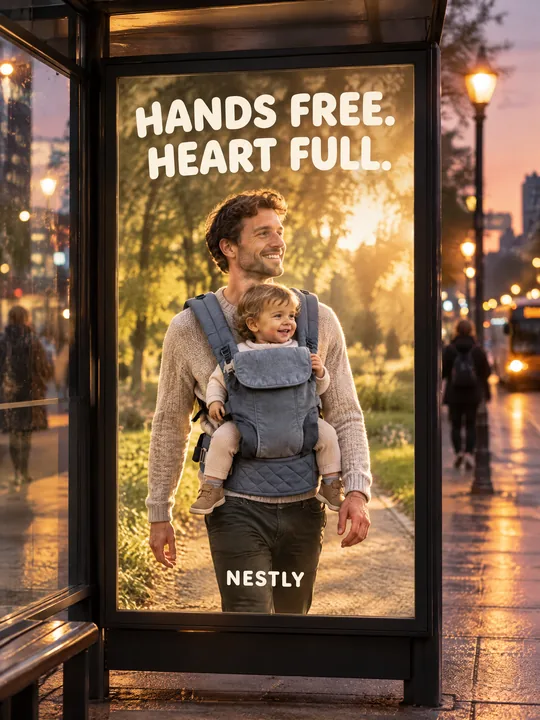 Bus stop posterGPT Image 2.5 Flare, 3:4from 2 tokens
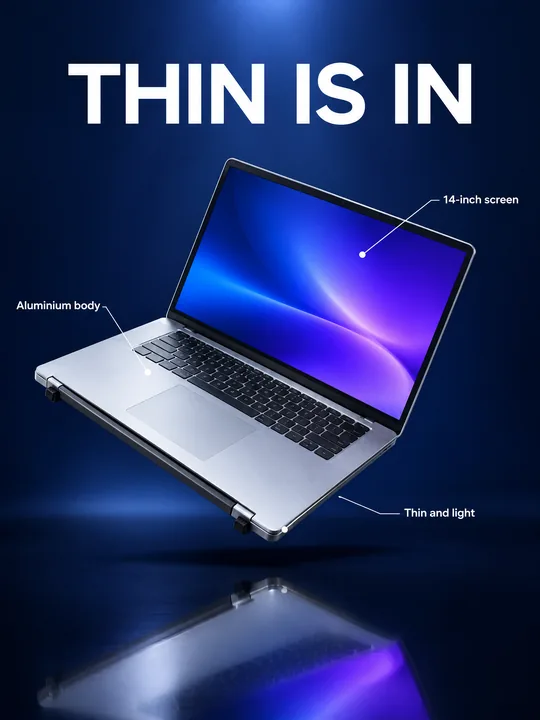 Gadget launch visualGPT Image 2.5 Flare, 3:4from 2 tokens
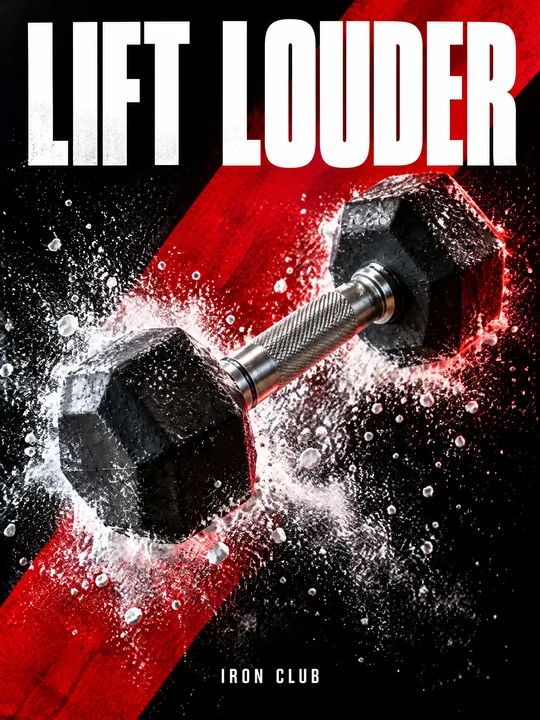 Sports posterGPT Image 2.5 Flare, 3:4from 2 tokens
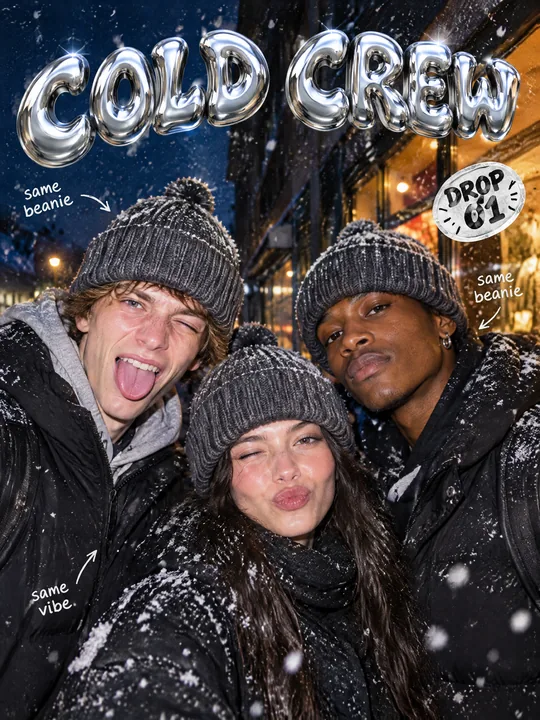 Streetwear drop posterGPT Image 2.5 Flare, 3:4from 2 tokens
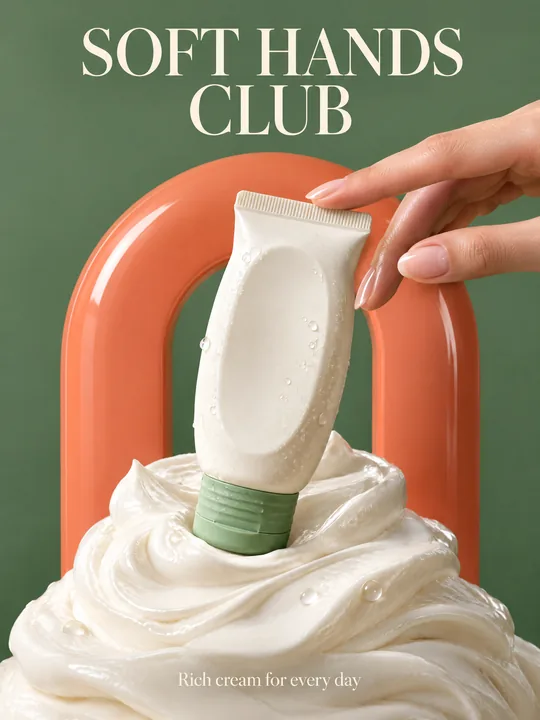 Skincare campaignGPT Image 2.5 Flare, 3:4from 2 tokens
The model and related tools
Seedream
images up to 4K
up to 10 references
from 3 tokens
Ad posters and banners
17 models
Kling, Nano Banana, GPT Image, Seedream, FLUX, WAN, Z-Image
from 2 tokens
AI image generator
18 models
Kling, Nano Banana, GPT Image, Seedream, FLUX, WAN, Z-Image
from 2 tokens
Marketplace product photos
17 models
Kling, Nano Banana, GPT Image, Seedream, FLUX, WAN
from 2 tokens
Creatives for affiliate marketing
30 models
Kling, Seedance, Veo, Nano Banana, GPT Image, Seedream, FLUX, WAN, MiniMax H3, Z-Image
from 2 tokens
Frequently asked questions
Can I put my own products in the shot?
Yes. Upload product photos to the references, Seedream 5.0 Pro takes up to 10, and name each item in the prompt. The fewer the items, the more accurately the model repeats each one.
Why does the model not write a headline?
By design: the prompt forbids text in the image, so you can lay different headlines and prices over one shot. If you want text from the model, delete the last line and quote the headline instead.
Is the shot good for a marketplace listing?
Not for the main listing photo: marketplaces usually want the product large on a plain background. This shot is for store ads and banners, and listings have a separate tool for marketplace photos.
How do I swap the woman for a man or another person?
Rewrite the first sentence of the prompt with the age, look and clothes you need. For a specific person add their photo to the references, and only with their consent.
How many variants do I get per run?
From 1 to 4. The price grows with the number of variants and is shown on the run button before you start.