
Swiss grid festival poster with your product at the center
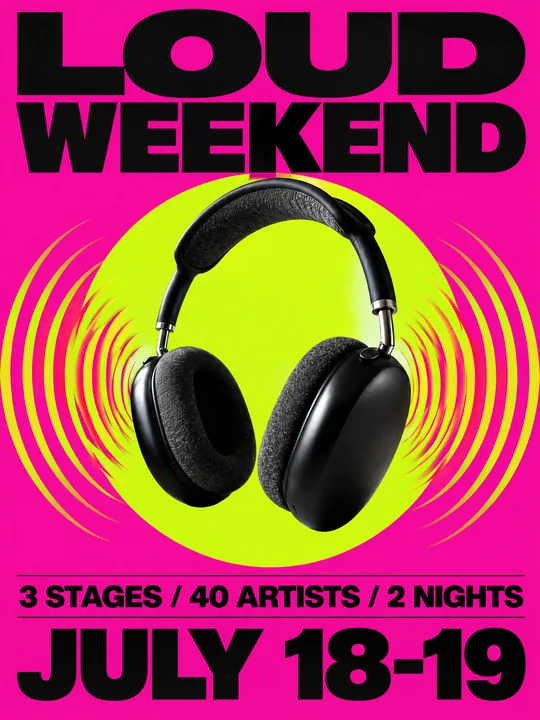
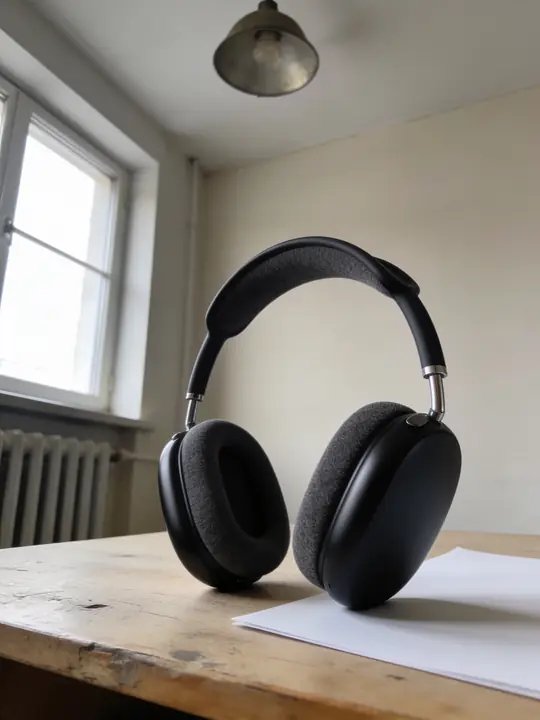
This prompt lays out a music festival poster on a strict Swiss grid, and its main image is your product. In the example headphones shot on a sheet of paper on an old table float on a magenta background in front of an acid-lime circle, sound waves ripple from the ear cups, LOUD WEEKEND sits on top and stages and dates below. Model GPT Image 2.5 Flare, 3:4. Open it with Try it in ClickBait, add your product photo and type in your event details.
Updated:
The prompt, the headphone photo and the poster
- Model
- GPT Image 2.5 Flare
- Aspect ratio
- 3:4
Use the product from the reference photo exactly as it is: same shape, proportions, colour and material. Do not redesign it and do not print any logo or text on the product itself. Music festival poster, vertical 3:4, Swiss-grid graphic design. The headphones from the reference float large in the centre, vivid sound-wave rings rippling out from the ear cups. Saturated magenta background with a giant acid-lime circle behind, bold black grotesque typography on a strict grid: "LOUD WEEKEND" huge at the top, smaller lines "3 STAGES / 40 ARTISTS / 2 NIGHTS" and "JULY 18-19" at the bottom. Glossy studio light on the product, crisp print texture, contemporary festival poster. All text must be spelled exactly as given, crisp and legible. No other text, no real brand logos.The prompt is in English, the language models follow best. Swap the product, colors and headlines right in the text.
The button opens Photo with this prompt, model and aspect ratio. Add a photo of your product to the references: the prompt is written for it. No account yet? Sign up first, the prompt waits for a day.
What to replace on the poster
- The name: LOUD WEEKEND is set huge at the top. Put in the short name of your event, one or two words: the line runs across the full width of the sheet.
- The numbers: 3 STAGES / 40 ARTISTS / 2 NIGHTS and JULY 18-19 are there for the example. Put in the real details of your event, or the model will write about 40 artists.
- The effect around the product: vivid sound-wave rings rippling out from the ear cups fits headphones and speakers. Sneakers suit motion lines, a soda can fizzing bubbles, a microphone the same sound waves.
- The palette: Saturated magenta background with a giant acid-lime circle behind. Change the colors as a pair so the background and the circle clash, and keep the black type: legibility rests on it.
- Leave bold black grotesque typography on a strict grid alone. It is the heart of the Swiss style: a plain sans-serif typeface and even alignment to columns.
Why the poster reads from a distance
Swiss style on a poster means one image, one large sans-serif typeface and a grid that everything else aligns to. The prompt holds it in two lines, Swiss-grid graphic design and bold black grotesque typography on a strict grid, so the text and the product do not crowd each other and each takes its place.
The product takes the spot of an artist photo. It floats instead of lying on a table: float large in the centre lifts it off any surface and turns it into the sign of the event. Glossy studio light on the product brings out the material, and crisp print texture makes it feel like printed paper.
Where a poster like this fits
- A brand party or a showroom night: the product in the center, the date and venue in large type.
- A weekend sale styled as an event: discounts and opening hours instead of stages and artists.
- A store or pop-up opening in a new city.
- A festival partnership poster once the organizer approves the layout: your product in the center instead of an artist.
Where to find it in ClickBait
GPT Image 2.5 Flare lives in ClickBait under the Photo section. Sign up, pick a version from the model list and describe what you want to get.
The token price is shown on the run button before you start. If a generation fails, the tokens go back to your balance automatically.
New accounts created with Google or email get a welcome bonus of 10 tokens. These are promo tokens and expire after 14 days.
More prompts
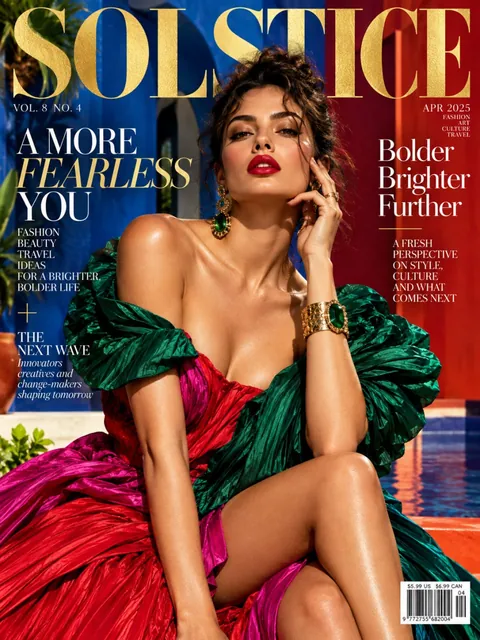 Fashion magazine coverGPT Image 2.5 Sunburst, 3:4from 2 tokens
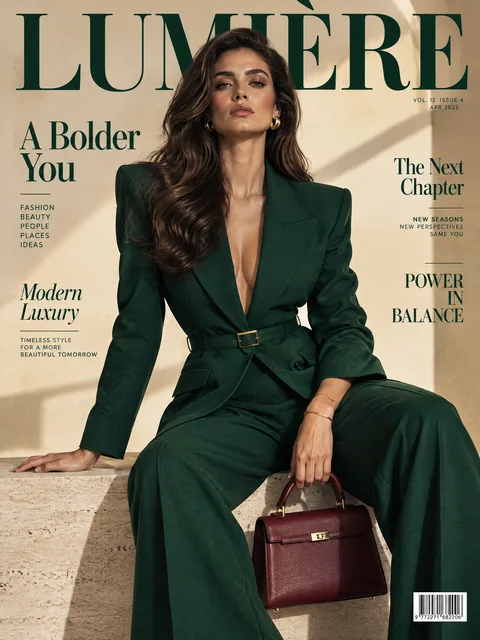 Luxury magazine coverGPT Image 2.5 Flare, 3:4from 2 tokens
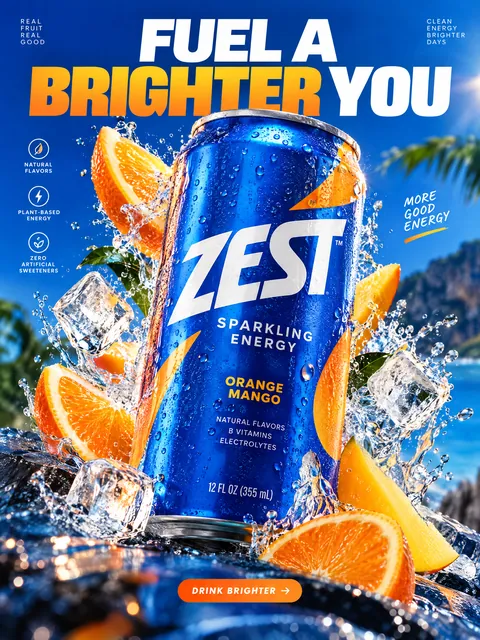 Product ad posterGPT Image 2.5 Sunburst, 3:4from 2 tokens
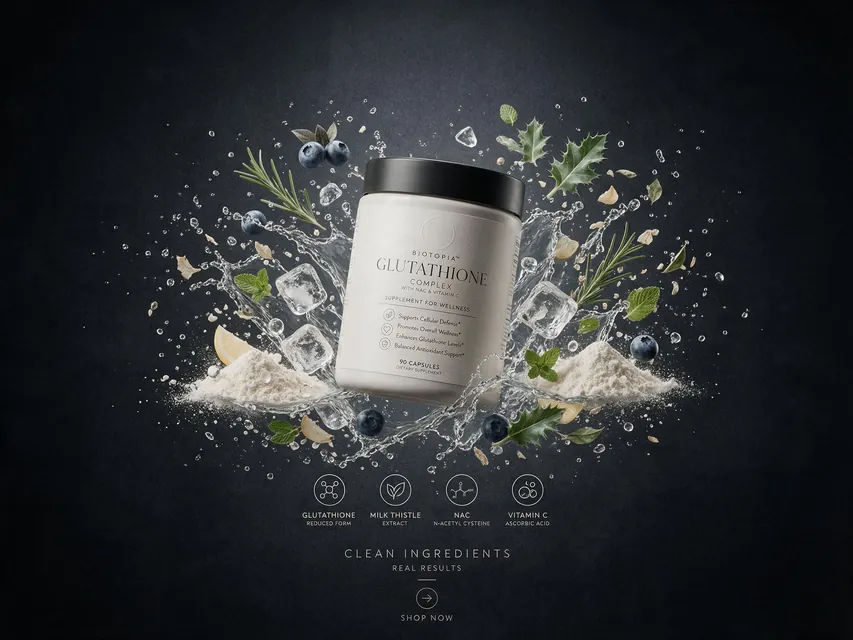 Supplement adSeedream 5.0 Pro, 4:3from 8 tokens
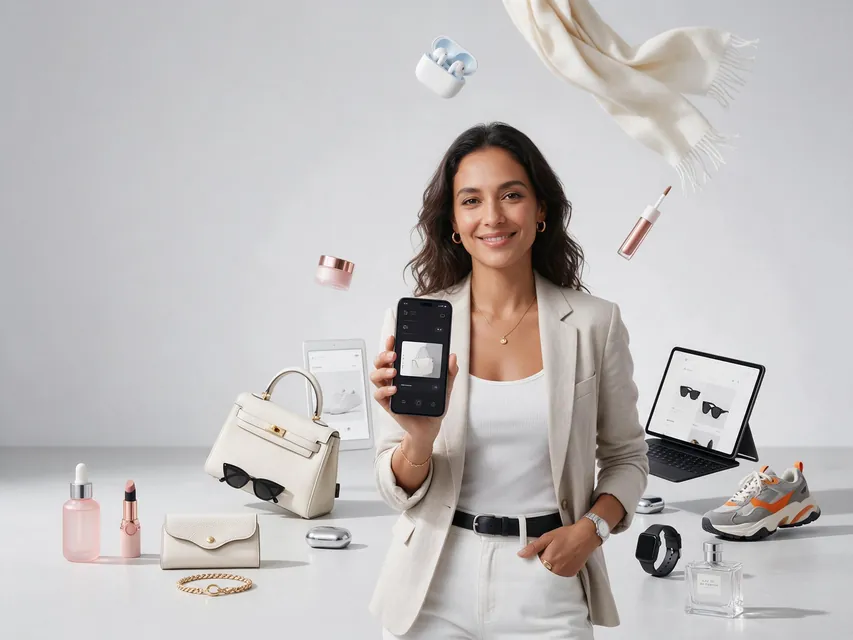 E-commerce adSeedream 5.0 Pro, 4:3from 8 tokens
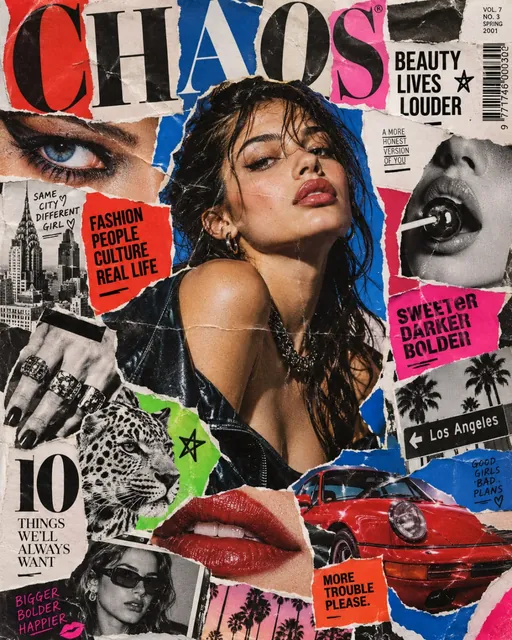 Magazine cutout collageGPT Image 2.5 Sunburst, 4:5from 2 tokens
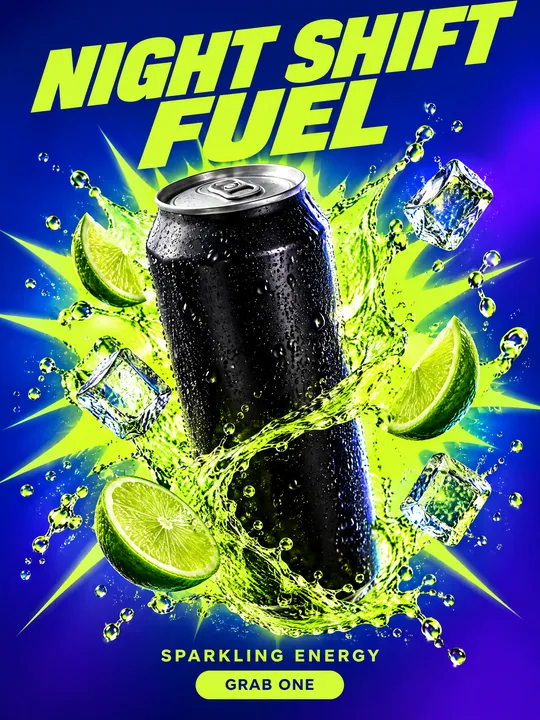 Energy drink posterGPT Image 2.5 Flare, 3:4from 2 tokens
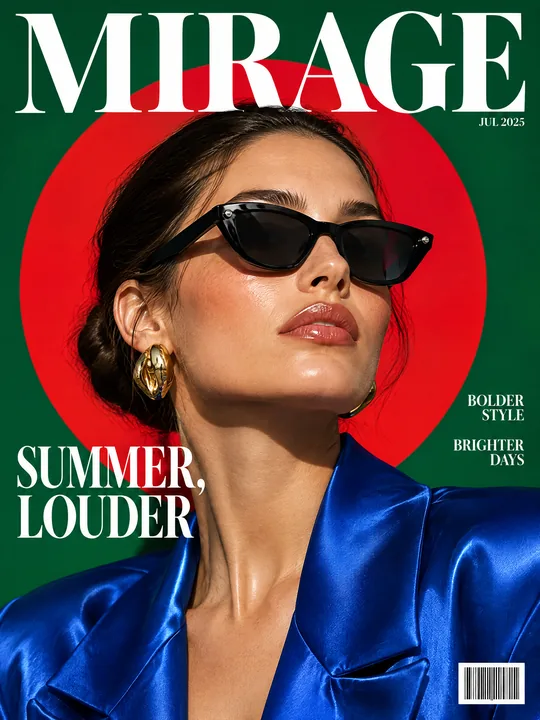 Sunglasses magazine coverGPT Image 2.5 Flare, 3:4from 2 tokens
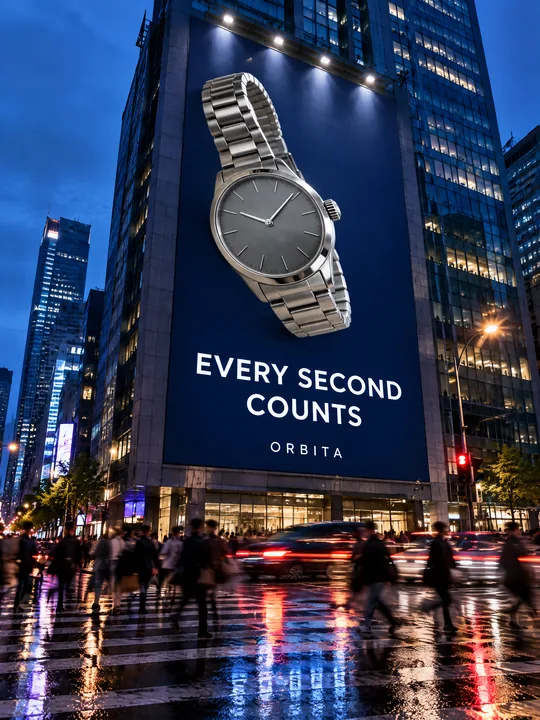 Building billboardGPT Image 2.5 Flare, 3:4from 2 tokens
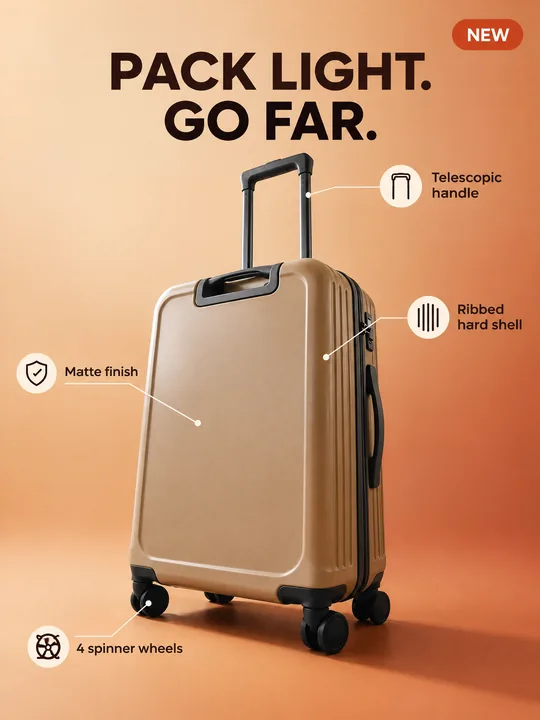 Marketplace infographicGPT Image 2.5 Flare, 3:4from 2 tokens
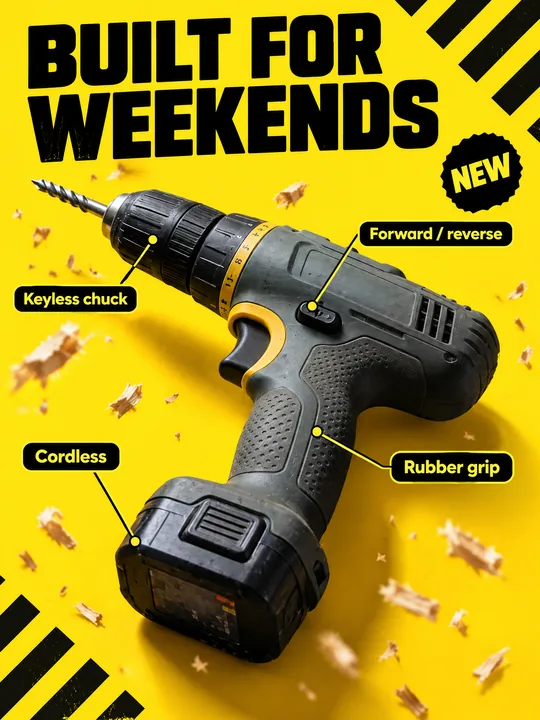 Tool product cardGPT Image 2.5 Flare, 3:4from 2 tokens
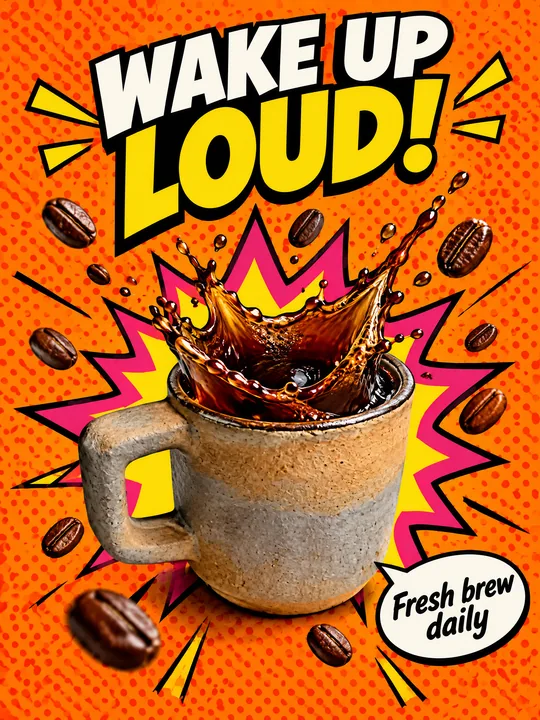 Pop art posterGPT Image 2.5 Flare, 3:4from 2 tokens
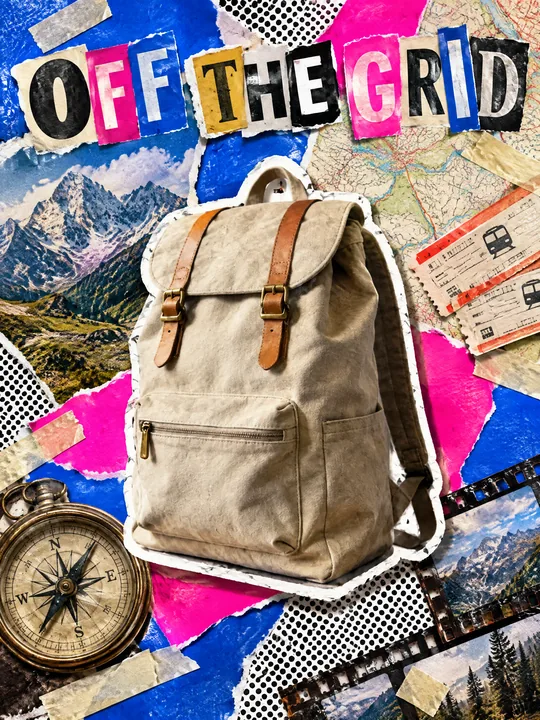 Ransom note collageGPT Image 2.5 Flare, 3:4from 2 tokens
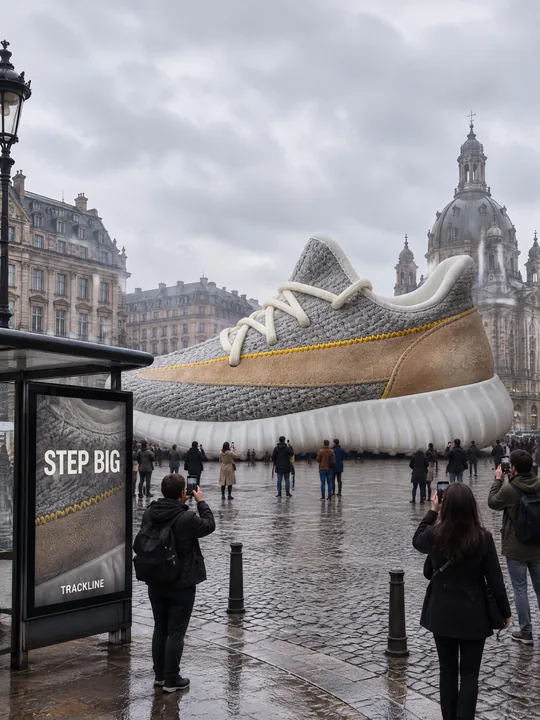 Giant product in the cityGPT Image 2.5 Flare, 3:4from 2 tokens
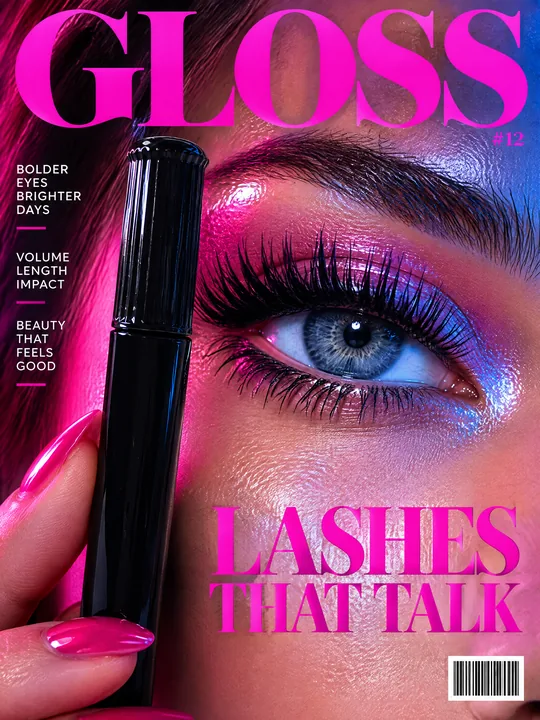 Beauty magazine coverGPT Image 2.5 Flare, 3:4from 2 tokens
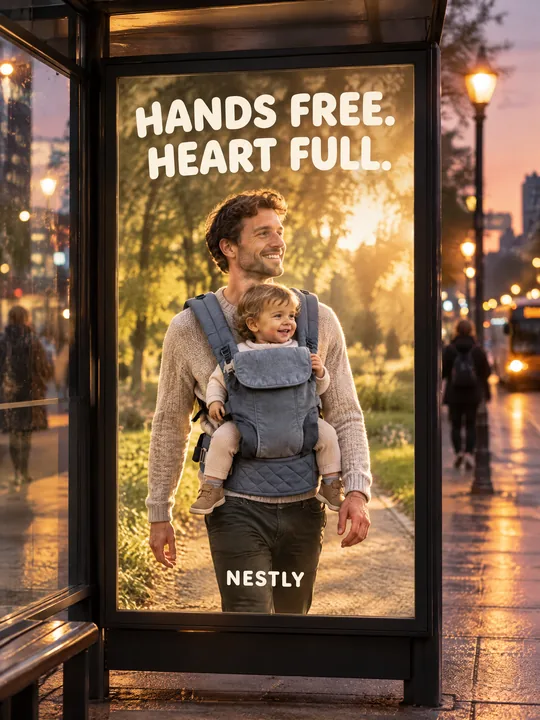 Bus stop posterGPT Image 2.5 Flare, 3:4from 2 tokens
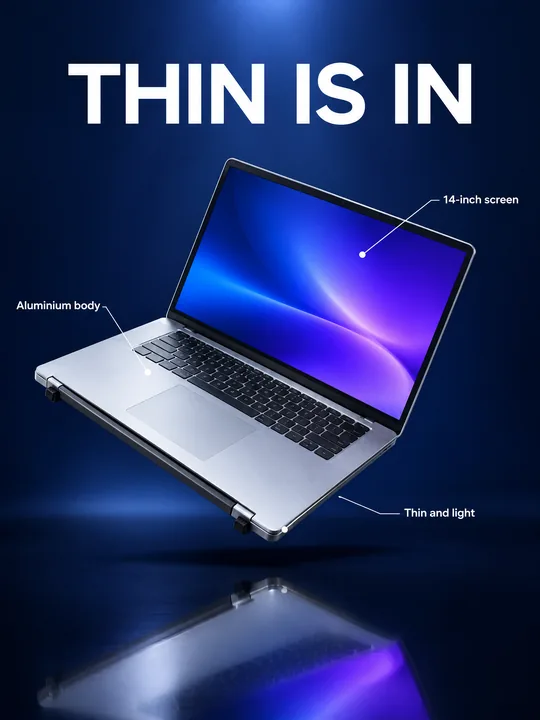 Gadget launch visualGPT Image 2.5 Flare, 3:4from 2 tokens
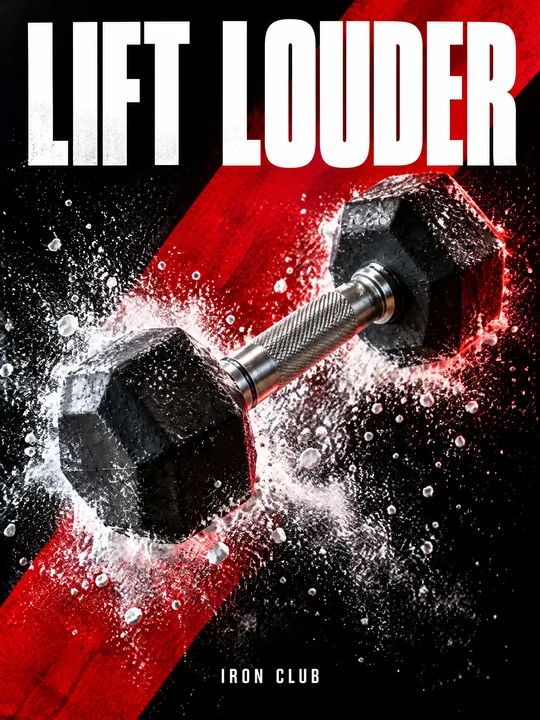 Sports posterGPT Image 2.5 Flare, 3:4from 2 tokens
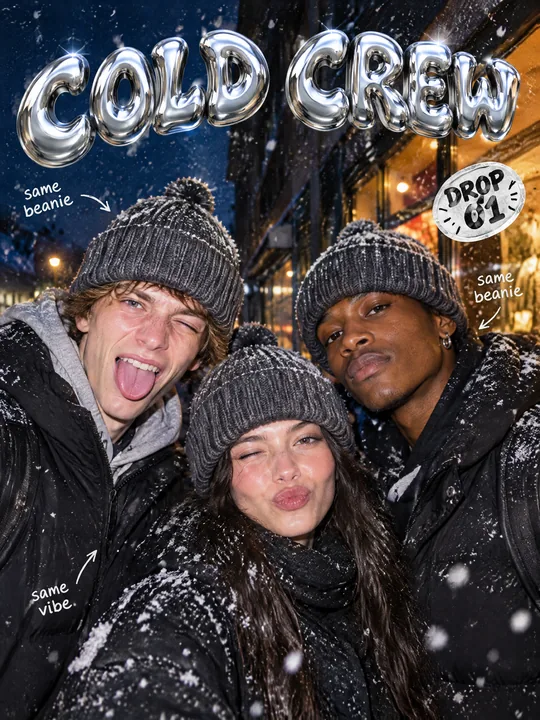 Streetwear drop posterGPT Image 2.5 Flare, 3:4from 2 tokens
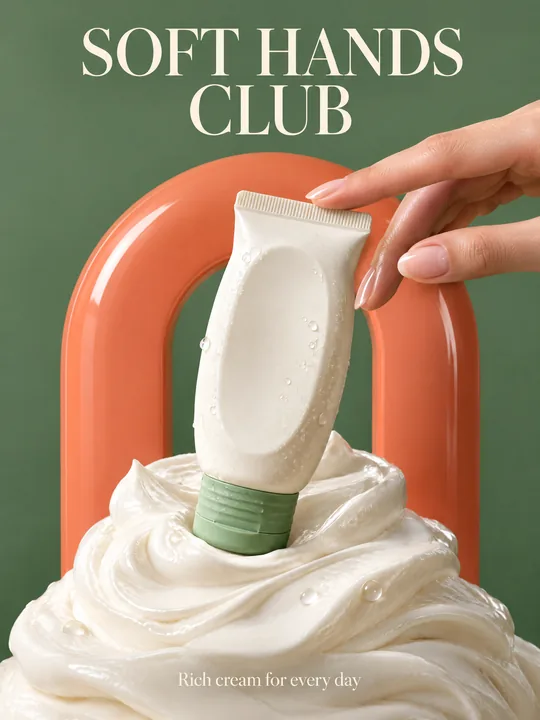 Skincare campaignGPT Image 2.5 Flare, 3:4from 2 tokens
The model and related tools
GPT Image
images up to 4K
up to 16 references
from 2 tokens
Ad posters and banners
17 models
Kling, Nano Banana, GPT Image, Seedream, FLUX, WAN, Z-Image
from 2 tokens
AI image generator
18 models
Kling, Nano Banana, GPT Image, Seedream, FLUX, WAN, Z-Image
from 2 tokens
Marketplace product photos
17 models
Kling, Nano Banana, GPT Image, Seedream, FLUX, WAN
from 2 tokens
Creatives for affiliate marketing
30 models
Kling, Seedance, Veo, Nano Banana, GPT Image, Seedream, FLUX, WAN, MiniMax H3, Z-Image
from 2 tokens
Frequently asked questions
Are the numbers and dates on the poster real?
No, they are placeholders from the prompt. The line All text must be spelled exactly as given asks the model to write exactly what is in quotes, so type in the real stages, dates and city before the run. Check the numbers on the result anyway: a wrong date costs more than another generation.
Does the prompt work for a product that makes no sound?
Yes. Replace The headphones from the reference with your product and the sound waves with a motion that suits it. The grid, the grotesque type and the magenta background do not depend on what sits in the center.
Can I add a lineup of twenty names?
Better not to hand long lists to the model: the more small lines, the higher the chance of a typo. Keep three or four large lines on the poster and lay the full lineup over the finished image.
Can I add sponsor logos?
The prompt ends with No other text, no real brand logos and asks the model to do without logos. Add your own logo on top of the finished poster, and use logos of other brands only with permission from the rights holder.
How do I make a series of posters for different days?
Keep the product and the grid, change the pair of background colors and the date line. One run gives 1 to 4 variants, the token price is on the button before you start, and if a generation fails the tokens come back on their own.